46-GB
Using e-mail
Receiving e-mail
Once you receive e-mail, you can reply to it or forward it.
Preparation
•Insert a “Memory Stick” into the camcorder, for storing images.
•Release the lock of the “Memory Stick”.
Checking your e-mail inbox
Tip
You can keep copies of your messages on your server even if you download the
message using the camcorder. For details, see “Setting network options preferences” on
page 26.
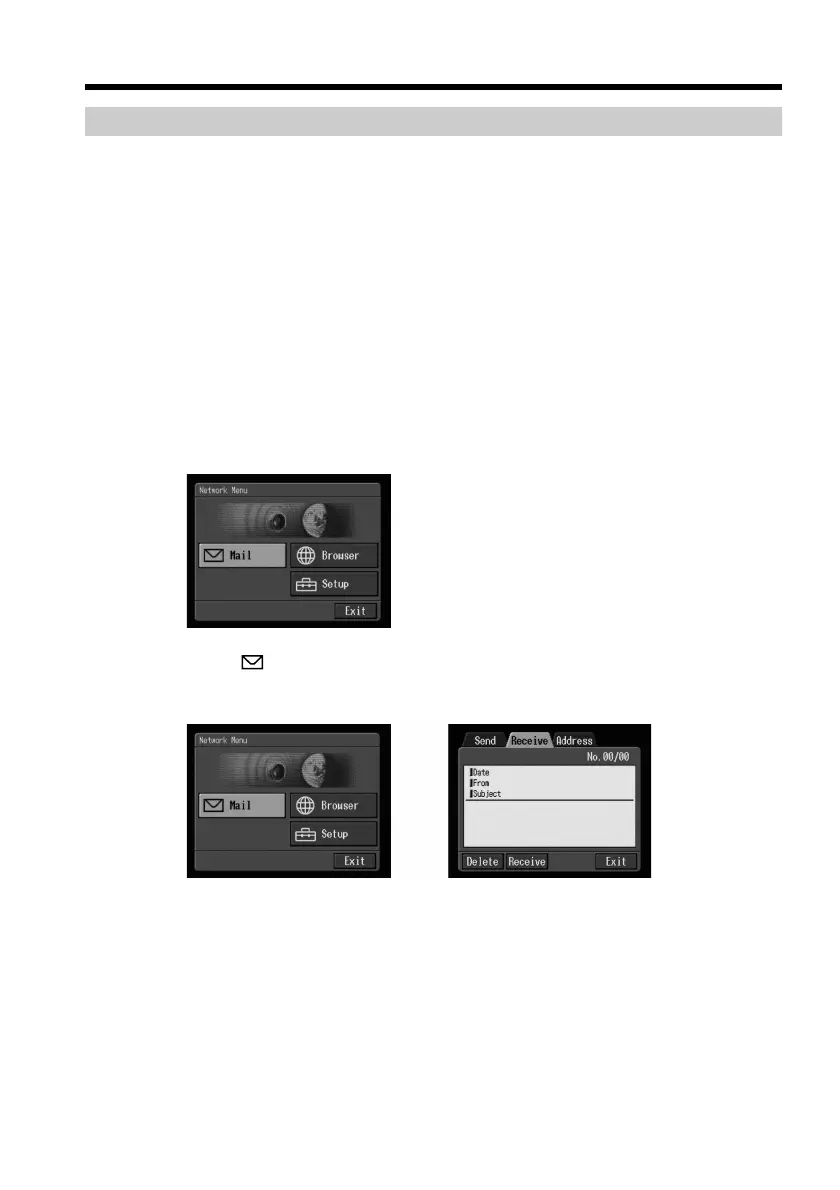
(1) Open the Network Menu.
For details on how to open the Network Menu, refer to “Accessing the
network” in the operating instructions supplied with your camcorder.
(2) Select [
Mail], then press the centre z on the control button.
If the Receive screen is not displayed, select the Receive tab. The Receive
screen appears.
,











 To Next Page