45-GB
Network Operation
Using e-mail
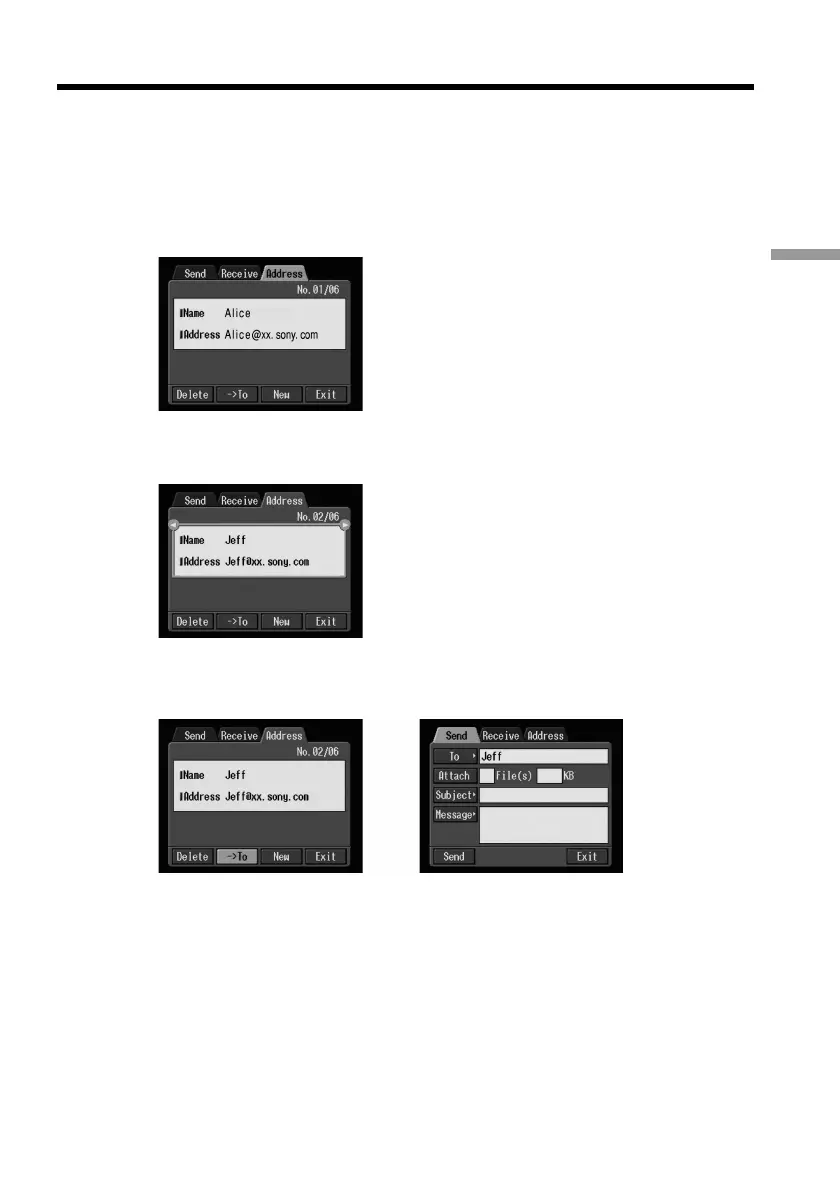
Selecting the destination address from the address book
You can select the destination address from the address book.
(1) Follow steps 1 and 2 in “Registering destination addresses in the address
book” on page 40.
The Address screen appears.
(2) Select the area where the name and address are indicated, then select the
destination address using the control button b/B.
(3) Select [tTo], then press the centre z on the control button.
The Send screen appears. The selected address is set as the destination address.
,
(4) Carry out the procedures described in “2 Entering the subject of a message”
on page 32.











 To Next Page