25-GB
Preparation
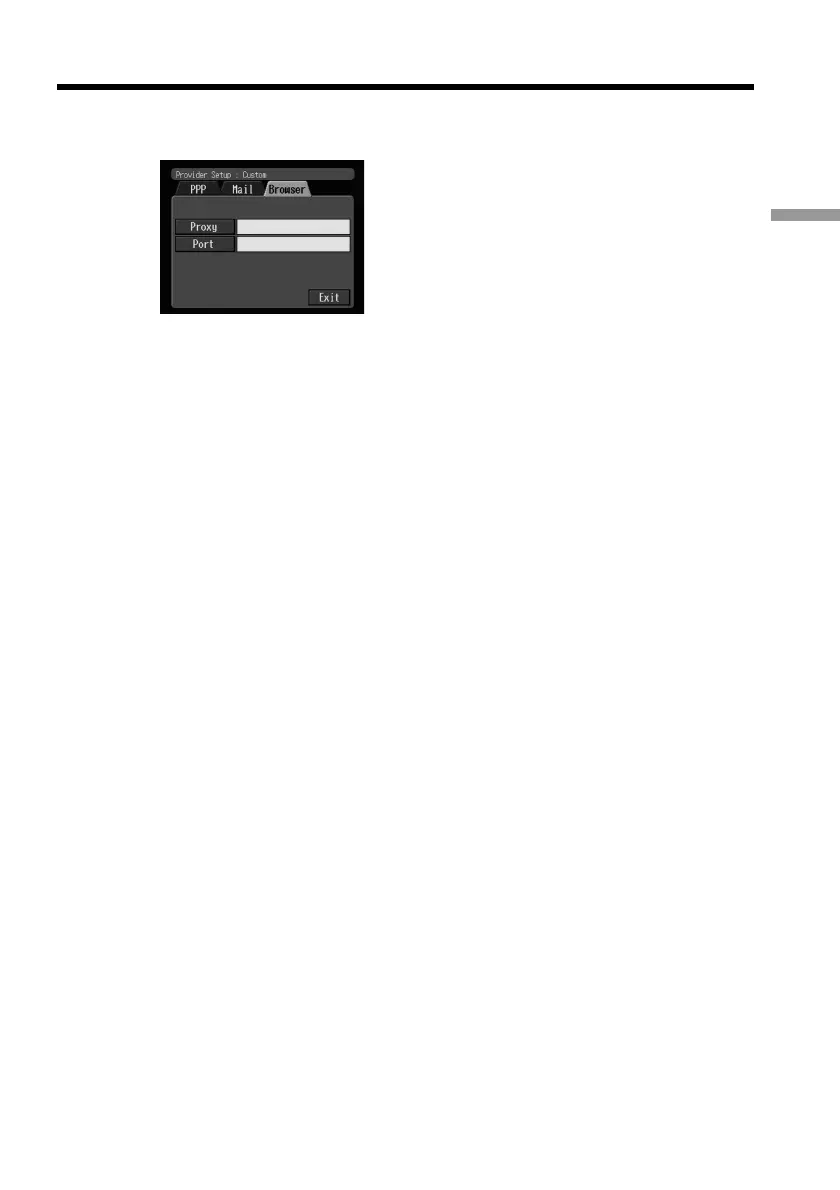
(7) Select the Browser tab.
The Browser screen appears.
(8) Set up the following items:
Proxy: Enter the proxy server address of your provider.
Port: Enter the port number of the proxy server of your provider. This entry
may be unnecessary, depending on your provider. For details, consult your
provider.
(9) Select [Exit], then press the centre z on the control button.
The setup is completed, and the Network Setup screen appears again.
(10)Select [Exit], then press the centre z on the control button.
The Setup screen appears again.
Setting network preferences











 To Next Page