35-GB
Network Operation
Using e-mail
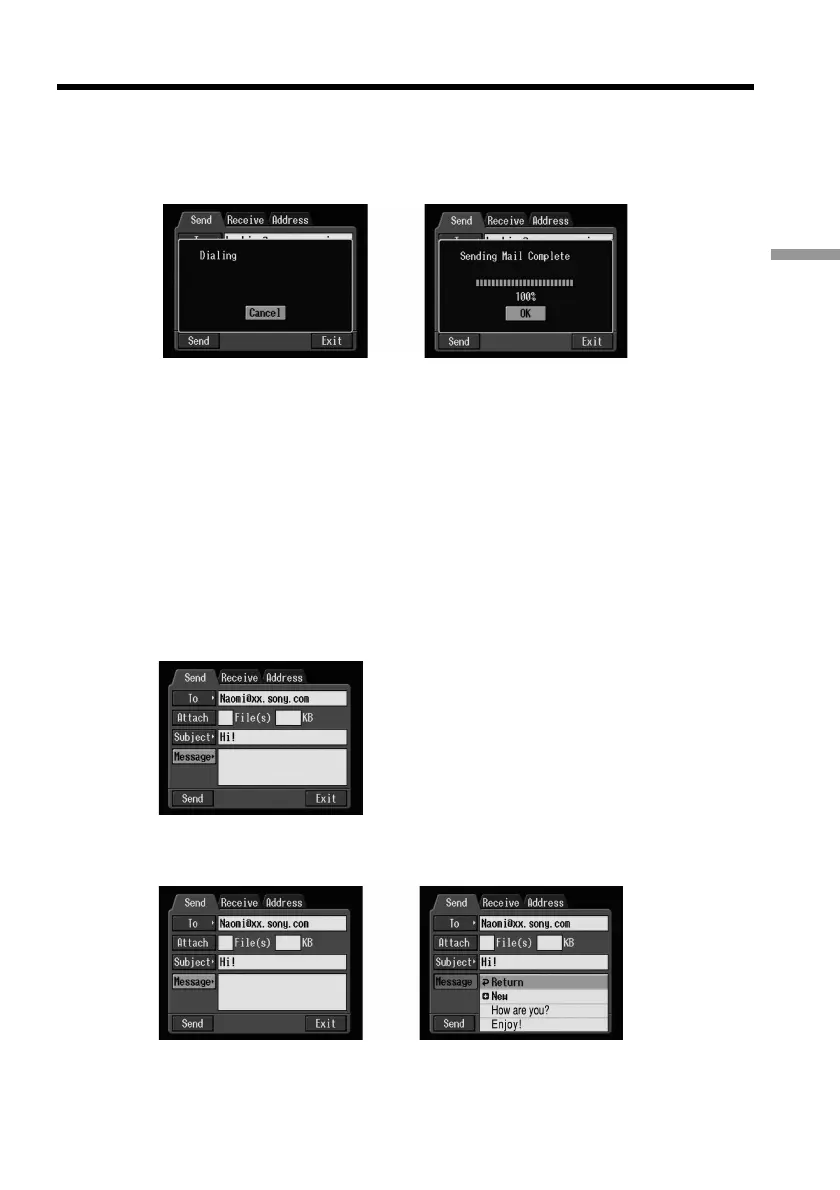
(5) Select [Connect], then press the centre z on the control button.
The camcorder starts dialling the selected telephone number. After the sending
is completed, the message “Sending Mail Complete” appears. The phone line
is automatically disconnected.
,
(6) Select [OK], then press the centre z on the control button.
The Send screen appears again.
To cancel sending e-mail
During sending, select [Cancel], then press the centre z on the control button.
Tip
You can automatically check the e-mail inbox after sending e-mail. For details, see
“Setting network options preferences” on page 26.
Checking or modifying a message
(1) Display the Send screen.
(2) Select [Message], then press the centre z on the control button.
The message list appears.
,











 To Next Page