53-GB
Network Operation
Using e-mail
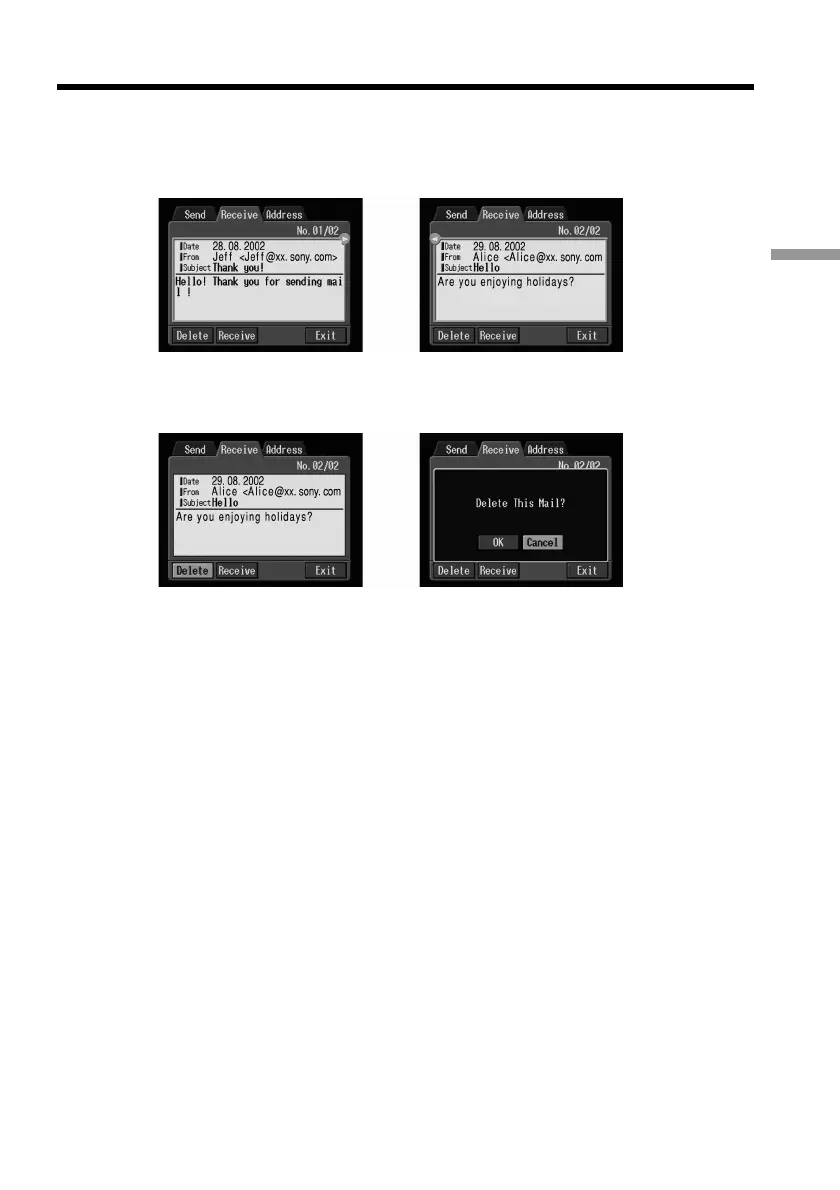
(3) Select the area where a message is indicated, then select the message you want
to delete using the control button b/B, then press the centre z on the control
button.
The selected message is displayed.
,
(4) Select [Delete], then press the centre z on the control button.
The message “Delete This Mail?” used for verification appears.
,
(5) Select [OK], then press the centre z on the control button.
The selected e-mail message is deleted.
To cancel deletion
Select [Cancel], then press the centre z on the control button in step 5.











 To Next Page