57-GB
Network Operation
Viewing Web pages
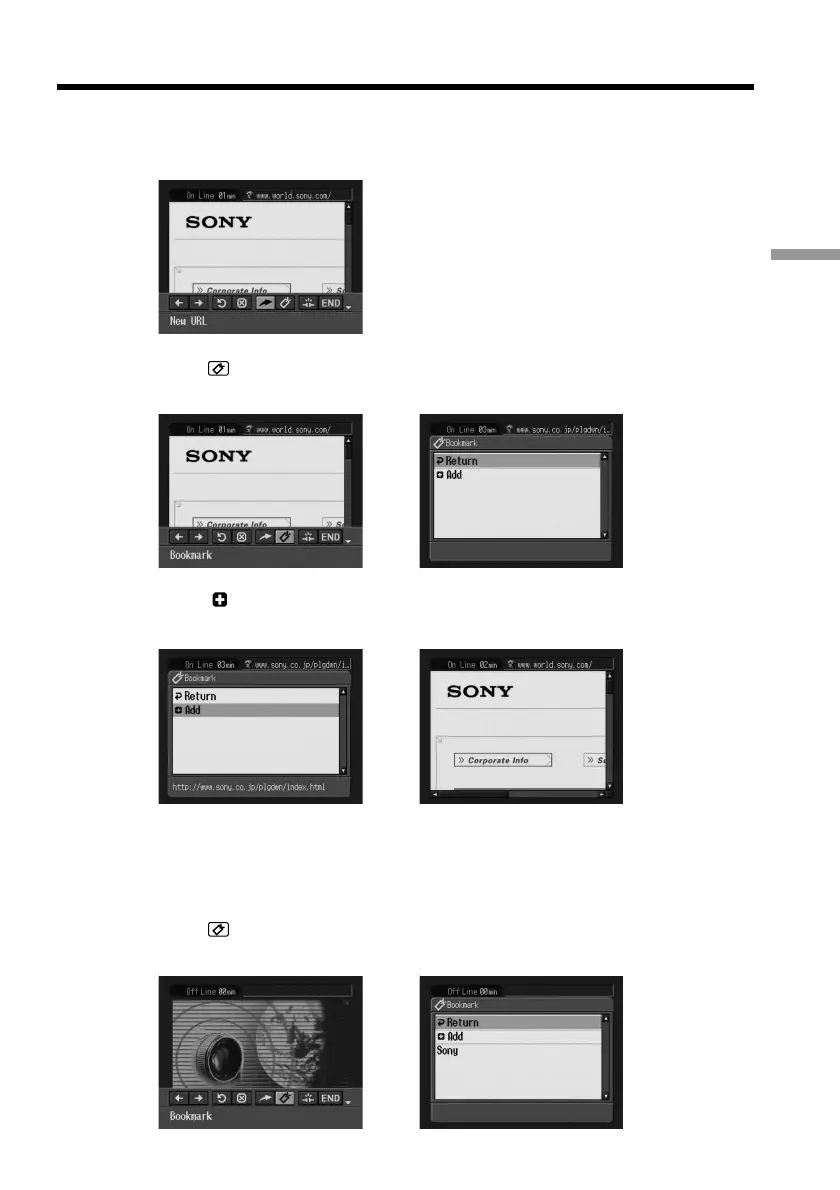
(2) When the menu bar is not displayed, press BROWSER MENU on the
camcorder.
The menu bar appears.
(3) Select
(Bookmark), then press the centre z on the control button.
The bookmark list appears.
,
(4) Select [ Add], then press the centre z on the control button.
The bookmark is added, and the display returns to the Web page.
,
To edit a bookmark
You can edit the title of a bookmark.
(1) Select (Bookmark), then press the centre z on the control button.
The bookmark list appears.
,











 To Next Page