60-GB
Viewing Web pages
To cancel deletion of the bookmark
Select [Cancel], then press the centre z on the control button in step 4.
3 Jumping to the Web page specified by the bookmark
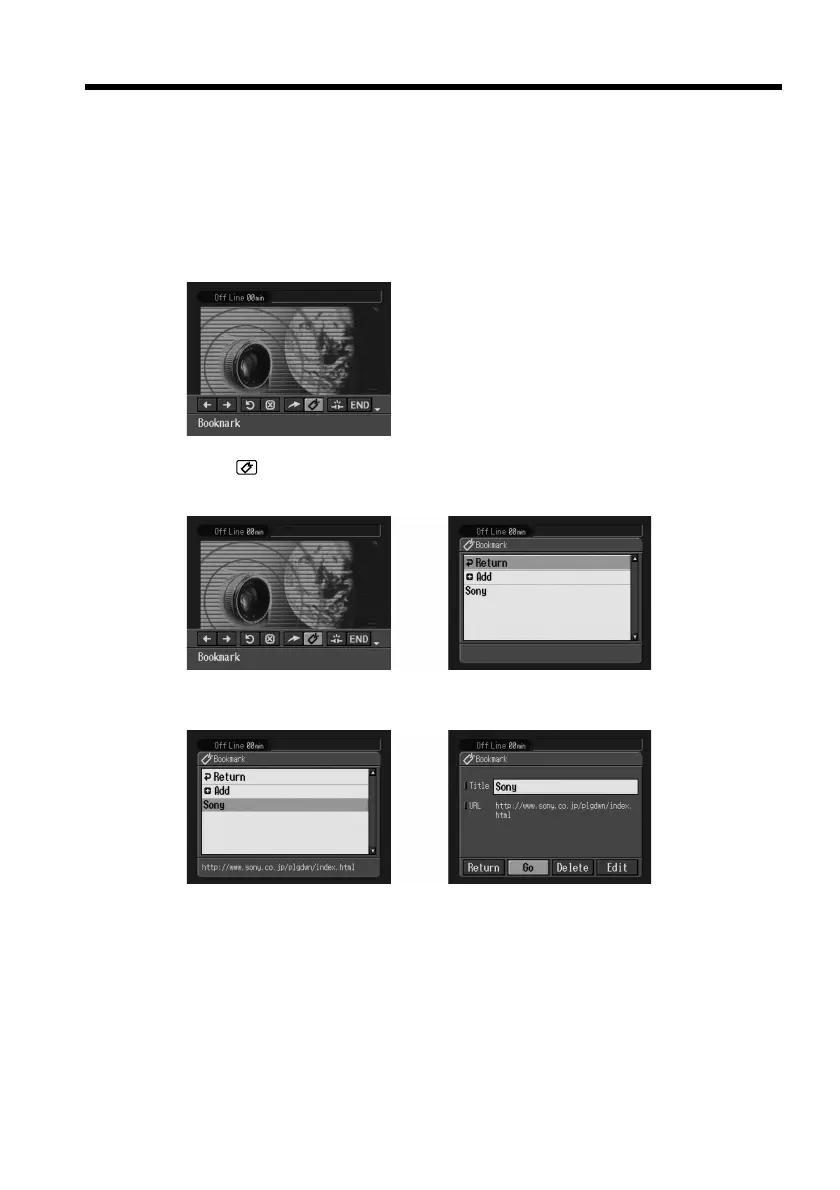
(1) When the menu bar is not displayed, press BROWSER MENU on the
camcorder.
The menu bar appears.
(2) Select
(Bookmark), then press the centre z on the control button.
The bookmark list appears.
,
(3) Select the bookmark, then press the centre z on the control button.
,











 To Next Page