10
GB
Getting started
Step 1: Attaching the supplied microphone,
eyecup and the lens hood
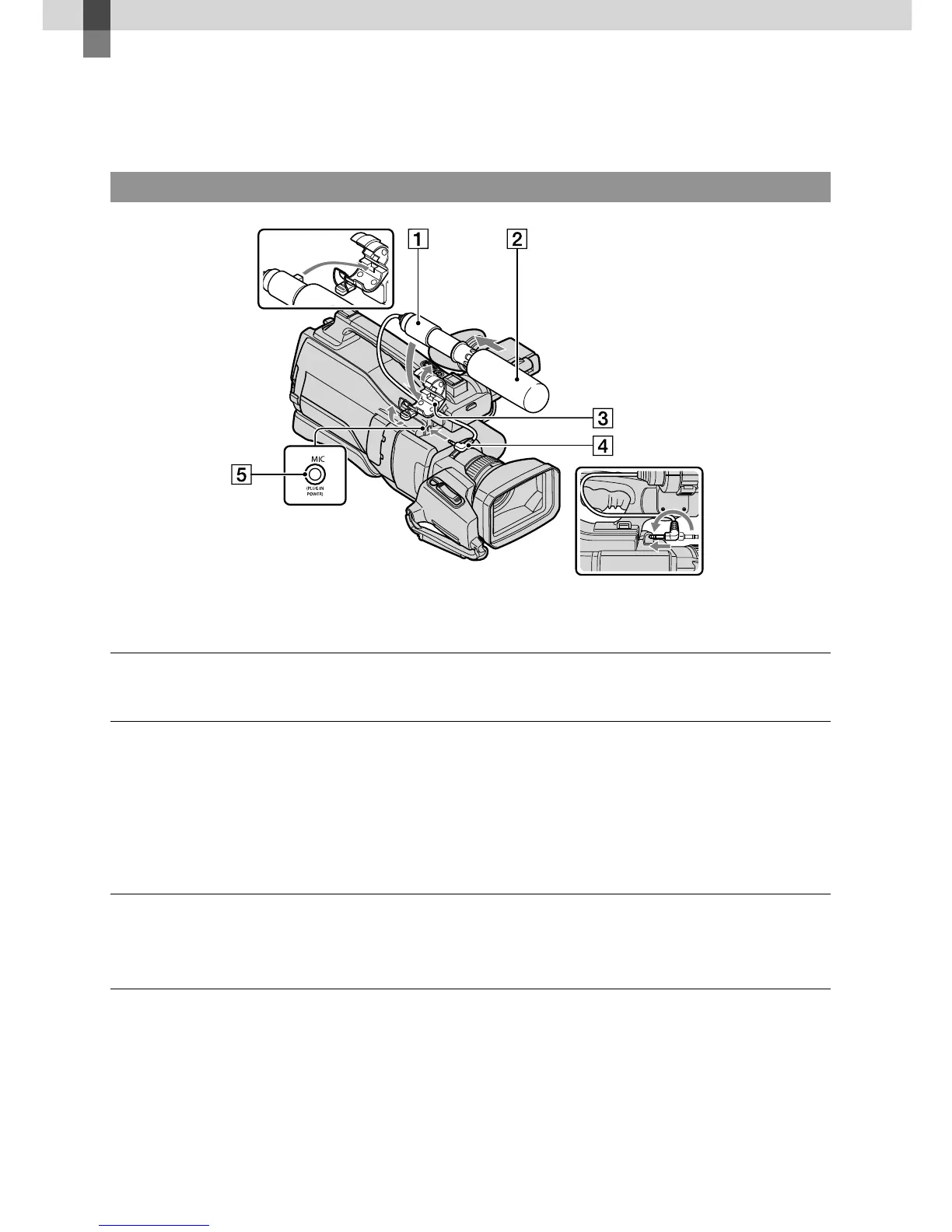
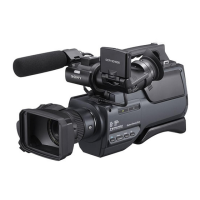
Attaching the supplied microphone
Attach the wind screen to the microphone .
Unlock the stopper of the microphone holder and open the cover.
Align the convex part of the microphone with the concave part of the
holder, then place the microphone into the holder. Close the cover and lock
the stopper securely.
Be sure to align the mark on the microphone and the mark on the holder facing each
other.
Turn the plug of the microphone counter-clockwise to 180 degrees in the
direction of the arrow , and connect it to the Mic jack .









 To Next Page