54
GB
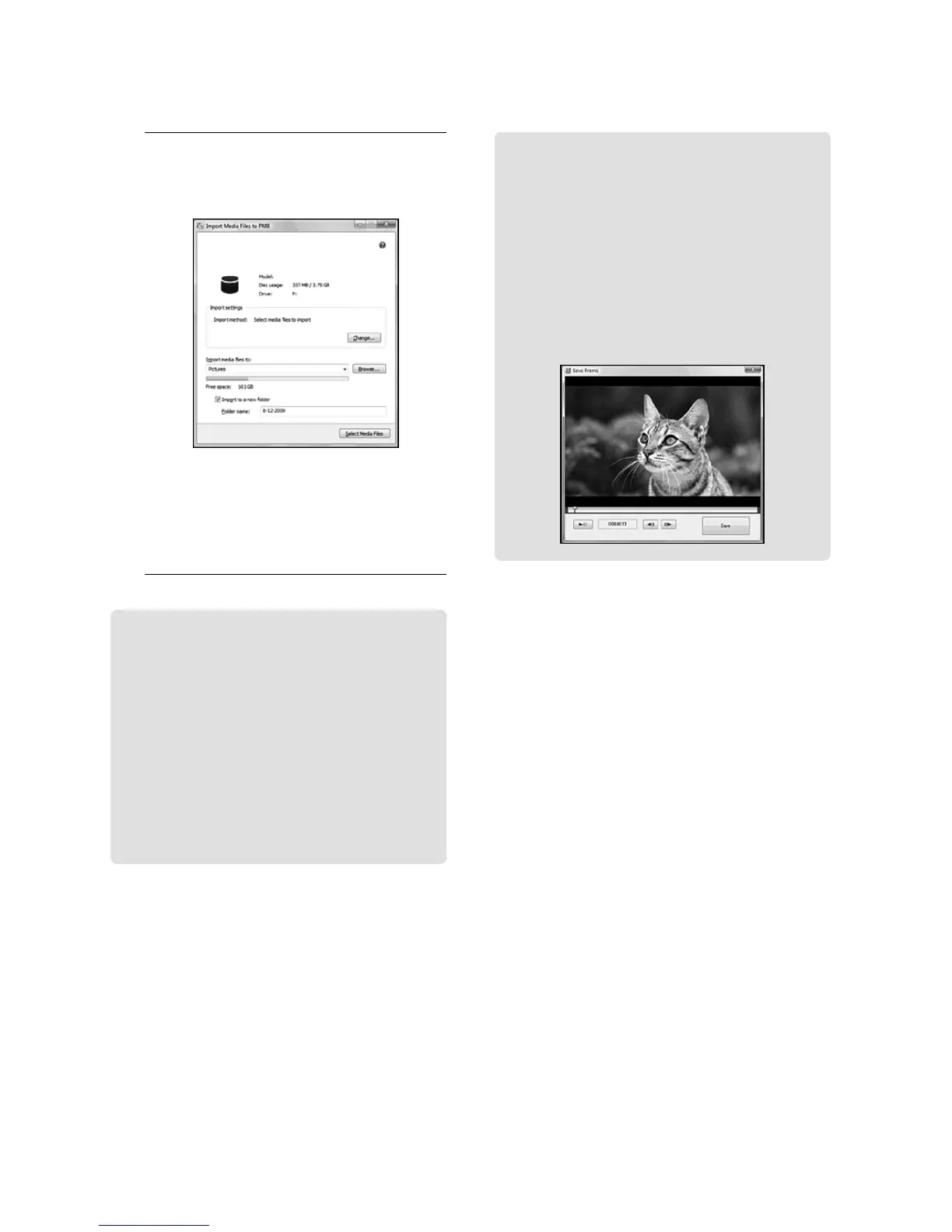
Capturing photos from a movie
You can save a frame of a movie as a
photo file.
Double-click the movie to be edited on
“PMB,” then click [Show Edit Palette]
on the right side of the screen [Save
F
rame]. See “PMB Help” (p. 52) for
details.
3
Click [Import].
Refer to “PMB Help” (p. 52) for details.
Movies and photos are imported to
your computer.
When the operation is completed, the
“PMB” screen appears.
Editing movies
You can cut out only necessary parts
from a movie and save it as another file.
Double-click the movie to be edited on
“PMB,” then click [Show Edit Palette]
on the right side of the screen [Trim
Video], or select the [Manipulate] menu
[Edit] [Trim Video]. See “PMB
H
elp” (p. 52) for details.









 To Next Page