26
GB
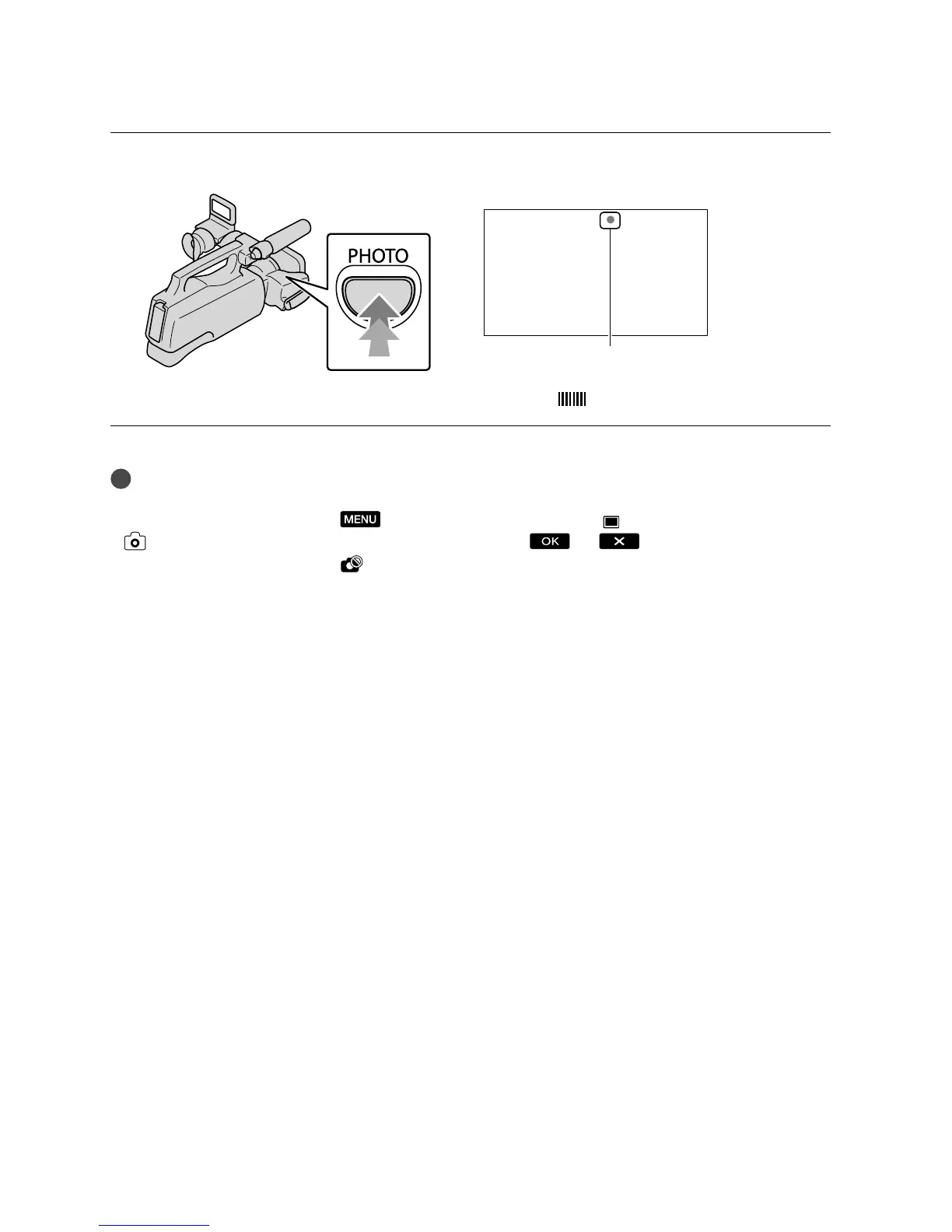
Press PHOTO lightly to adjust the focus, then press it fully.
When disappears, the photo is recorded.
Tips
See page 92 on the recordable number of photos.
To change the image size, touch
(MENU) [Show others] [ IMAGE SIZE] (under
[PHOTO SETTINGS] category) a desired setting .
You cannot record photos while
is displayed.
Flashes Lights up









 To Next Page