48
GB
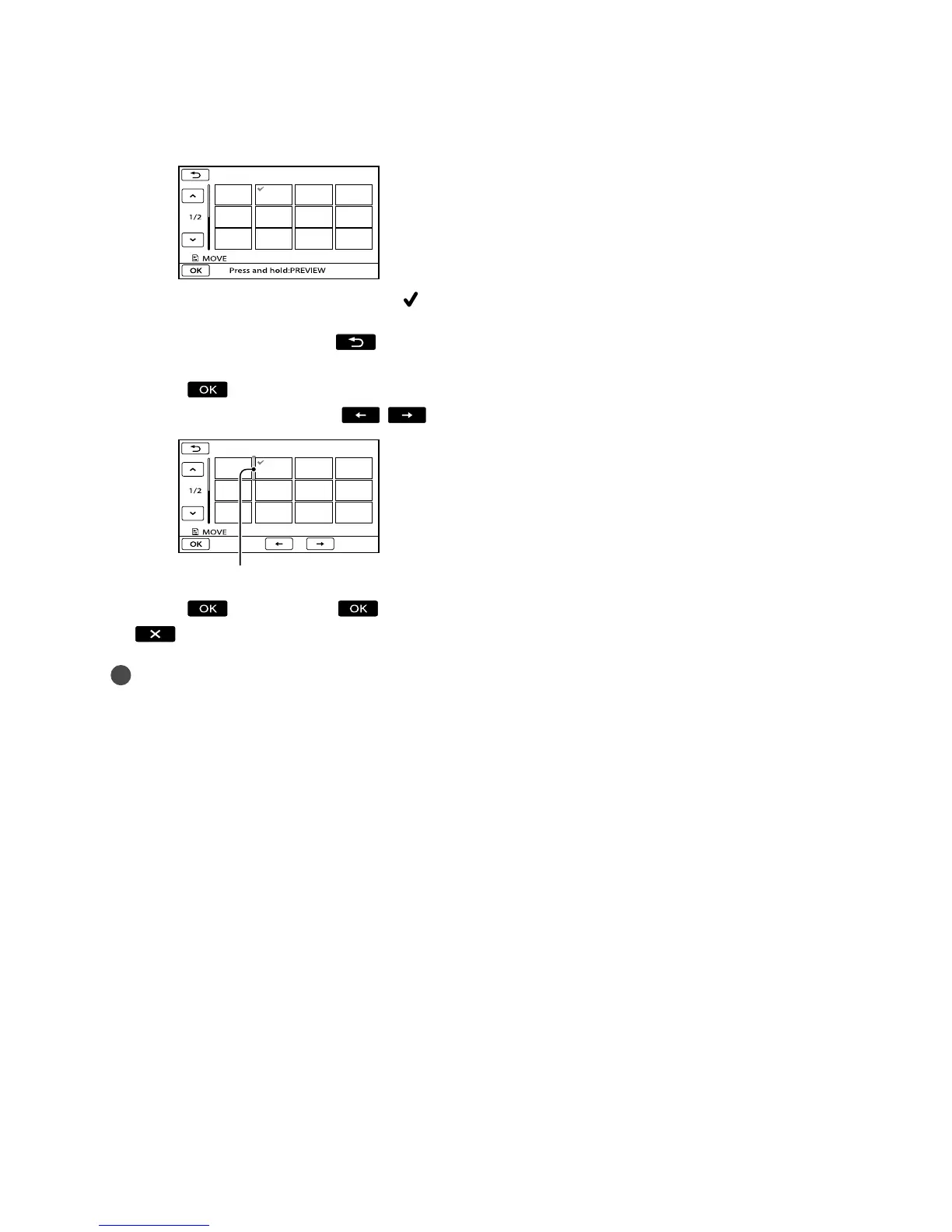
Select the movie to be moved.
The selected movie is marked with .
Touch the image on the LCD screen to
confirm the image. Touch
to return
to the previous screen.
Touch .
S
elect the destination with / .
Touch [YES]
.
Tips
When you select multiple movies, the movies
are moved following the order appearing in the
Playlist.
Destination bar









 To Next Page