104
Selecting the moving picture size
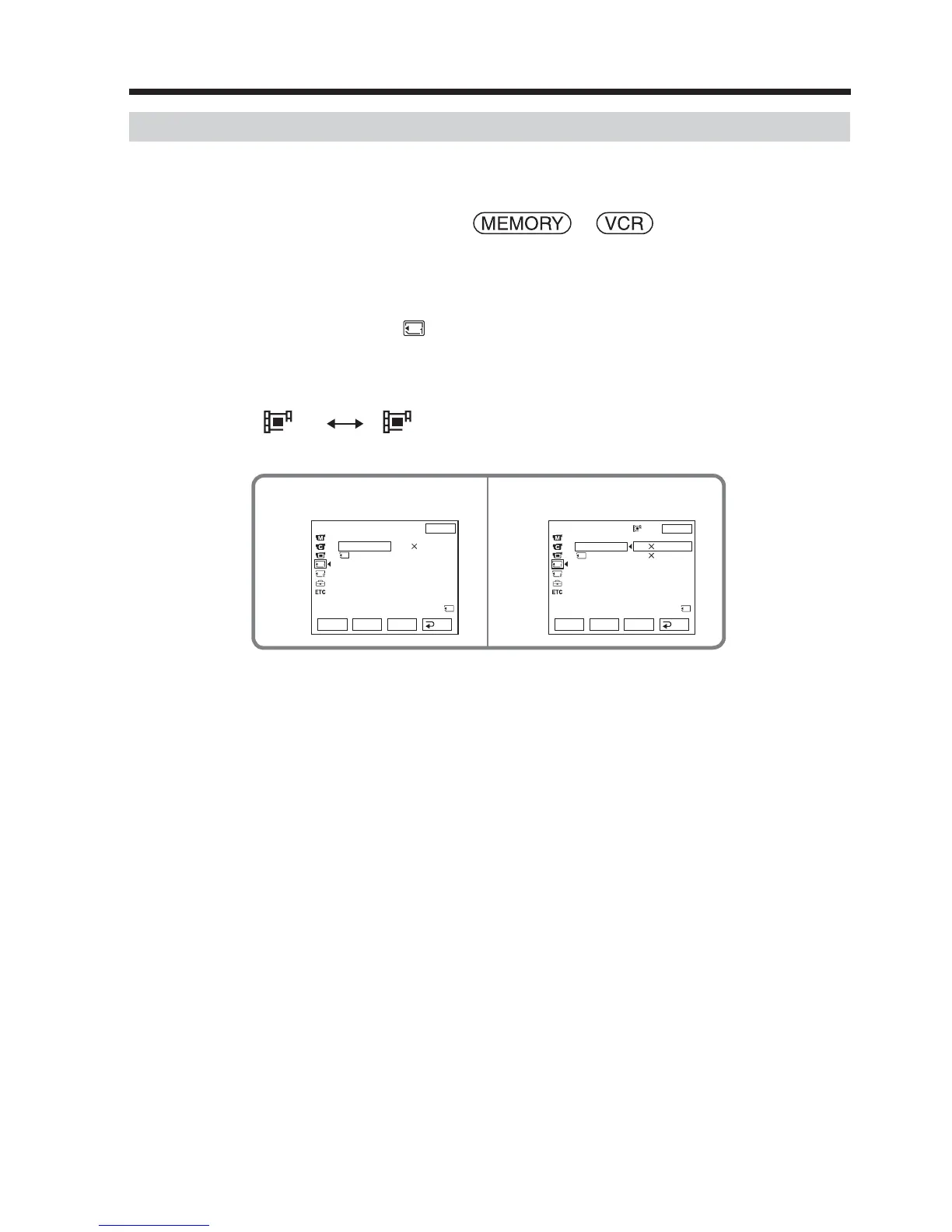
You can select picture size 320 × 240 or 160 × 112.
The default setting is 320 × 240.
The POWER switch should be set to or .
Operate by touching the panel.
(1) Press FN to display PAGE1.
(2) Press MENU to display the menu.
(3) Select MOVIE SET in
, then press EXEC (p. 171).
(4) Select IMAGESIZE, then press EXEC.
(5) Select a desired image size, then press EXEC.
The indicator changes as follow:
320 160
Selecting the quality and size of image data
34
320
EXIT
RET.
EXEC
Rr
EXIT
RET.
EXEC
Rr
MEM SET 1
MOVIE SET
IMAGESIZE
REMAIN
MEM SET 1
MOVIE SET
IMAGESIZE
REMAIN
320 240
320 240
160 112
REMAIN
30sec
REMAIN
30sec













 To Next Page