“Memory Stick” Operations
133
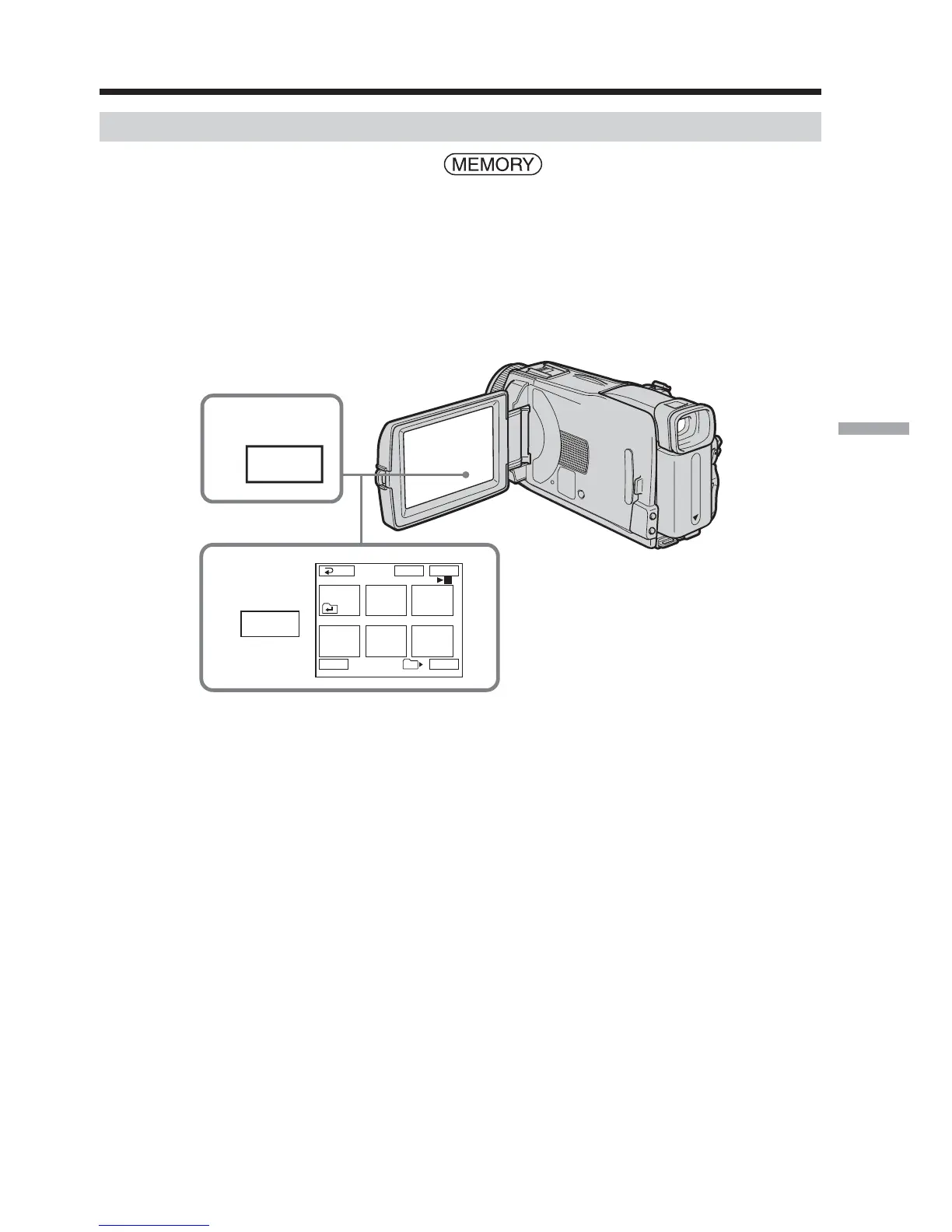
Deleting selected images on the index screen
The POWER switch should be set to .
Operate by touching the panel.
(1) Press INDEX to display the index screen.
(2) Press DEL. Then press the image you want to delete. The number of the
selected image is highlighted.
(3) Press EXEC. The DELETE? indicator appears on the screen.
(4) Press OK. The selected images are deleted.
To return to FN
Press EXIT.
To cancel deleting an image
Press CANCEL in step 4.
Deleting images – DELETE
1
INDEX
2
DEL
1
3
2
45
6
EXITDEL EXEC
Tt
RET.
3/40
101













 To Next Page