39
Playback – Basics
To return to FN
Press EXIT.
To cancel playback
Press .
To rewind the tape
Press during playback stop.
To fastforward the tape
Press during playback stop.
To view a still image (playback pause)
Press during playback. To resume playback, press again.
If you leave the power on for a long time
Your camcorder gets warm. This is not a malfunction.
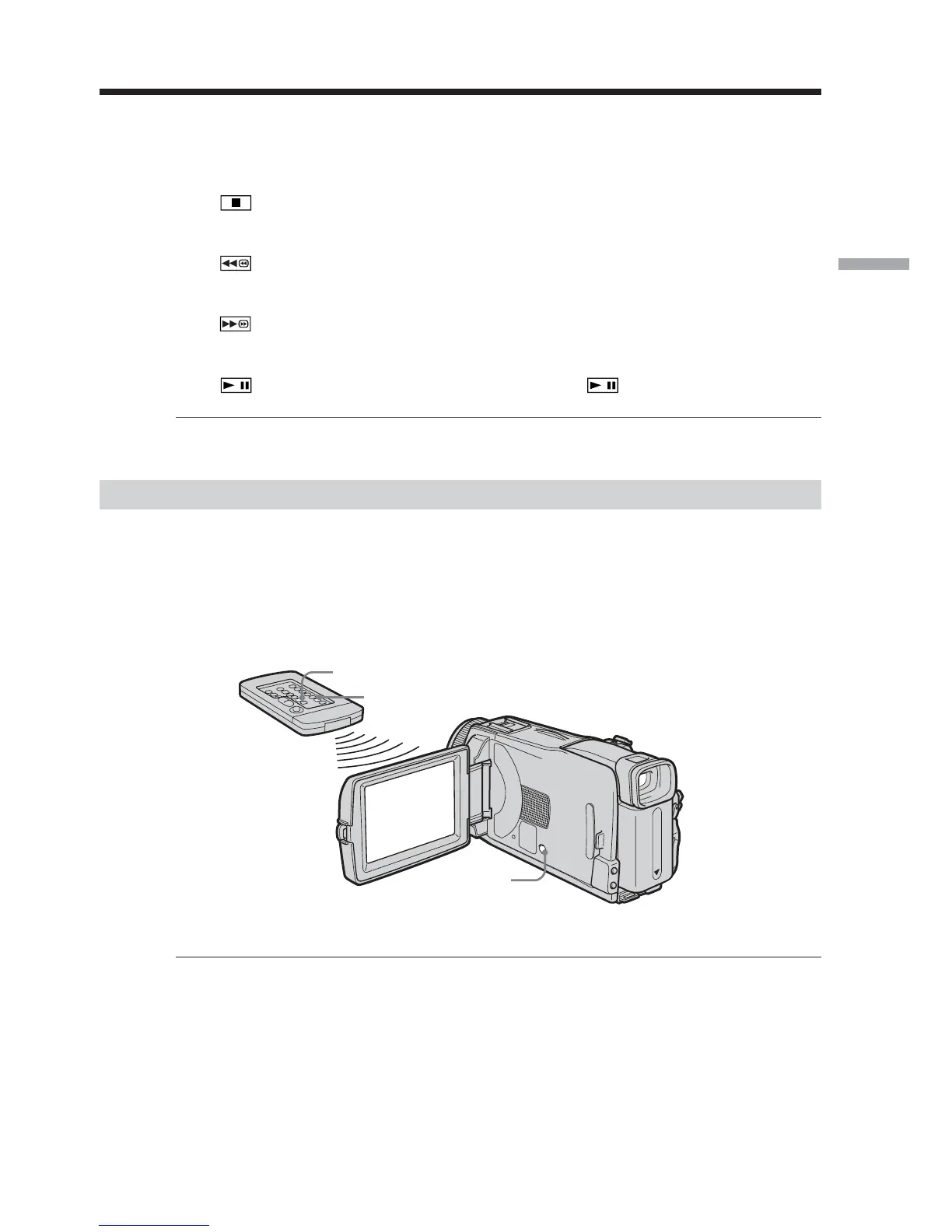
To display the screen indicators – Display function
Press DISPLAY/BATTERY INFO on your camcorder or DISPLAY on the Remote
Commander supplied with your camcorder.
The indicators disappear from the screen.
To make the indicators appear, press DISPLAY/BATTERY INFO or DISPLAY on the
Remote Commander again.
Note
Even if you press DISPLAY on the Remote Commander with the POWER switch set to
OFF(CHG), the BATTERY INFO indicator is not displayed.
Playing back tape
DISPLAY/
BATTERY INFO
DATA CODE
DISPLAY













 To Next Page