31
Recording – Basics
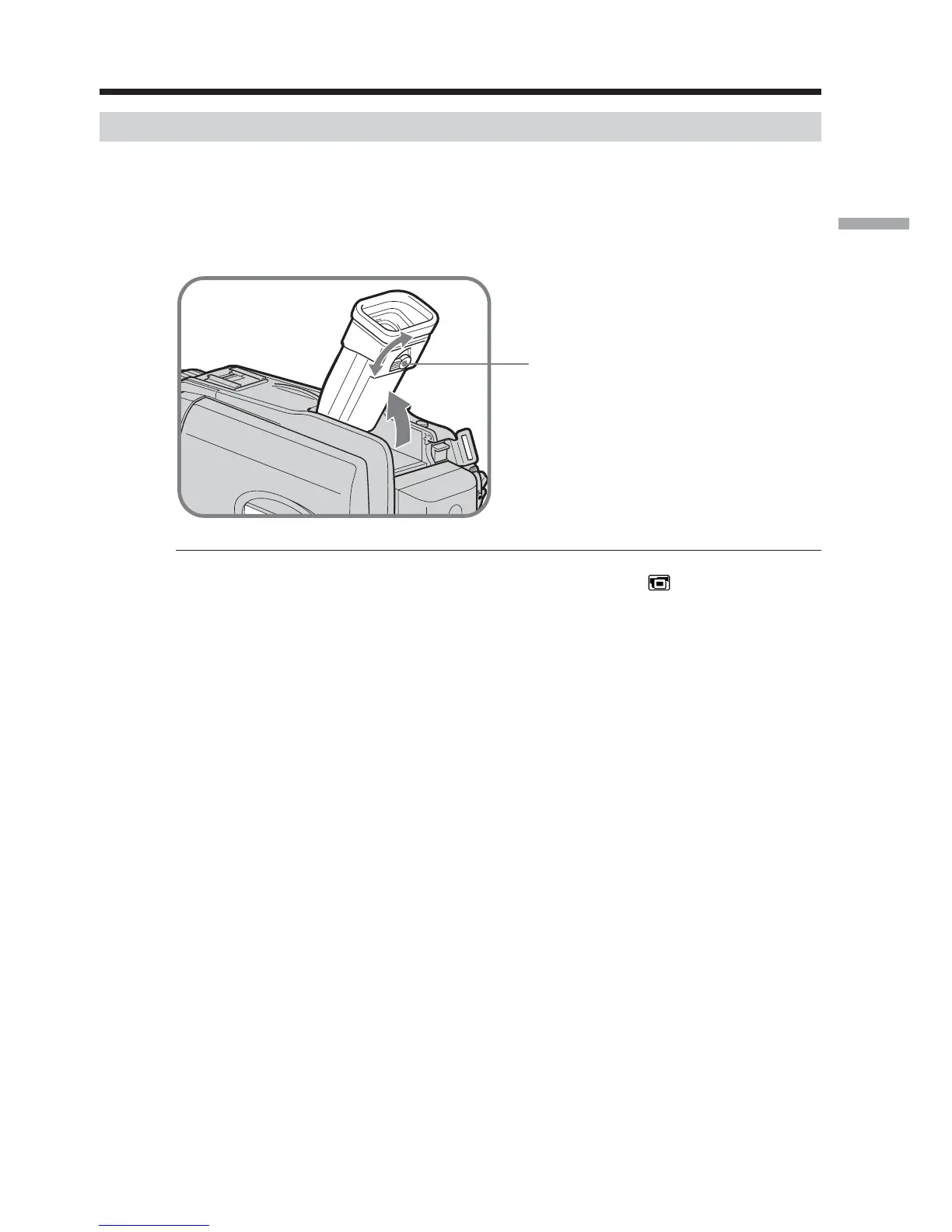
Adjusting the viewfinder
If you record pictures with the LCD panel closed, check the picture with the viewfinder.
Adjust the viewfinder lens to your eyesight so that the images in the viewfinder come
into sharp focus.
Lift up the viewfinder and move the viewfinder lens adjustment lever.
Viewfinder backlight
You can change the brightness of the backlight. Select VF B.L. in in the menu
settings when using the battery pack (p. 170).
Even if you adjust VF B.L.
The recorded picture will not be affected.
Recording a picture
The viewfinder lens
adjustment lever













 To Next Page