116
The picture and sound are recorded up to the full capacity of the “Memory Stick”
(MPEG MOVIE EX).
The POWER switch should be set to .
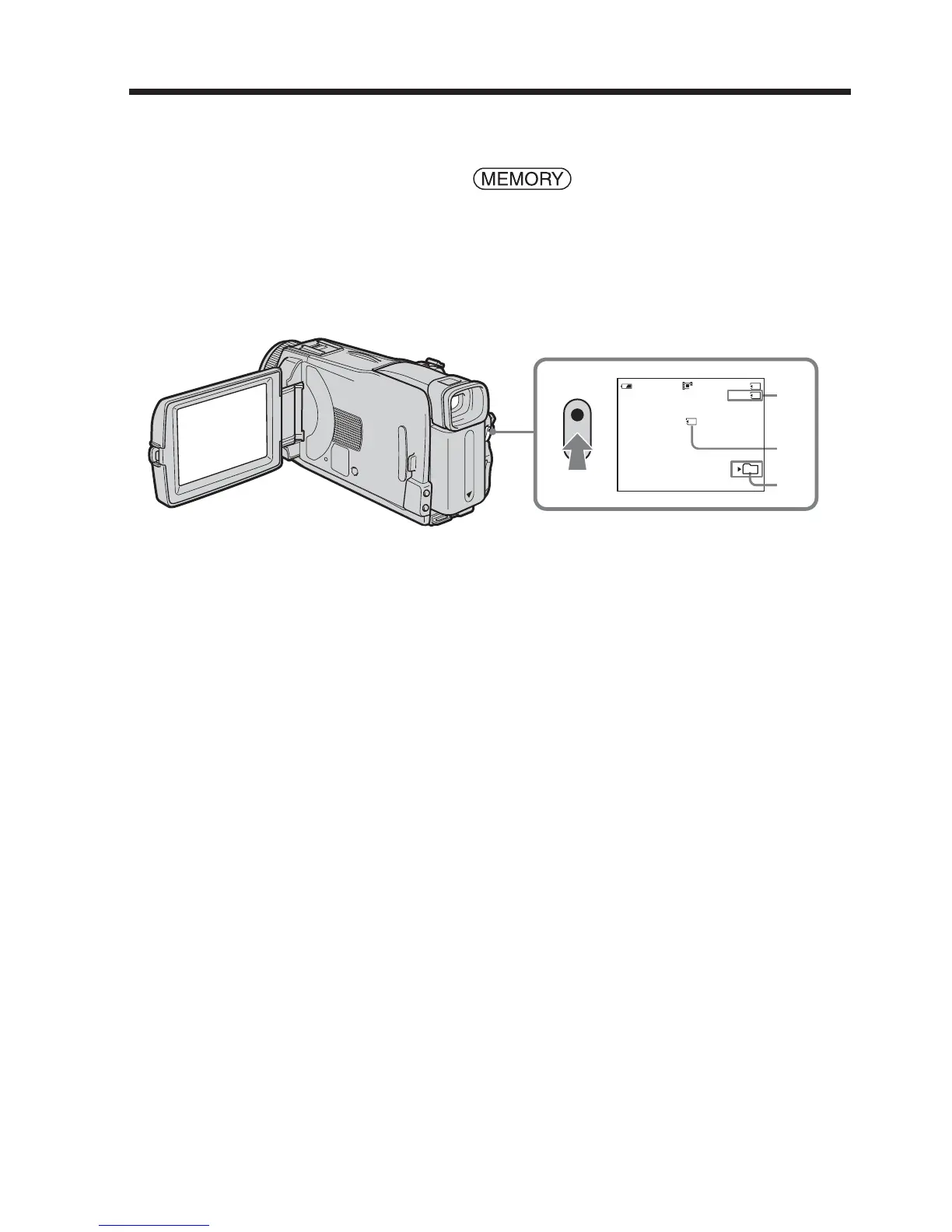
Press START/STOP.
Your camcorder starts recording. The camera recording lamp located on the front of
your camcorder lights up.
The picture and sound are recorded up to the capacity of the “Memory Stick.” See page
105 for details of recording time.
To stop recording
Press START/STOP.
Recording moving pictures on “Memory
Stick” – MPEG MOVIE recording
320
50min REC
15sec
BBB
0:00:00
[b]
[a]
[c]
101
[c]
[a] Available recording time on the “Memory Stick”
[b] This indicator appears for five seconds after pressing START/STOP. This indicator is
not recorded.
[c] Folder name to be recorded













 To Next Page