52
The POWER switch should be set to .
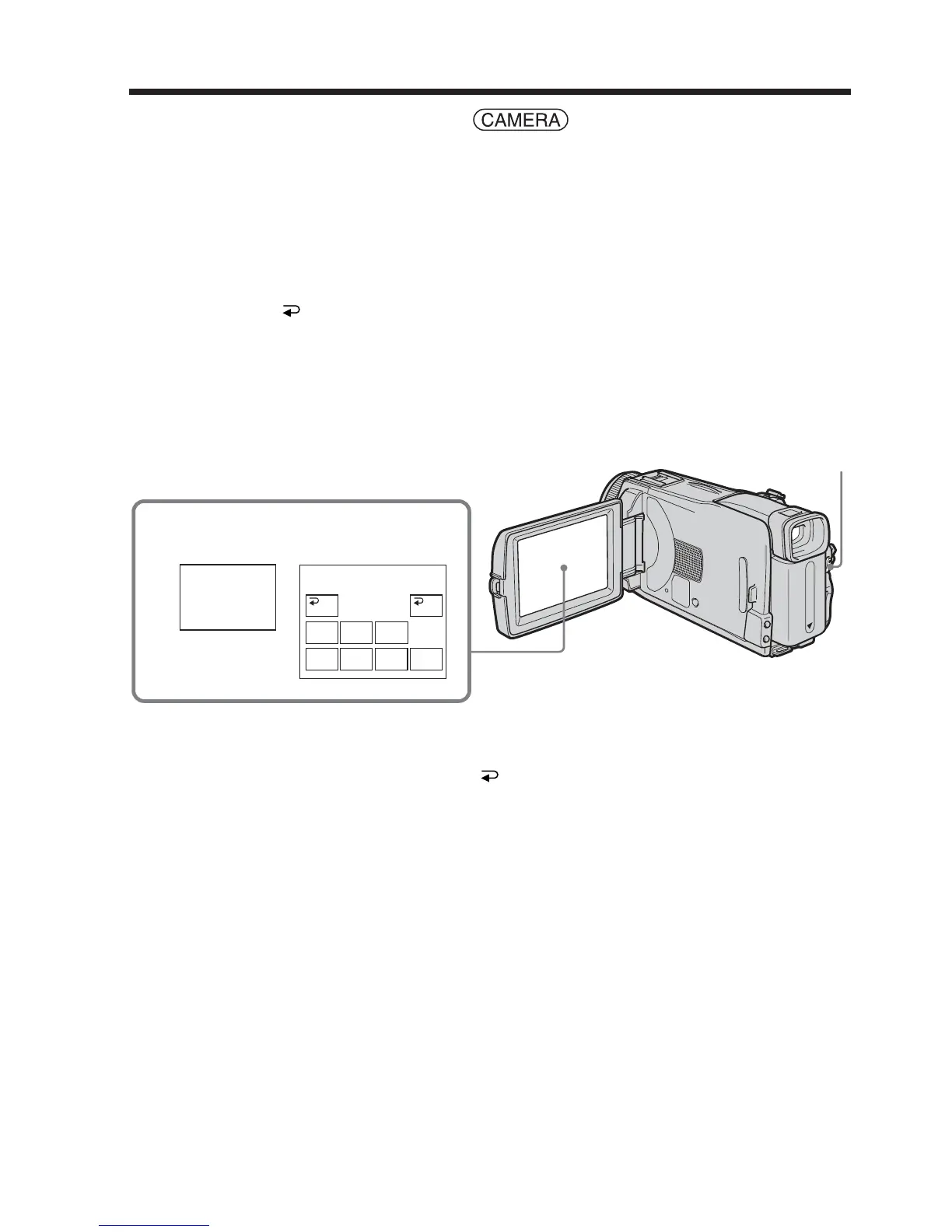
Operate by touching the panel.
(1) When fading in [a]
Press FN to display PAGE1 during recording standby.
When fading out [b]
Press FN to display PAGE1 during recording.
(2) Press FADER. The screen to select the fader mode appears.
(3) Press a desired mode.
(4) Press
OK to return to PAGE1.
(5) Press EXIT to return to FN.
The fader indicator you selected flashes.
(6) Press START/STOP.
After the fade in/out is carried out, your camcorder automatically returns to
the normal mode.
To cancel the fade in/out
Before pressing START/STOP, press OFF to return to PAGE1.
Using the fader function
FADER
MOSC.
FADER
NORM.
FADER
OFF OK
MONO–
TONE
BOUN–
CE
DOTW
I
PE
OVER–
LAP
2
FADER
START/STOP













 To Next Page