Chapter 4 Advanced Operations
4-14 Chapter 4 Advanced Operations
User Program Effects
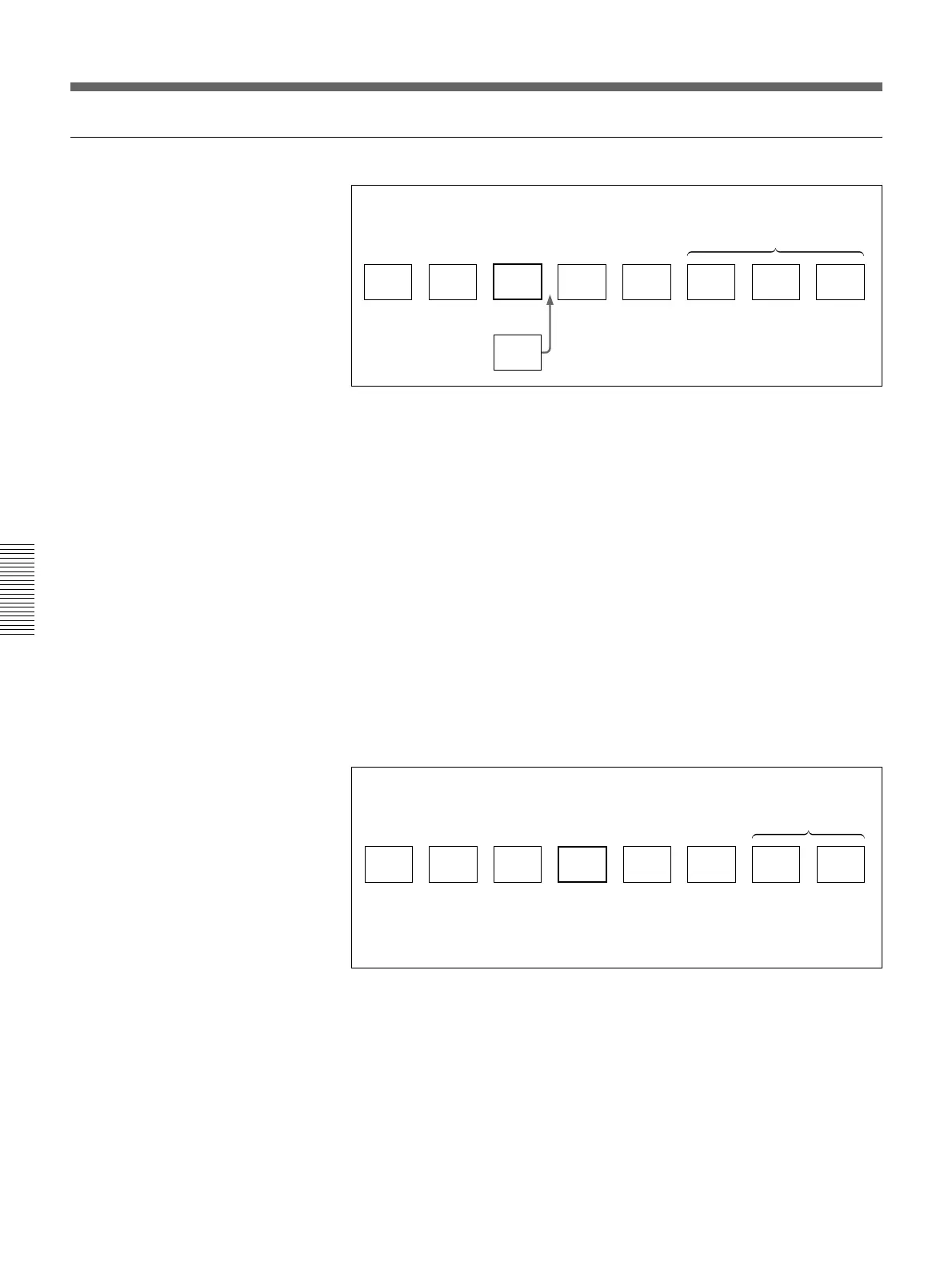
Adding a key frame
Adding a key frame (before addition)
After carrying out the procedure to step 4 in the section “To recall a user
program effect” on the page 4-12, use the following procedure.
5 Press the UP or DOWN button in the pattern/numeric keypad, so that
the number of the key frame after which you want to insert the new
frame (key frame 3 in the example above) appears in the EDIT display
window.
6 Set the parameters in the menu.
7 Press the LAST X/INS button.
This inserts a new key frame with the parameters you set in step 6 after
the key frame specified in step 5, and the number of key frames shown
in the STATUS display window increases by 1.
Adding a key frame (after addition)
Repeat steps 5 to 7 as required to add more key frames.
C’
A
1
B
2
C
3
D
4
E
5 6 7 8
Example: Adding a key frame after key frame 3
Undefined key frames
STATUS display window = 5
EDIT display window = 3
A
1
B
2
C
3
C'
4
D
5 6 7 8
E
Example: Adding a key frame after key frame 3
Undefined key frames
STATUS display window = 6
EDIT display window = 4



 To Next Page