Chapter 4 Advanced Operations
Chapter 4 Advanced Operations 4-15
8 When you have added all the key frames, press the EDIT button.
The button goes off, and the user program effect is resaved with the
added key frames.
Deleting a key frame
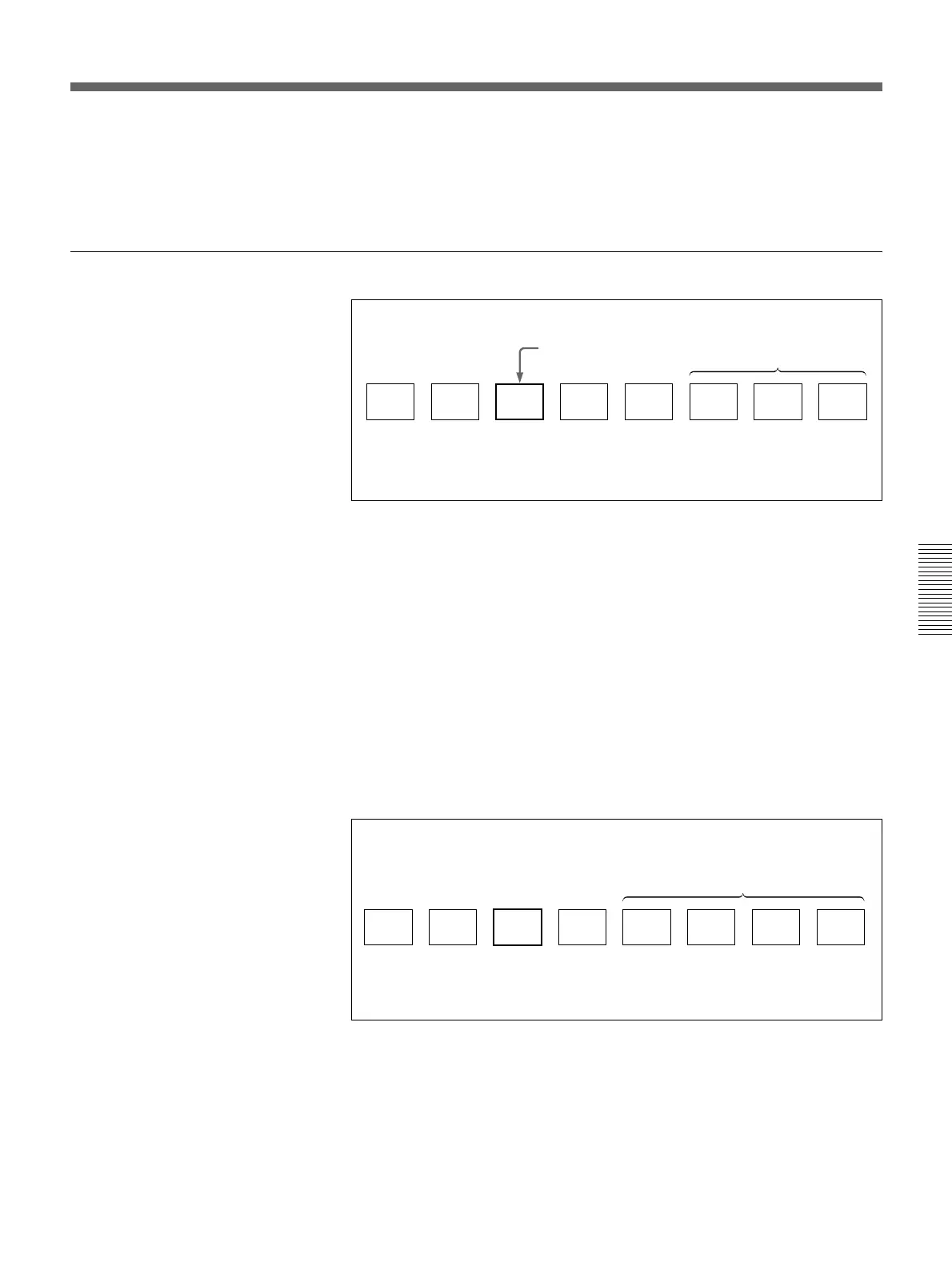
Deleting a key frame (before deletion)
After carrying out the procedure to step 4 in the section “To recall a user
program effect” on the page 4-12, use the following procedure.
5 Press the UP or DOWN button in the pattern/numeric keypad, so that
the number of the key frame you want to delete (key frame 3 in the
example above) appears in the EDIT display window.
6 Press the DEL button. (To prevent you from inadvertently deleting a
key frame, you must hold the button down for at least 0.5 seconds.)
An alarm sounds, and the key frame you specified in step 5 is deleted.
The number of key frames shown in the STATUS display window
decreases by 1.
Deleting a key frame (after deletion)
Repeat steps 5 and 6 as required to delete more key frames.
A
1
B
2
C
3
D
4
E
5 6 7 8
Example: Deleting key frame 3
Undefined key frames
STATUS display window = 5
EDIT display window = 3
Key frame to delete
A
1
B
2
D
3
E
4 5 6 7 8
Example: Deleting key frame 3
Undefined key frames
STATUS display window = 4
EDIT display window = 3
(continued)



 To Next Page