29
GB
Direct printing
3 Press ENTER.
The setting is fixed. The Print setup
window is displayed again.
To redo the operations
Press CANCEL. The Print setup window is
displayed again.
1 From the (Print setup) menu,
press g/G/f/F to select
(Printer information display) and
then press ENTER.
The Printer information display menu is
displayed. You can check the version
number and total print quantity of the
printer.
2 Press ENTER.
The Printer information display window is
closed.
You can reset all the settings to the default
settings.
1 From the (Print setup) menu,
press g/G/f/F to select
(Default Setting) and then press
ENTER.
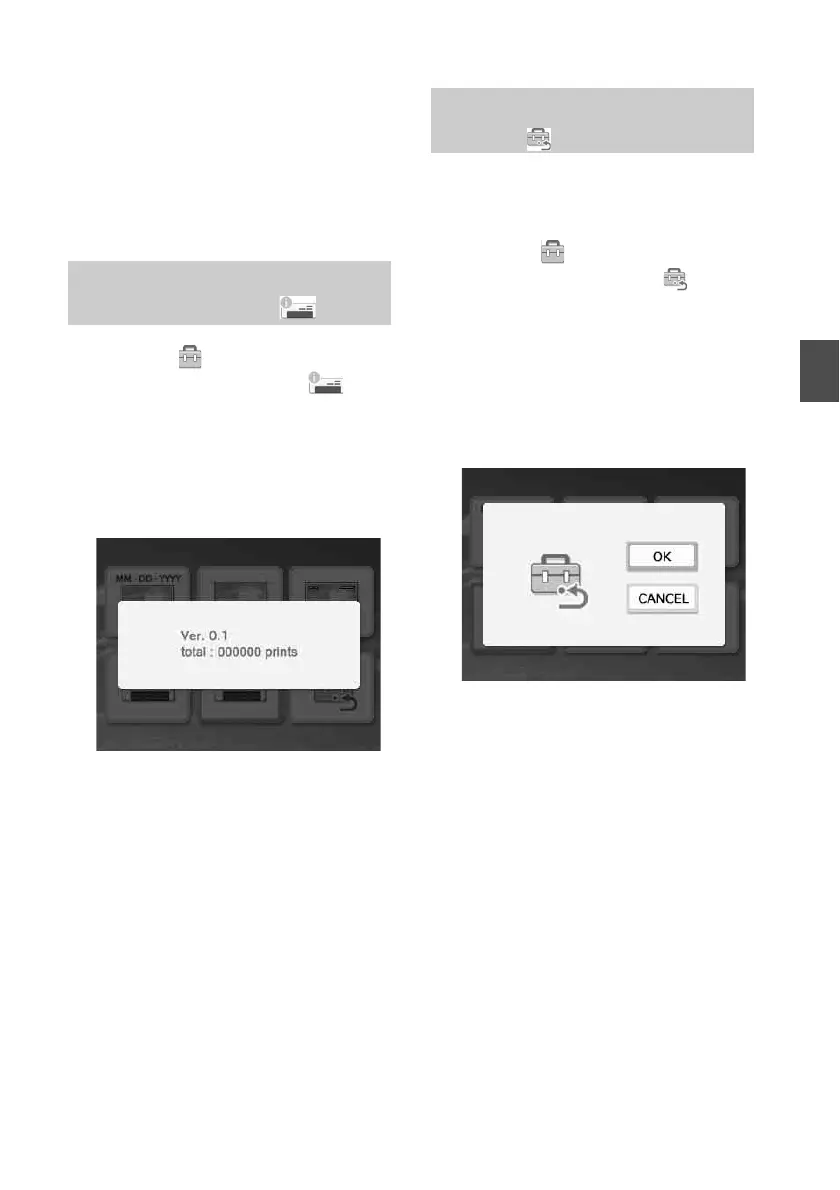
The confirmation window is displayed.
2 Press f/F to select “OK” and press
ENTER.
The printer settings are reset to their
default settings.
Hiding or showing the Printer
information display
Resetting to the Default
Setting



 To Next Page