46
GB
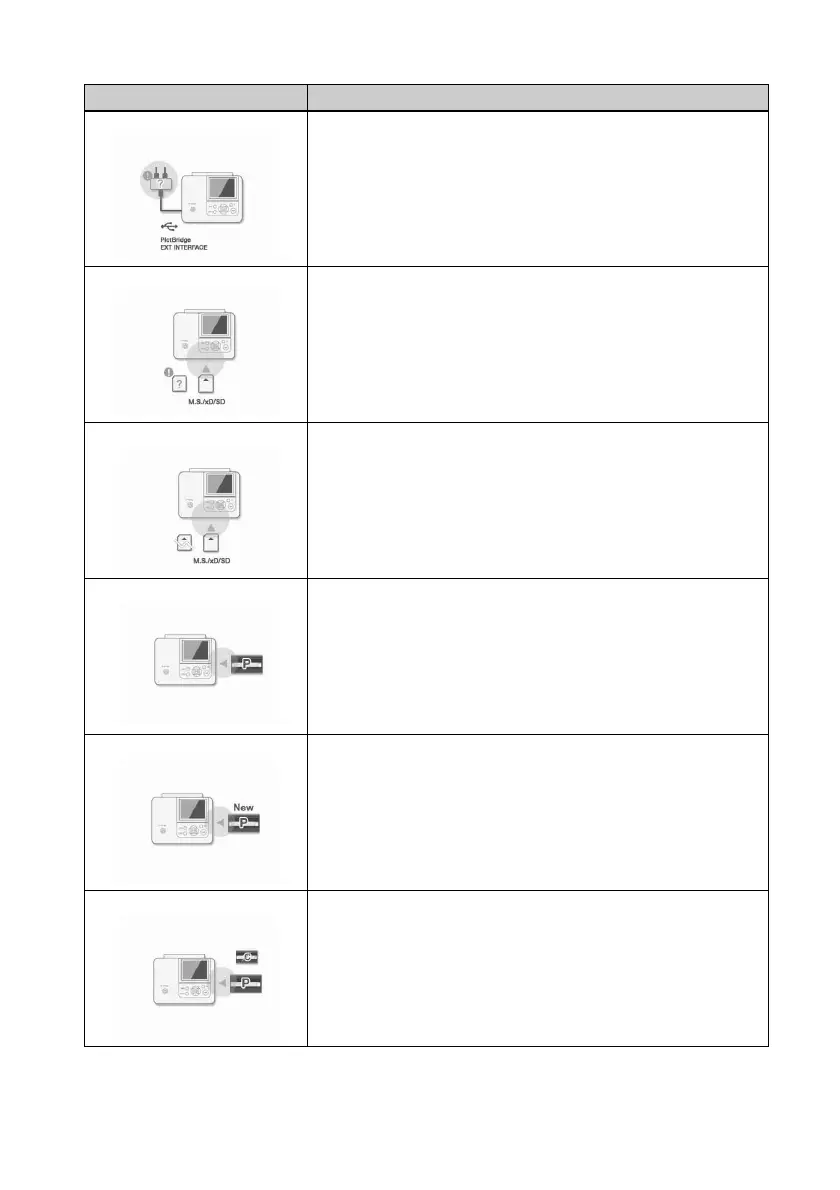
c The printer does not support a USB hub or a drive with a built
in USB hub. Connect the device directly to the printer or use a
device that does not contain a USB hub function.
c An incompatible memory card is inserted. Use a memory card
or a USB memory that the printer supports. (.pages 61 to
63)
c An error may have occurred with a memory card or a USB
memory. If these messages appear frequently, check the
memory card or a USB memory status with another device.
c No ink ribbon is inserted in the printer. Insert an ink ribbon of
the displayed size as follows and press PRINT. (.page 9)
– P: P size ink ribbon
c The ink ribbon has run out. Insert a new ink ribbon of the
displayed size as follows and press PRINT. (.page 9)
– P: P size ink ribbon
c The wrong ink ribbon is inserted. Do not use the size struck
through, but set the displayed size as follows and press PRINT.
(.page 9)
– P: P size ink ribbon
Error display Meaning/Solutions



 To Next Page