protection technology developed
by
Sony using
authentication and encryption.
*6 The printer does not support 8 bit parallel data
transfer.
Notes
on
use
• Do not insert more than one "Memory Stick"
media at the same time, which may cause
trouble with the printer.
•
If
you insert a "Memory Stick Micro" media
into the printer without an M2 adaptor, you
may be unable to remove the "Memory Stick
Micro" media.
•
If
you insert the "Memory Stick Micro"
media into an M2 adaptor, and insert the M2
adaptor into a "Memory Stick Duo" media
adaptor, the printer may not operate
properly.
• When you format a "Memory Stick" media,
use the format function
of
the printer or your
digital camera.
If
you format a "Memory
Stick" media with your computer, images
may not be displayed properly.
• When you format a "Memory Stick" media,
all the data including the protected image
files will be erased.
To
avoid erasing
important data by accident, make sure
to
check the contents
of
the "Memory Stick"
media before formatting.
• You cannot record, edit or delete data if you
slide the write-protect switch to LOCK.
80 GB
• Do not attach any other material than the
supplied label on the labelling position.
When you attach the supplied label, be sure
to attach it
to
the labelling position. Be
careful that the label does not stick out.
The SO memory Card/xD-Picture Card dual-
format slot
of
the printer allows you to use the
following:
• SO memory Card')
• miniSD memory Card, microSD memory
Card
(An adaptor is necessary.)*2
• SDHC memory card'3
• MMC standard memory card'4
We do not guarantee proper operations for all
types
of
SO memory Cards and MMC standard
memory cards.
* L The printer has been demonstrated as operable
with an SD memory Card with a capacity
of
2 GB
or smaller.
'2
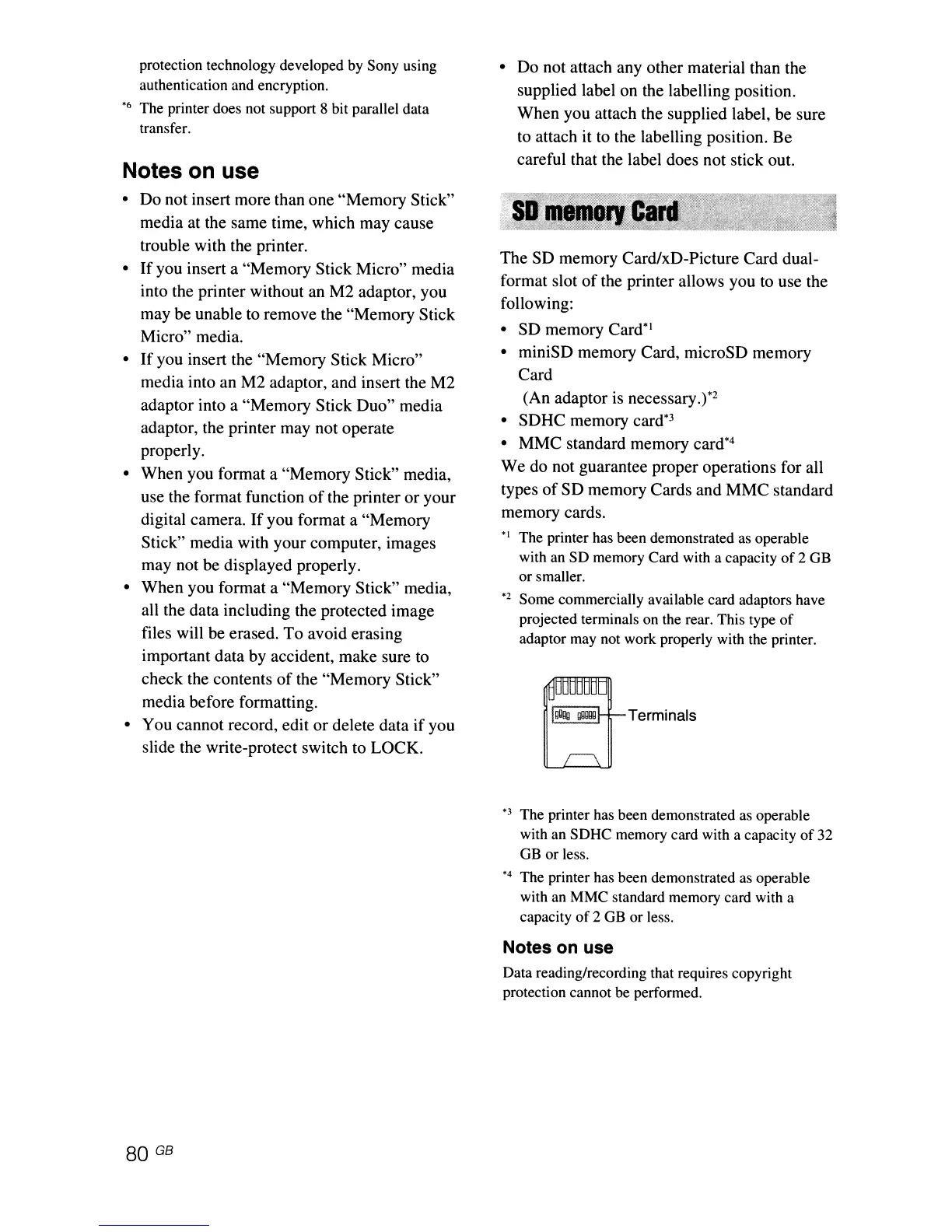
Some commercially available card adaptors have
projected terminals on the rear. This type
of
adaptor may not work properly with the printer.
BTermina,s
*3
The printer has been demonstrated as operable
with an SDHC memory card with a capacity
of
32
GB
or less.
*4 The printer has been demonstrated as operable
with an MMC standard memory card with a
capacity
of
2 GB or less.
Notes on use
Data reading/recording that requires copyright
protection cannot be performed.



 To Next Page