Performing
"CreativePrint"
Using the CreativePrint menu
To
undo
the operation midway
Press CANCEL The window
of
the previous step is
displayed. Depending on the step, you may not be
able to undo the operation.
To
exit
the CreativePrint menu
• Press MENU
in
the middle
of
the operations
and select "CreativePrint Complete."
Then press ENTER.
• In the image preview view, press
<J/t>/
f::.1'V
to select
\)Ji
and press ENTER.
The dialog box for saving an image may be
displayed (page 25).
• You can press MENU while performing
CreativePrint and set part
of
the Print setup menu
items.
• The CreativePrint menu allows you to input
characters using the keyboard, superimpose a
handwritten message, and input a preinstalled
phrase (pages 28, 31).
26 GB
1 From the
~
CreativePrint menu
(page 19), press
<J/t>/1:::.fV
to select
~
"Scrapbook," then press ENTER.
The window for selecting a theme
is
displayed.
2 Press
<J/t>/1:::.fV
to select the desired
theme, then press ENTER.
The window used for selecting templates
of
the selected theme is displayed.
III.
•
AT
l3lii3i):
Select
wmn:
End.
3 Press
<J/t>/1:::.fV
to select the desired
template, then press ENTER.
A preview
of
the selected template is
displayed.
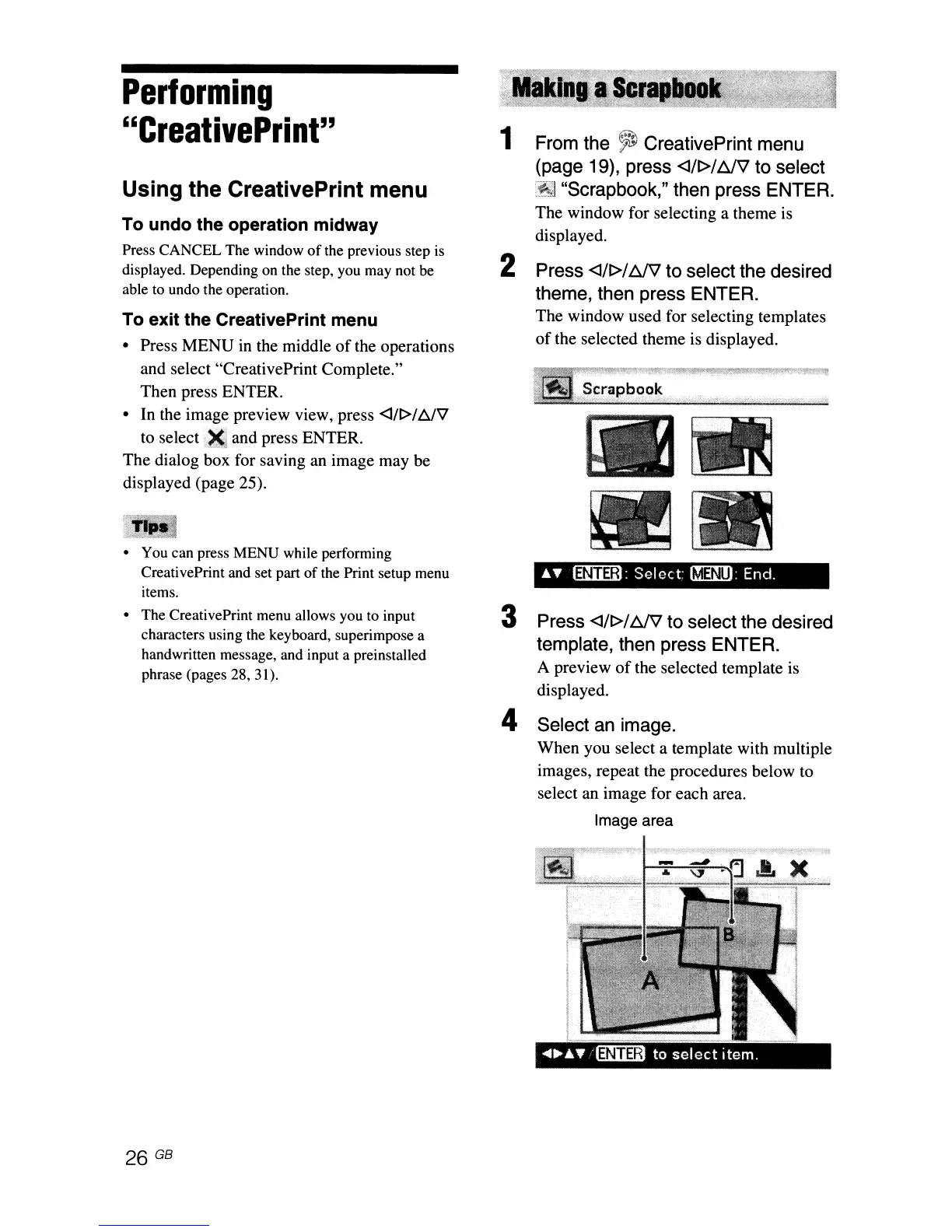
4 Select an image.
When you select a template with multiple
images, repeat the procedures below to
select an image for each area.
Image area



 To Next Page