Help Guide
Digital Still Camera
DSC-RX0M2
Using the Fn (Function) button
You can register frequently used functions to the Fn (Function) button and recall them while shooting. Up to 12 frequently
used functions can be registered to the Fn (Function) button.
Related Topic
Function Menu Set.
4-748-164-11(1) Copyright 2019 Sony Corporation
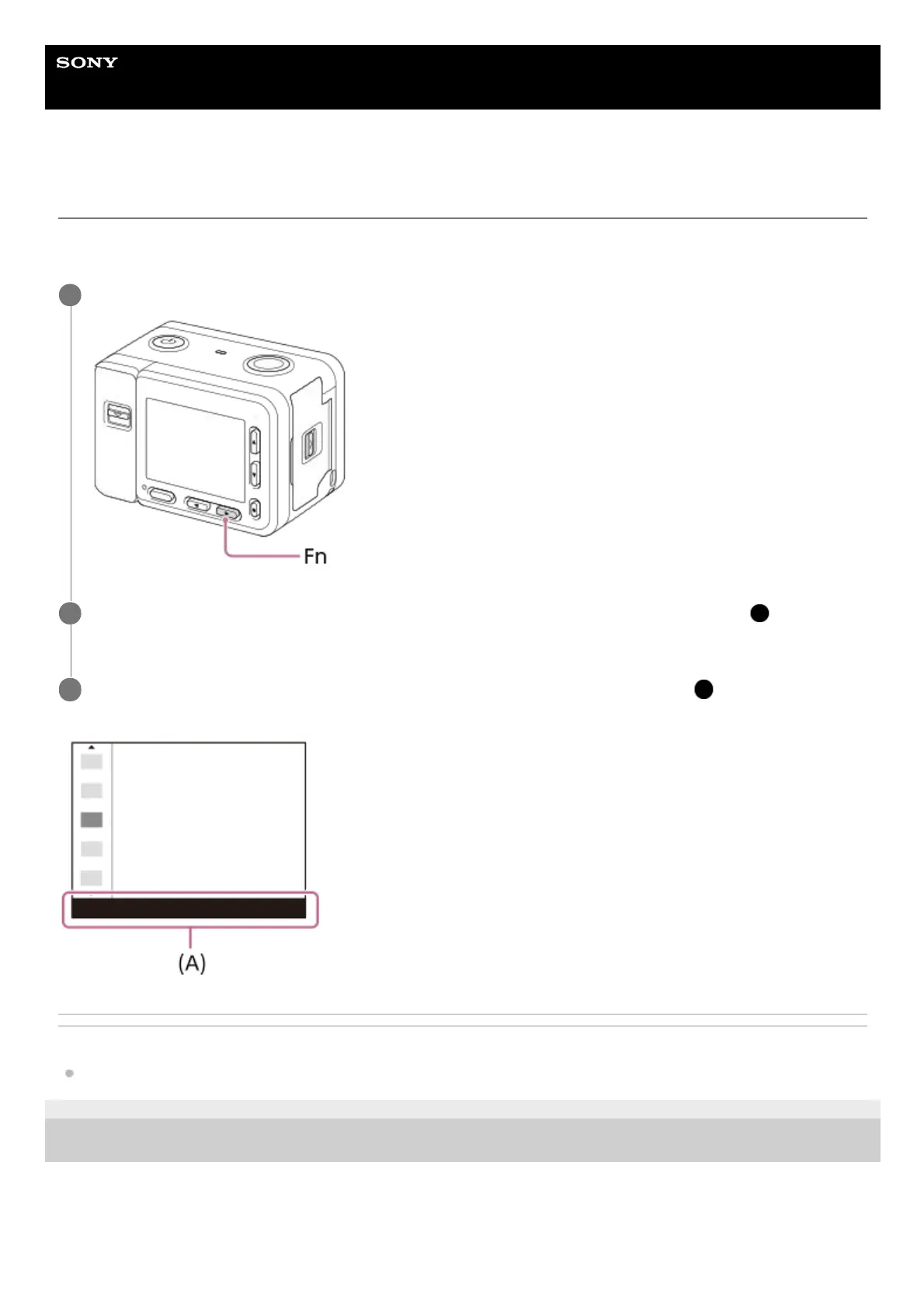
Press the Fn (Function) button in shooting mode.
1
Select a function to register by pressing the up/down/left/right buttons, and then press the
(Enter)
button.
2
Select the desired setting by following the operating guide (A) , and then press the
(Enter) button.
3














 To Next Page