Help Guide
Digital Still Camera
DSC-RX0M2
Shooting movies
Shoots movies.
Hint
You can assign the start/stop movie recording function to a preferred key. Select MENU →
(Camera Settings2) → [
Custom Key] → set [MOVIE] to the preferred key.
When you want to specify the area to be focused on, set the area using [Focus Area].
To keep the focus on a face, arrange the composition so that the focusing frame and face detection frame overlap, or set the
[Focus Area] to [Wide].
You can adjust the shutter speed as desired. Select MENU →
(Camera Settings1) → set [Shoot Mode] to [ Manual
Exposure].
MENU → (Camera Settings1) → [Shoot Mode] → (Intelligent Auto).
You can set the focusing method for shooting movies to either [Single-shot AF], [Preset Focus], or [Manual
Focus].
1
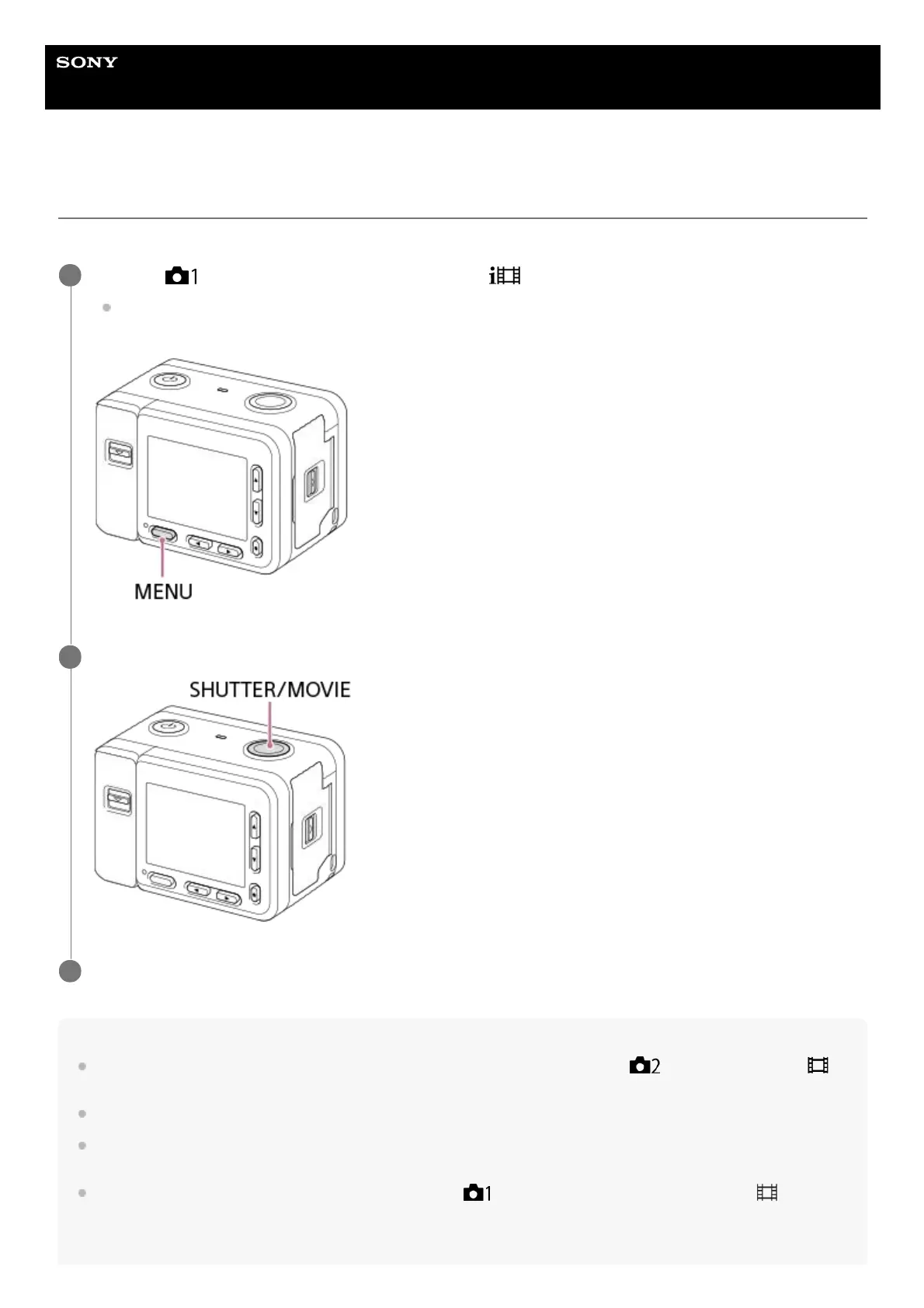
Press the SHUTTER/MOVIE button to start recording.
2
Press the SHUTTER/MOVIE button again to stop recording.
3














 To Next Page