Help Guide
Digital Still Camera
DSC-RX0M2
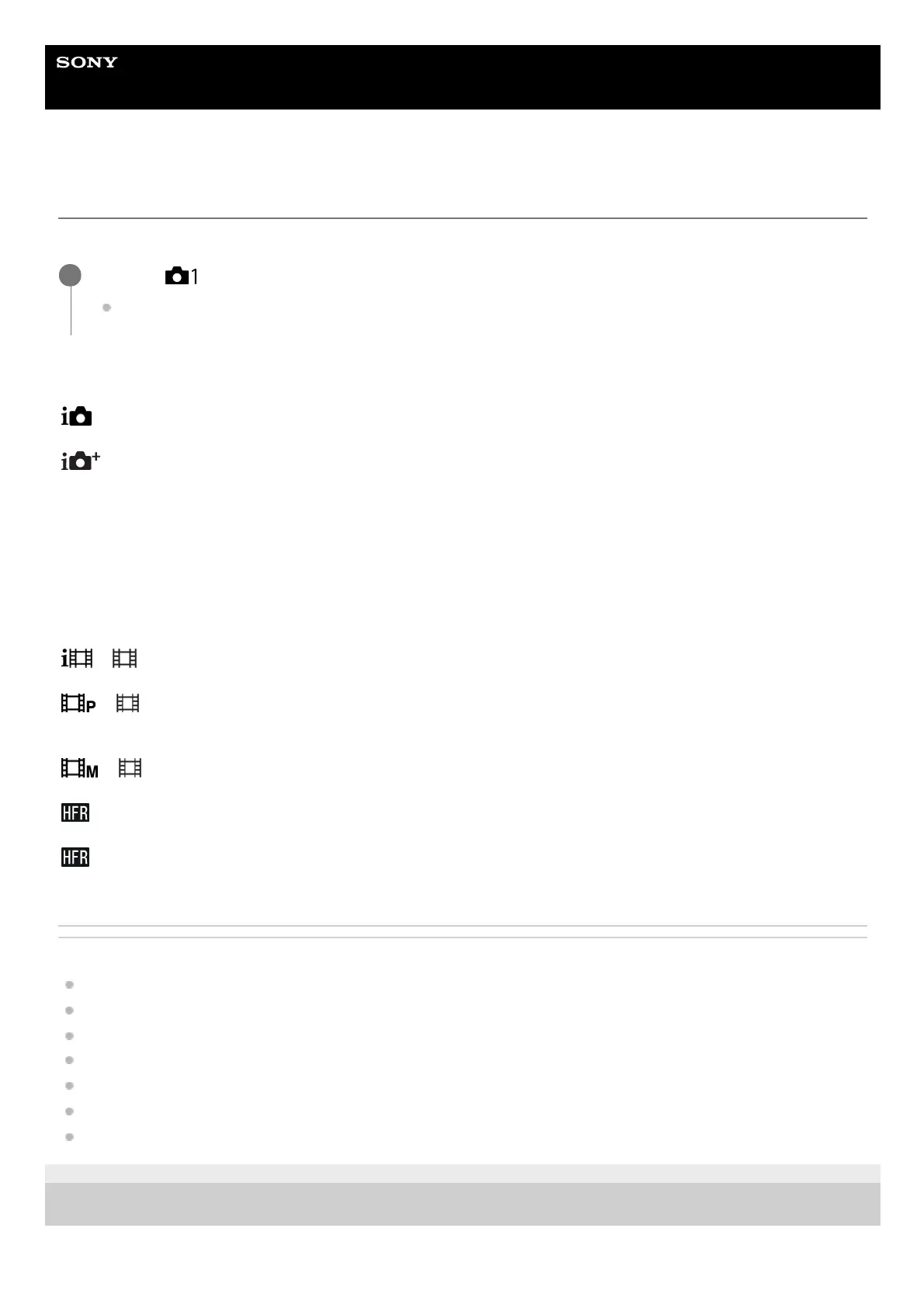
Selecting a shooting mode
Set the shooting mode according to the subject you want to shoot and the functions you want to use.
Menu item details
(Intelligent Auto):
Shoots with automatic scene recognition.
(Superior Auto):
Shoots with automatic scene recognition. This mode takes clear images of dark or backlit scenes.
P (Program Auto):
Shoots with the exposure (shutter speed) adjusted automatically. Various functions can be set with Fn (Function) and
MENU.
M (Manual Exposure):
Shoots with the shutter speed adjusted manually.
MR (Memory recall):
Shoots an image after recalling frequently used modes or camera settings registered in advance.
( Intelligent Auto):
Shoots movies with automatic settings of the camera.
( Program Auto):
Shoots movies with the exposure (shutter speed) automatically set by the camera. Various functions can be set with Fn
(Function) and MENU.
( Manual Exposure):
Shoots movies with the shutter speed adjusted manually.
Program Auto:
Shoots a super-slow-motion movie (High Frame Rate) with the exposure adjusted automatically.
Manual Exposure:
Shoots a super-slow-motion movie (High Frame Rate) with the exposure adjusted manually.
Related Topic
Intelligent Auto (still image)
Superior Auto (still image)
Program Auto (still image/movie)
Manual Exposure (still image/movie)
Memory recall (Camera Settings1/Camera Settings2)
Intelligent Auto (movie)
Shooting super-slow-motion movies (High Frame Rate)
4-748-164-11(1) Copyright 2019 Sony Corporation
MENU → (Camera Settings1) → [Shoot Mode] → desired mode.
You can also change the shooting mode by pressing the left button in the default settings.
1














 To Next Page