Help Guide
Digital Still Camera
DSC-RX0M2
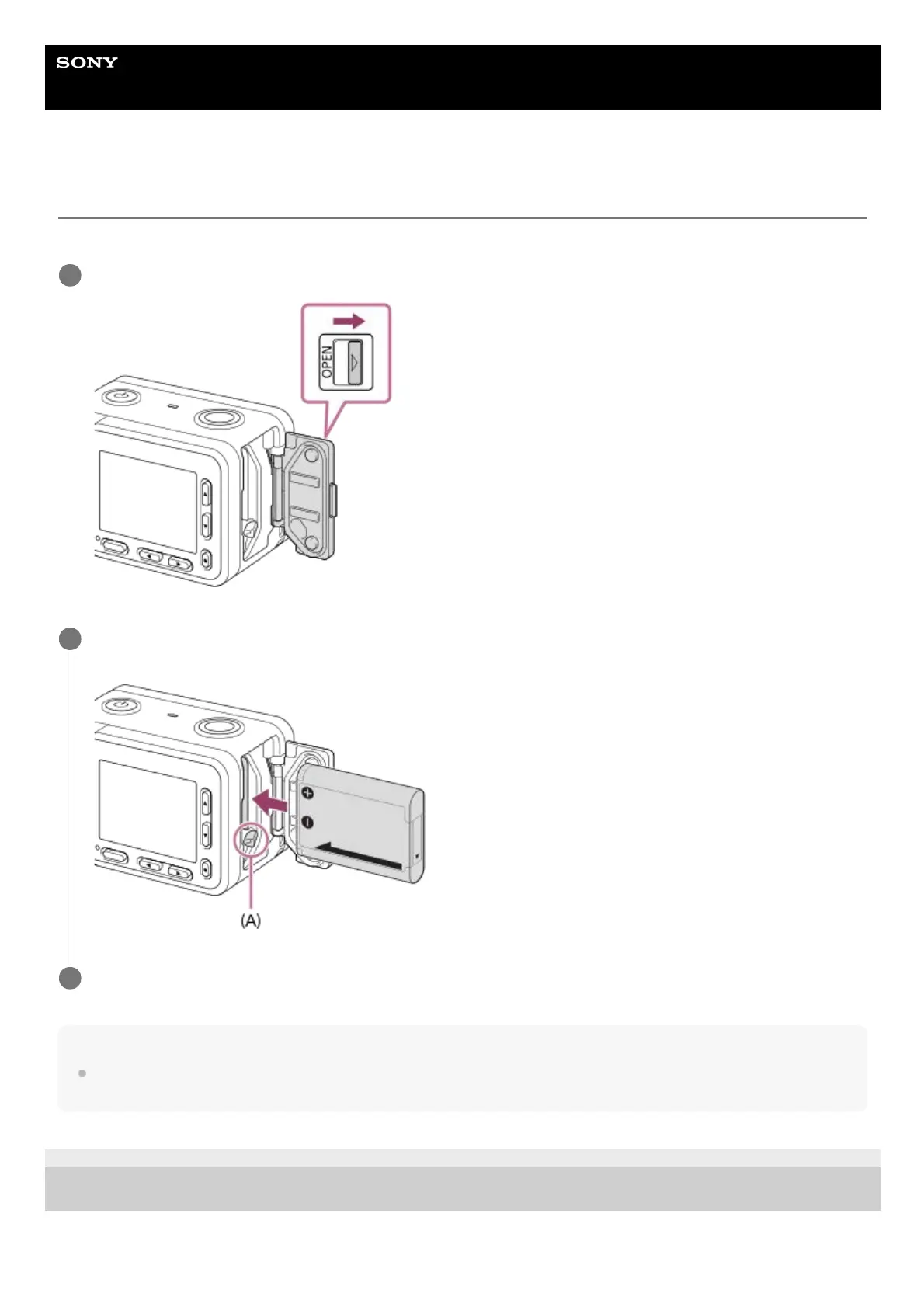
Inserting the battery pack into the camera
Explains how to insert the battery pack into the camera.
Note
When closing the cover, make sure that the yellow mark under the slide lock is hidden and the cover is tightly closed. If foreign
matter such as sand gets caught inside the cover, it may cause water infiltration.
4-748-164-11(1) Copyright 2019 Sony Corporation
Open the battery cover.
1
Insert the battery pack while pressing the battery lock lever (A) with the tip of the battery until the battery
locks into place.
2
Close the cover.
3














 To Next Page