Help Guide
Digital Still Camera
DSC-RX0M2
Shooting still images
Shoots still images.
Focus indicator
lights:
Image is in the focus.
flashes:
The focusing has failed.
Hint
MENU →
(Camera Settings1) → [Shoot Mode] → [Intelligent Auto].
1
Point the camera to the subject.
2
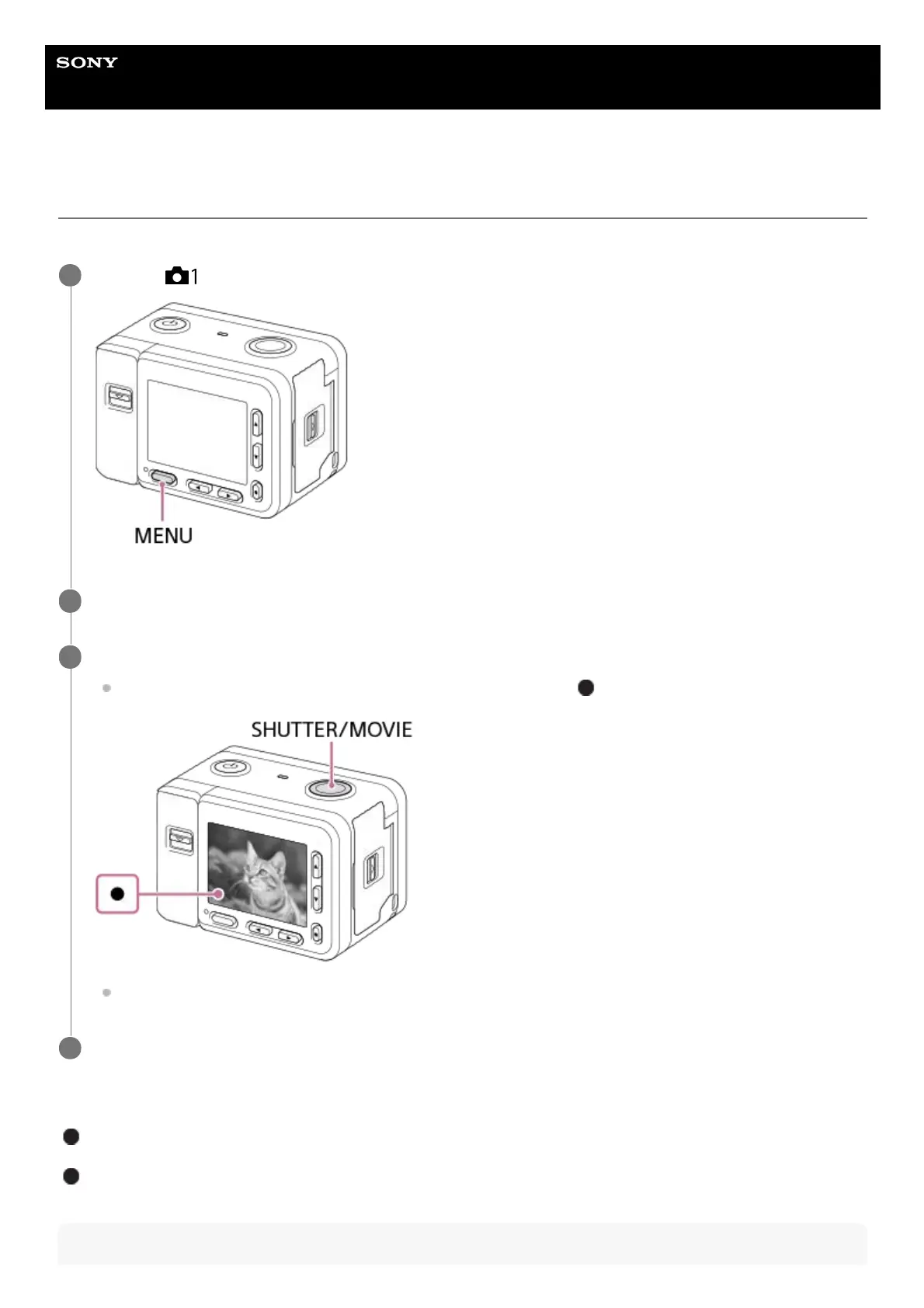
Press the SHUTTER/MOVIE button halfway down to focus.
When the image is in focus, a beep sounds and the focus indicator (
) lights up.
The shortest shooting distance is approximately 20 cm (0.66 ft.) (from the lens).
3
Press the SHUTTER/MOVIE button fully down.
4














 To Next Page