Help Guide
Digital Still Camera
DSC-RX0M2
Focus Area
Selects the focusing area. Use this function when it is difficult to get the proper focus in auto focus mode.
Menu item details
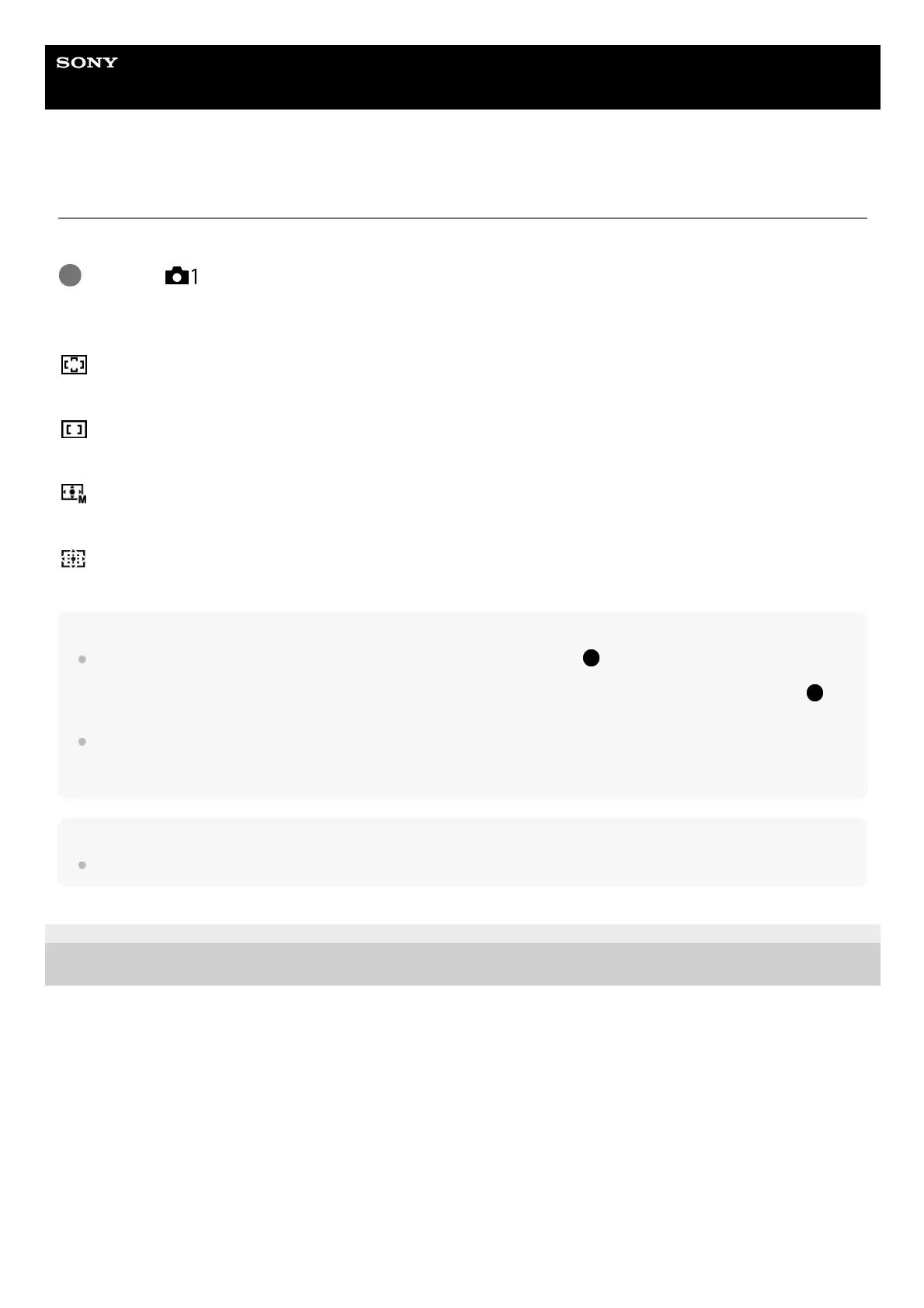
Wide:
Focuses automatically on a subject in all ranges of the image. When you press the SHUTTER/MOVIE button halfway
down, a green frame is displayed around the area that is in focus.
Center:
Focuses automatically on a subject in the center of the image. When used together with the focus lock function, you can
compose the image you want.
Flexible Spot:
Allows you to move the focusing frame to the desired point on the screen and focus on an extremely small subject in a
narrow area.
Expand Flexible Spot:
If the product fails to focus on the single selected point, it uses the focus points around the flexible spot as the second
priority area to achieve focus.
Hint
When [Focus Area] is set to [Flexible Spot] or [Expand Flexible Spot], pressing the
(Enter) button to which [Focus Standard]
has been assigned allows you to shoot images while adjusting the position of the focusing frame by pressing the
up/down/left/right buttons. When you want to change the shooting settings using the up/down/left/right buttons, press the
(Enter) button.
If you cannot focus on the subject by setting [Focus Area] to [Wide], change the setting to [Center] and position the subject within
the focusing frame. Press the SHUTTER/MOVIE button halfway down to lock the focus, and return to the original composition to
shoot images with the focus locked (Focus Lock).
Note
Functions assigned to the up/down/left/right buttons cannot be executed while the focusing frame is being moved.
4-748-164-11(1) Copyright 2019 Sony Corporation
MENU →
(Camera Settings1) → [Focus Area] → desired setting.
1














 To Next Page