Help Guide
Digital Still Camera
DSC-RX0M2
Wi-Fi Settings: Access Point Set.
You can register your access point manually. Before starting the procedure, check the SSID name of the access point,
security system, and password. The password may be preset in some devices. For details, see the access point
operating instructions, or consult the access point administrator.
How to use the keyboard
When manual character entry is required, a keyboard is displayed on the screen.
MENU →
(Network) → [Wi-Fi Settings] → [Access Point Set.].
1
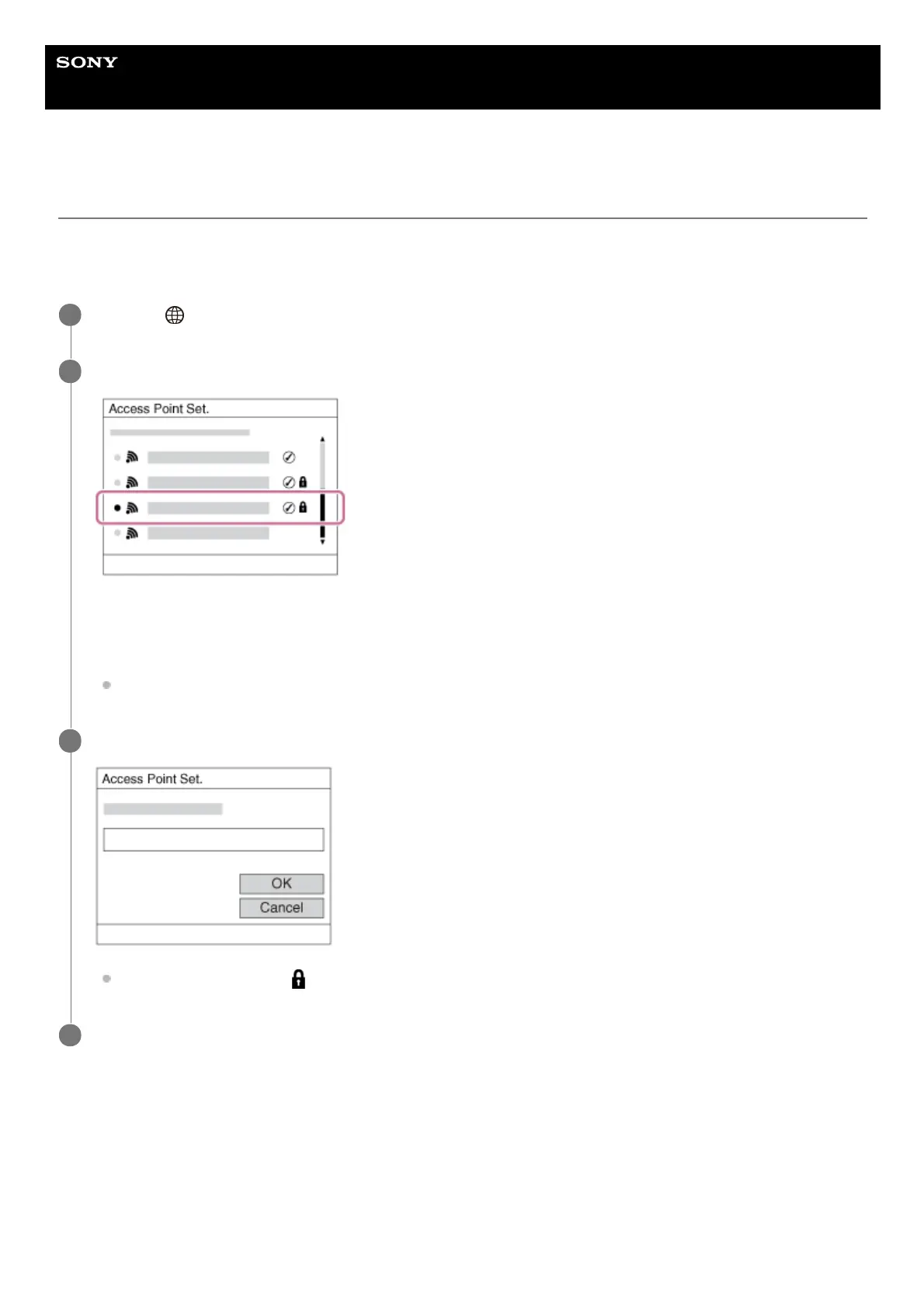
Select the access point you want to register.
When the desired access point is displayed on the screen: Select the desired access point.
When the desired access point is not displayed on the screen: Select [Manual Setting] and set the access
point.
If you select [Manual Setting], input the SSID name of the access point, then select the security system.
2
For the input method, refer to “How to use the keyboard.”
*
Input the password, and select [OK].
Access points without the mark do not require a password.
3
Select [OK].
4














 To Next Page