Help Guide
Digital Still Camera
DSC-RX0M2
Circ. of Focus Point
Sets whether to allow the focusing frame to jump from one end to the other when you move the focusing frame with
[Focus Area] set to [Flexible Spot] or [Expand Flexible Spot]. This function is useful when you want to move the focusing
frame from one end to the other quickly.
Menu item details
Does Not Circulate:
The cursor does not move when you try to move the focusing frame past the end.
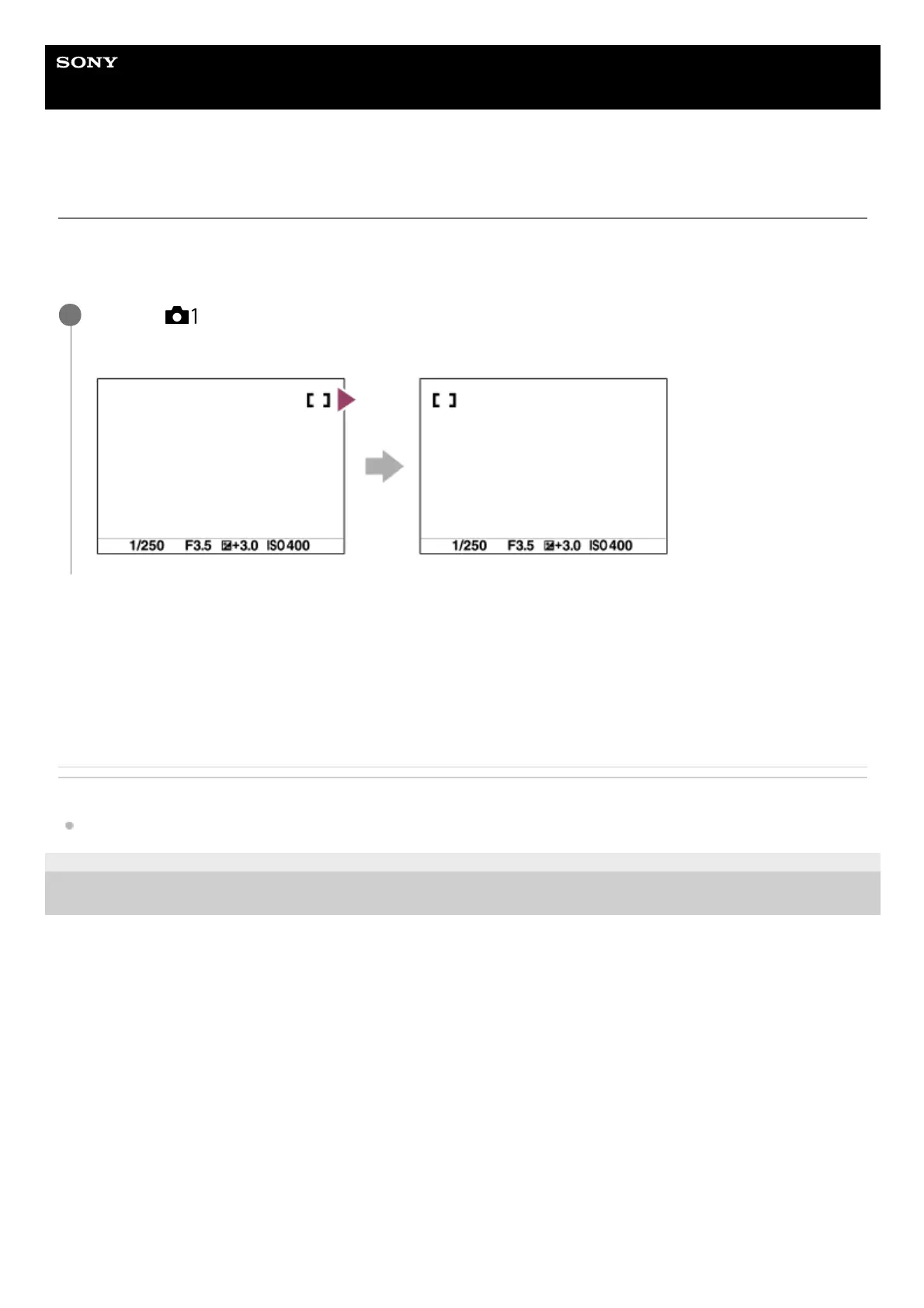
Circulate:
The cursor jumps to the opposite end when you try to move the focusing frame past the end.
Related Topic
Focus Area
4-748-164-11(1) Copyright 2019 Sony Corporation
MENU →
(Camera Settings1) → [Circ. of Focus Point] → desired setting.
When [Circulate] is selected:
1














 To Next Page