Help Guide
Digital Still Camera
DSC-RX0M2
Intelligent Auto (still image)
The camera shoots with automatic scene recognition.
Note
The product may not properly recognize the scene under certain shooting conditions.
For [Intelligent Auto] mode, most of the functions are set automatically, and you cannot adjust the settings on your own.
Related Topic
The advantages of automatic shooting
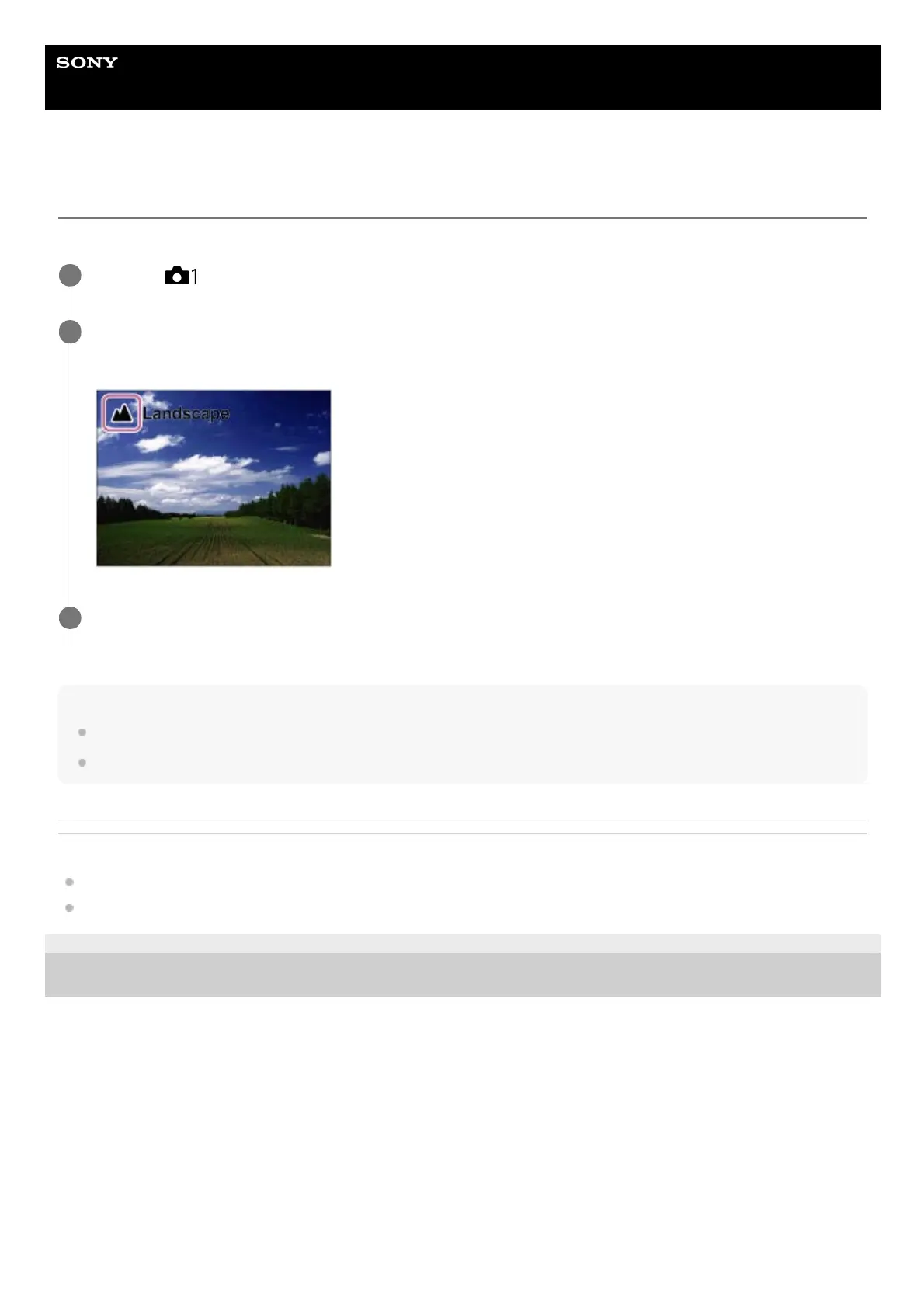
About Scene Recognition
4-748-164-11(1) Copyright 2019 Sony Corporation
MENU →
(Camera Settings1) → [Shoot Mode] → [Intelligent Auto].
1
Point the camera to the subject.
When the camera recognized the scene, the icon for the recognized scene appears on the screen.
2
Press the SHUTTER/MOVIE button halfway down to focus, and then press the SHUTTER/MOVIE button fully
down to take the picture.
3














 To Next Page