Help Guide
Digital Still Camera
DSC-RX0M2
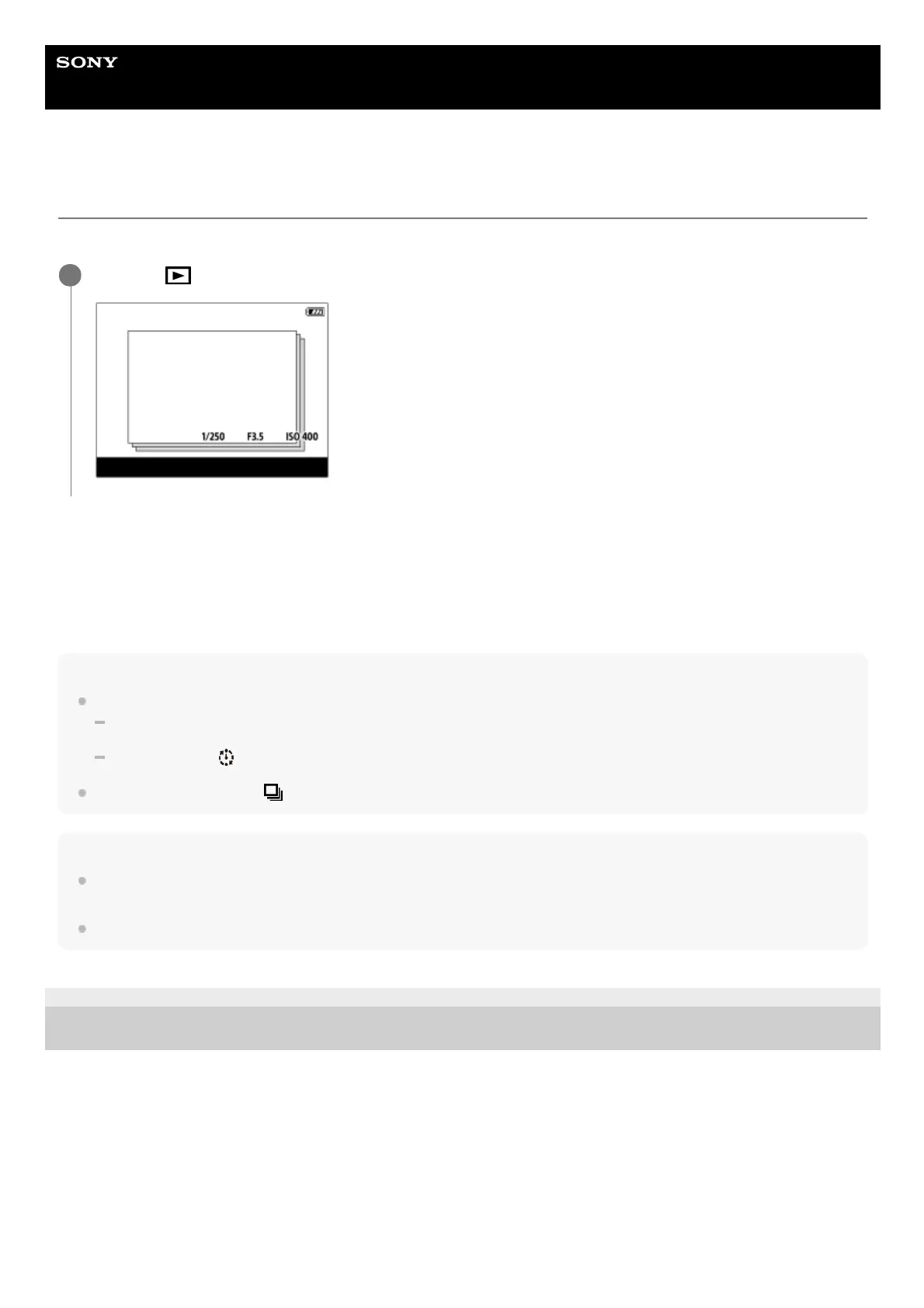
Display as Group
Sets whether or not to display continuously shot images or images shot using interval shooting as a group.
Menu item details
On:
Displays images as a group.
Off:
Does not display images as a group.
Hint
The following images are grouped.
Images shot with [Drive Mode] set to [Cont. Shooting] (One sequence of images shot continuously by holding down the shutter
button during continuous shooting becomes one group.)
Images shot with [
Interval Shoot Func.] (Images shot during one session of interval shooting become one group.)
On the image index screen,
is displayed over the group.
Note
Images can be grouped and displayed only when [View Mode] is set to [Date View]. When it is not set to [Date View], images
cannot be grouped and displayed, even if [Display as Group] is set to [On].
If you delete the group, all the images in the group will be deleted.
4-748-164-11(1) Copyright 2019 Sony Corporation
MENU →
(Playback) → [Display as Group] → desired setting.
1














 To Next Page