Help Guide
Digital Still Camera
DSC-RX0M2
4K Output Select (movie)
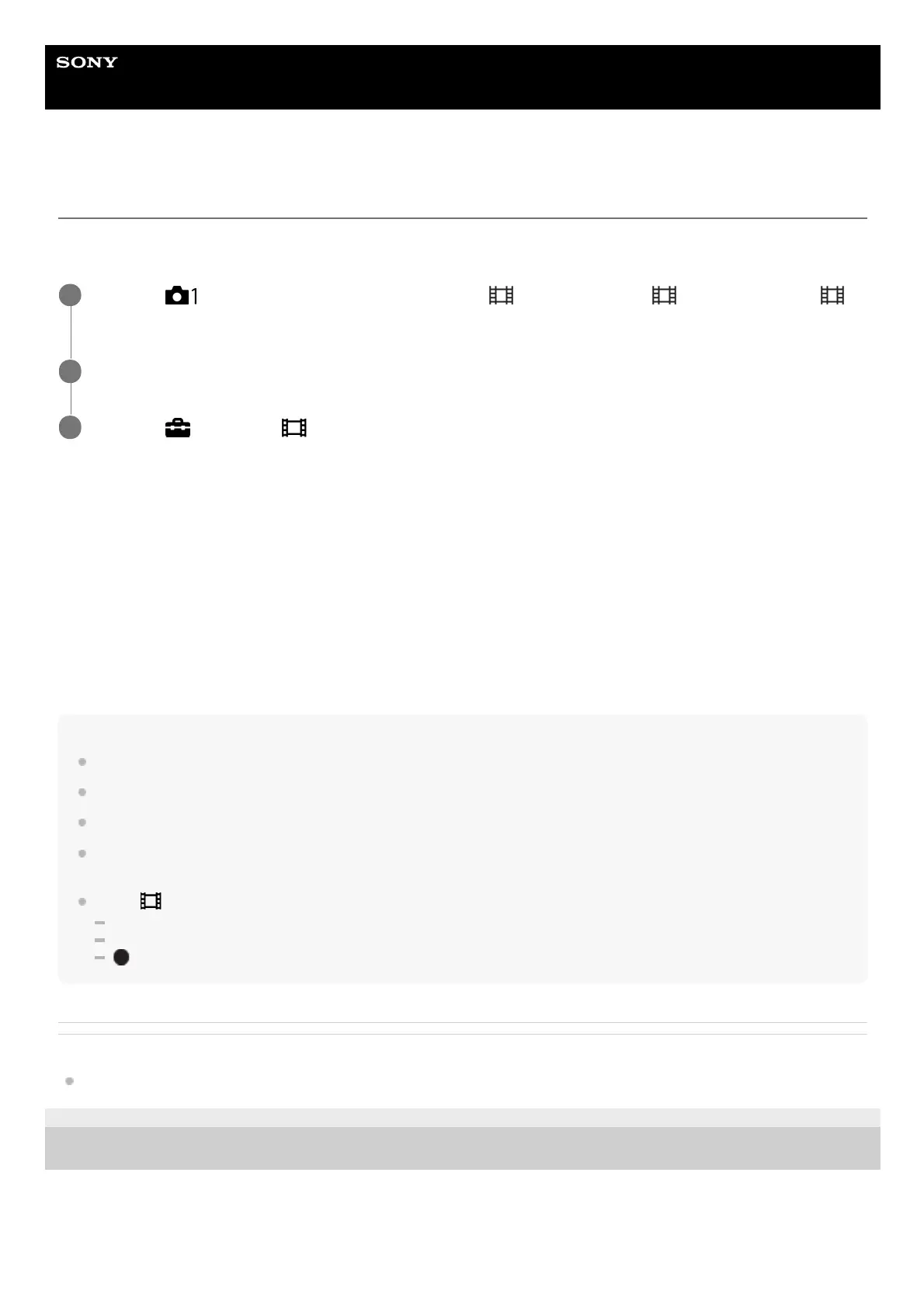
You can set how to record movies and perform HDMI output when your camera is connected to 4K-compatible external
recording/playback devices, etc.
Menu item details
Memory Card+HDMI:
Simultaneously outputs to the external recording/playback device and records on the camera’s memory card.
HDMI Only(30p):
Outputs a 4K movie in 30p to the external recording/playback device without recording on the camera’s memory card.
HDMI Only(24p):
Outputs a 4K movie in 24p to the external recording/playback device without recording on the camera’s memory card.
HDMI Only(25p)* :
Outputs a 4K movie in 25p to the external recording/playback device without recording on the camera’s memory card.
Note
This item can be set only when the camera is in movie mode and connected to a 4K-compatible device.
If [Memory Card+HDMI] is selected, you cannot operate the camera with your smartphone via a Wi-Fi connection.
When [HDMI Only(30p)]/[HDMI Only(24p)] or [HDMI Only(25p)] is set, [HDMI Info. Display] will temporarily be set to [Off].
When [HDMI Only(30p)]/[HDMI Only(24p)] or [HDMI Only(25p)] is set, the counter does not move forward (the actual recording
time is not counted) while the movie is being recorded on an external recording/playback device.
When [
File Format] is set to [XAVC S 4K] and the camera is connected via HDMI, the following functions are not available.
Face Priority in AF
Face Priority in Multi Metering
button Tracking
Related Topic
HDMI Settings: REC Control (movie)
4-748-164-11(1) Copyright 2019 Sony Corporation
MENU →
(Camera Settings1) → [Shoot Mode] → [ Intelligent Auto], [ Program Auto] or [
Manual Exposure].
1
Connect the camera to the desired device via an HDMI cable.
2
MENU →
(Setup) → [ 4K Output Select] → desired setting.
3
Only when [NTSC/PAL Selector] is set to PAL.
*














 To Next Page