Hint
By selecting MENU →
(Network) → [Ctrl w/ Smartphone] → [Access Point(Client)], you can check or change the access point
to connect.
By selecting MENU →
(Network) → [Edit Device Name], you can change the name of the camera displayed on the
smartphone. Use this function when you want to distinguish between different cameras.
Note
The Wi-Fi function is deactivated in the following situations:
When [
File Format] is set to [XAVC S 4K]
When [
File Format] is set to [XAVC S HD] and [ Record Setting] is set to [120p]/[100p]
When using [Interval Shooting]
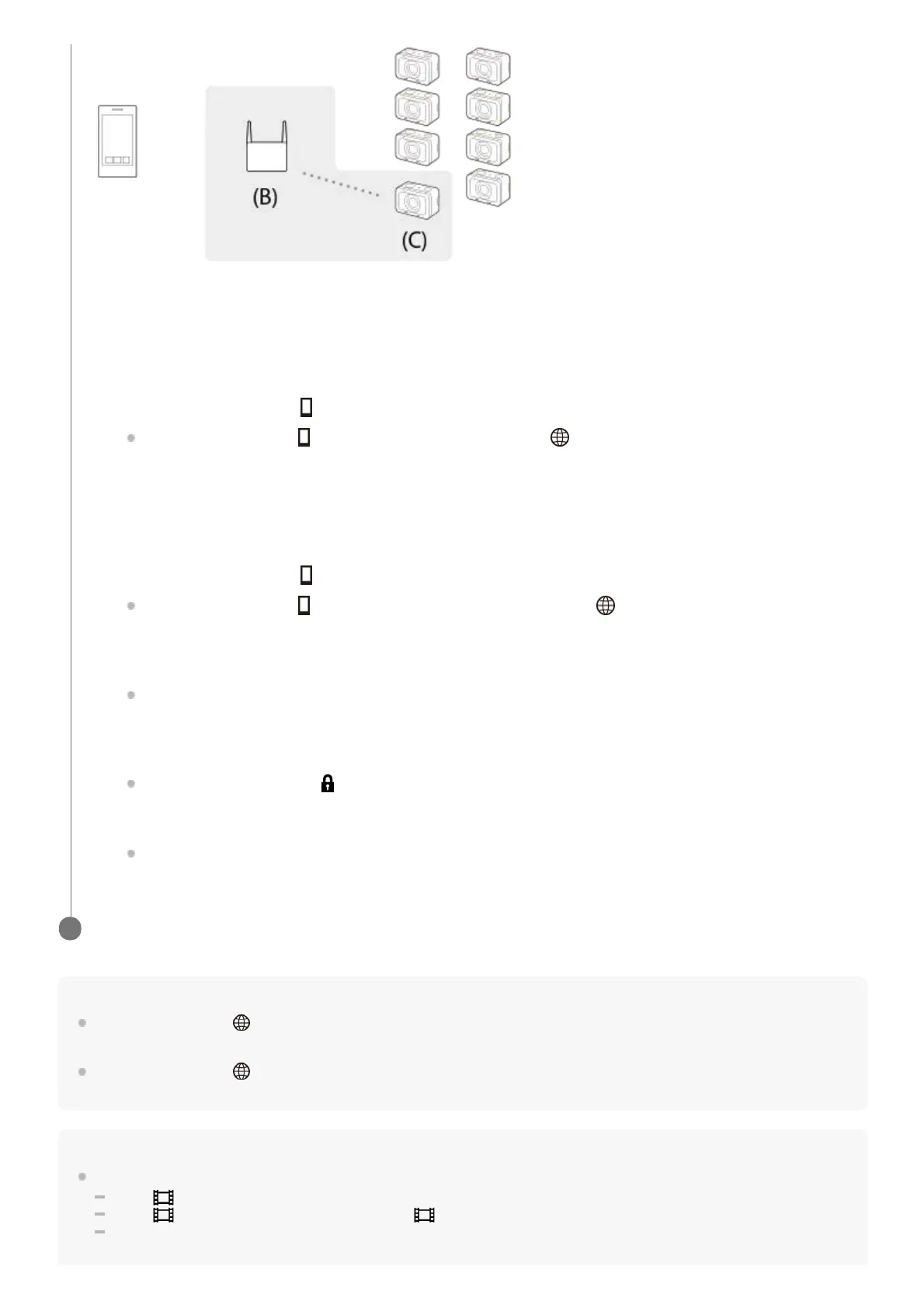
(B): Access point
(C): Camera (client)
Connect the client to the access point by performing the following procedure.
If the access point has a Wi-Fi Protected Setup (WPS) button:
If the access point does not have a Wi-Fi Protected Setup (WPS) button:
On the camera, execute [ WPS Push] from the [Access Point(Client)] screen.
You can also execute [
WPS Push] by selecting MENU → (Network) → [Ctrl w/ Smartphone] →
[Access Point(Client)] → [OK].
1.
Press the WPS button on the access point.2.
On the camera, execute [ Access Point Set.] from the [Access Point(Client)] screen.
You can also execute [
Access Point Set.] by selecting MENU → (Network) → [Ctrl w/ Smartphone] →
[Access Point(Client)] → [OK].
1.
Select an access point to connect.
If the desired access point is not displayed on the screen, select [Manual Setting] and input the SSID of the
access point. Then, select the security method.
2.
Input the password, and select [OK].
Access points without the
mark do not require a password.
3.
Select [Auto] or [Manual] for [IP Address Setting], and select [OK].
If you select [Manual], input [IP Address]/[Subnet Mask]/[Default Gateway] according to the network
environment.
4.
Connect the smartphone to the access point, and launch Imaging Edge Mobile on the smartphone.
3














 To Next Page