Displays the images by date.
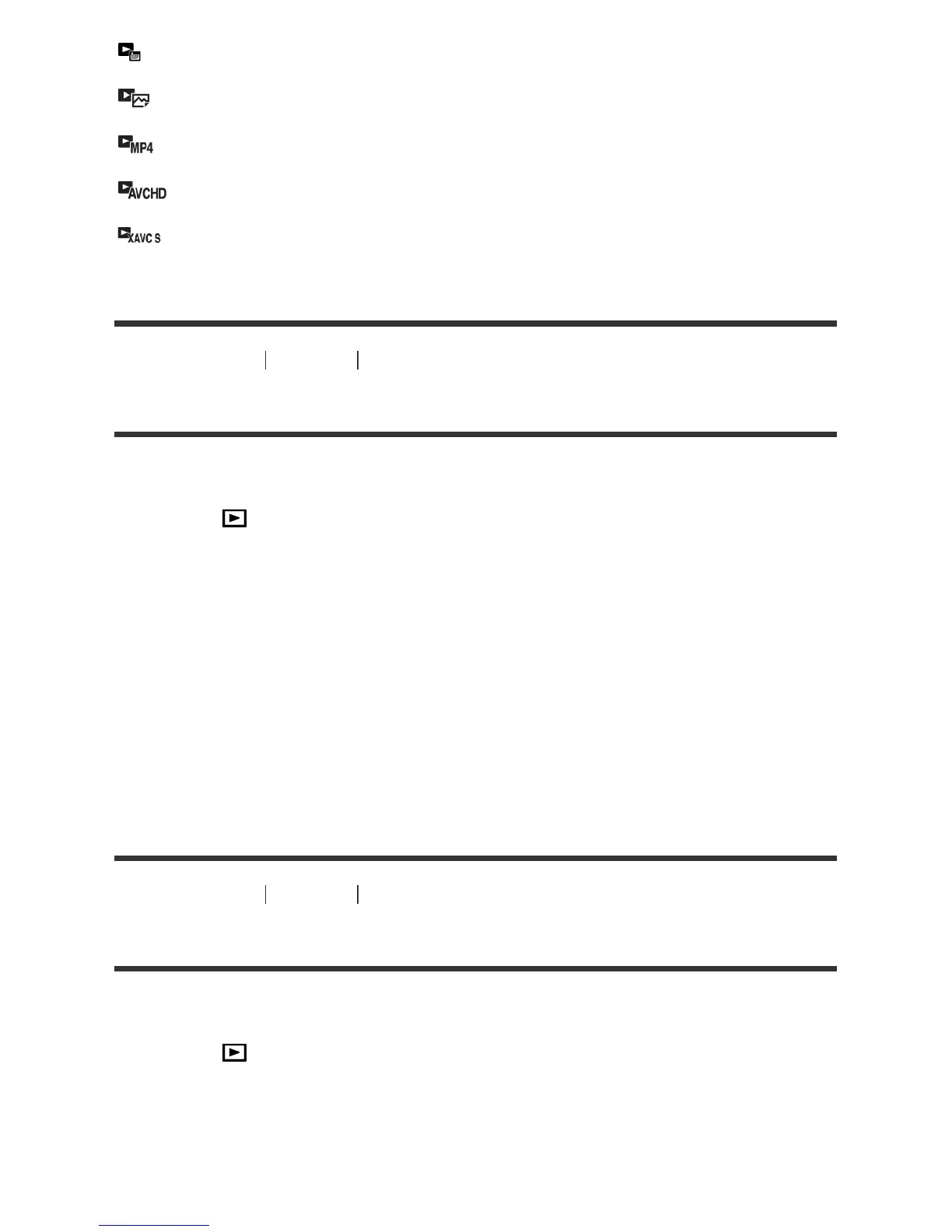
Folder View(Still):
Displays only still images.
Folder View(MP4):
Displays only MP4-format movies.
AVCHD View:
Displays only AVCHD-format movies.
XAVC S View:
Displays only XAVC S-format movies.
[144] How to Use Viewing Using viewing functions
Display Rotation
Selects the orientation when playing back recorded still images.
1. MENU → (Playback) → [Display Rotation] → desired setting.
Menu items details
Auto:
The image is displayed according to the orientation information of the image. You can rotate the image
using the rotation function. Even if the product is tilted, the display orientation is maintained.
Manual:
The image is displayed according to the orientation information of the image. You can rotate the image
using the rotation function.
Off:
Always displays in landscape orientation.
[145] How to Use Viewing Using viewing functions
Slide Show
Automatically plays back images continuously.
1. MENU → (Playback) → [Slide Show] → desired setting.
2. Select [Enter].
Menu item details
Repeat:



 To Next Page
 Loading...







