Menu item details
Select on This Device:
Selects an image on the product to be transferred to the smartphone.
(1) Select from among [This Image], [All Images on This Date] or [Multiple Images].
(2) If you select [Multiple Images], select the desired images using on the control wheel, then press
MENU → [Enter].
Select on Smartphone:
Displays all images recorded on the product’s memory card on the smartphone.
Note
You can select an image size to be sent to the smartphone from [Original], [2M] or [VGA].
To change the image size, refer to the following steps.
For Android smartphone
Start PlayMemories Mobile, and change the image size by [Settings] → [Copy Image Size].
For iPhone/iPad
Select PlayMemories Mobile in the setting menu, and change the image size by [Copy Image Size].
Some images may not be displayed on the smartphone depending on the recording format.
RAW images are converted to JPEG format when they are sent.
You cannot send XAVC S or AVCHD format movies.
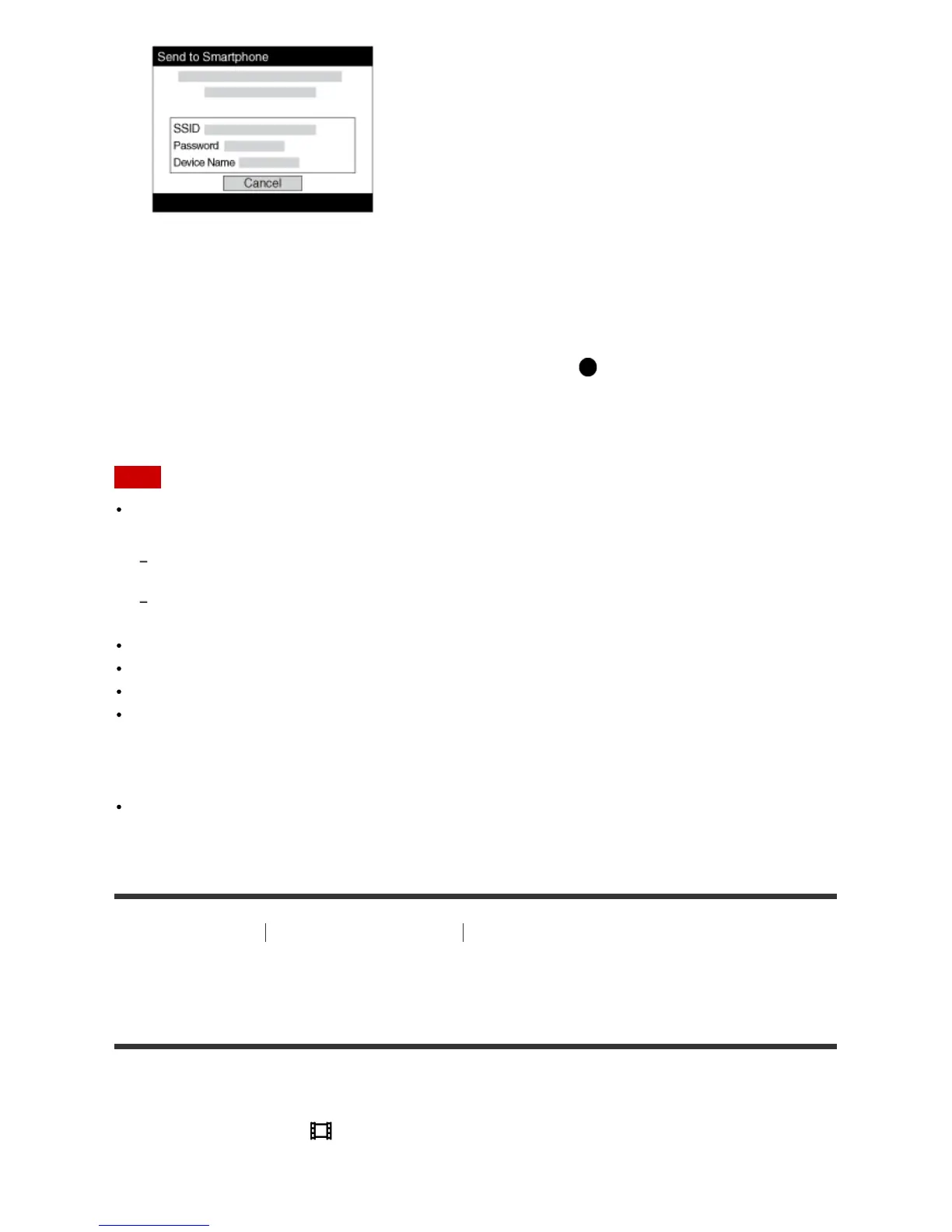
This product shares the connection information for [Send to Smartphone] with a device that has
permission to connect. If you want to change the device that is permitted to connect to the product,
reset the connection information by following these steps. MENU → [Wireless] → [SSID/PW Reset].
After resetting the connection information, you must register the smartphone again.
When [Airplane Mode] is set to [On], you cannot connect this product and the smartphone. Set
[Airplane Mode] to [Off].
[191] How to Use Using Wi-Fi functions Transferring images to a Smartphone
Sending images to an Android smartphone (NFC One-
touch Sharing)
With just one touch, you can connect this product and an NFC-enabled Android smartphone, and send
an image displayed on the product screen directly to the smartphone. For movies, you can only transfer
MP4 movies recorded with [ File Format] set to [MP4].
1. Activate the NFC function of the smartphone.



 To Next Page
 Loading...







