The lens gets fogged. [288]
The product stops with the lens portion extended./The product turns off with the lens portion extended.
[289]
The product becomes warm when you use it for a long time. [290]
The Clock Set screen appears when you turn on the product. [291]
The number of recordable images does not decrease, or decreases two images at a time. [292]
The product does not work properly. [293]
“--E-” appears on the screen. [294]
Messages
Messages
Self-diagnosis display [295]
Warning messages [296]
Situations this product has difficulty handling
Situations this product has difficulty handling
Situations this product has difficulty handling [297]
[1] How to Use Before Use Names of parts
Checking the camera and the supplied items
The number in parentheses indicates the number of pieces.
Camera (1)
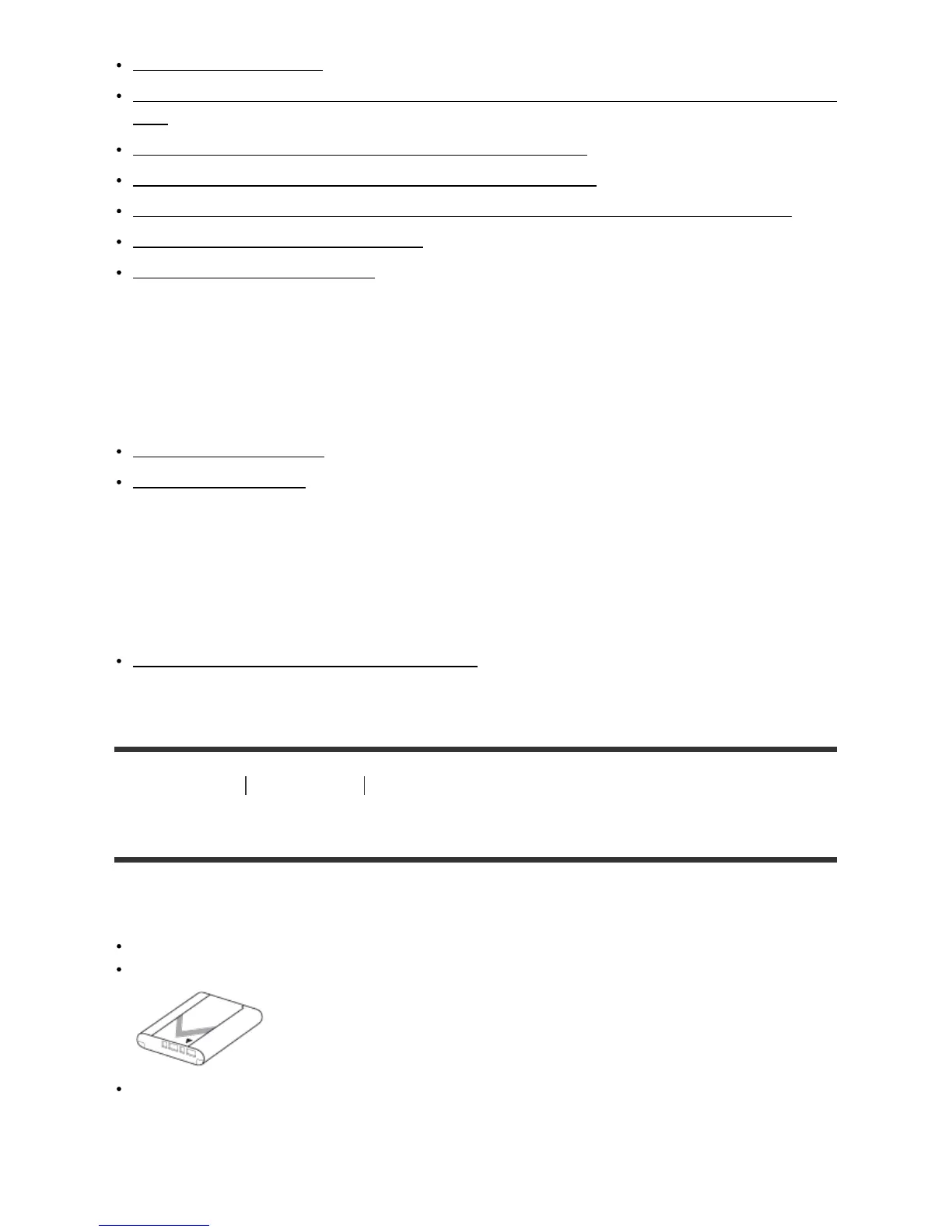
NP-BX1 Rechargeable battery pack (1)
Micro USB Cable (1)









 To Next Page