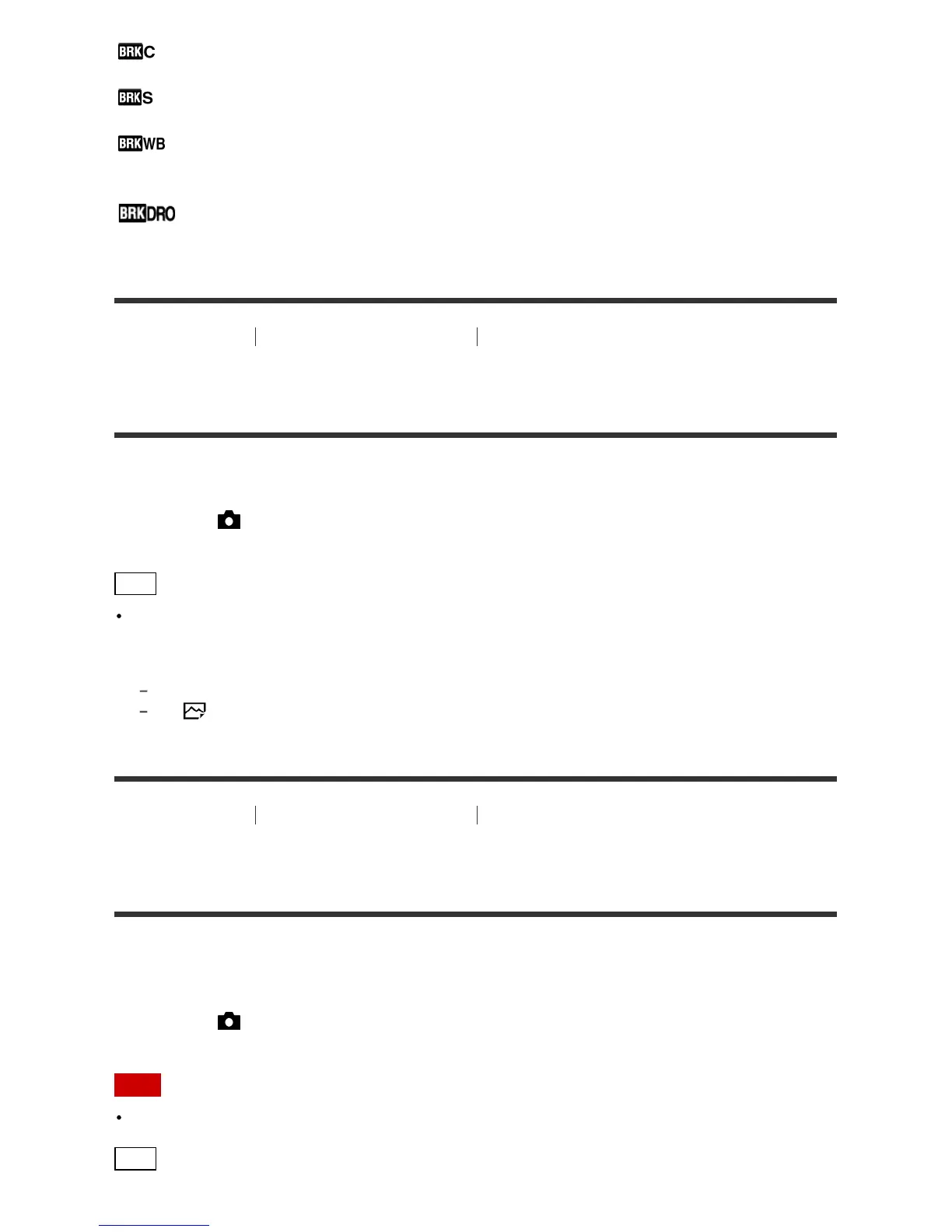
Shoots images while holding the shutter button down, each with different degrees of brightness.
Single Bracket:
Shoots a specified number of images, one by one, each with a different degree of brightness.
WB bracket:
Shoots a total of three images, each with a different color tones according to the selected settings for
white balance, color temperature and color filter.
DRO Bracket:
Shoots a total of three images, each at a different degree of D-Range Optimizer.
[77] How to Use Using shooting functions Selecting a drive mode (Continuous
shooting/Self-timer)
Cont. Shooting
Shoots images continuously while you press and hold down the shutter button.
1. MENU→ (Camera Settings) → [Drive Mode] → [Cont. Shooting].
Hint
To hold the focus and exposure during burst, change the following settings.
The exposure of the first shot is determined when you press the shutter button halfway down. The
exposure setting for the first shot is used for the subsequent shots.
Set [Focus Mode] to [Continuous AF].
Set [
AEL w/ shutter] to [Off] or [Auto].
[78] How to Use Using shooting functions Selecting a drive mode (Continuous
shooting/Self-timer)
Spd Priority Cont.
The product continues to shoot as long as the shutter button is pressed. You can continuously shoot at a
rate faster than that of [Cont. Shooting].
1. MENU→ (Camera Settings) → [Drive Mode] → [Spd Priority Cont.].
Note
Between continuous shooting frames, an image of each frame is immediately displayed.
Hint








 To Next Page