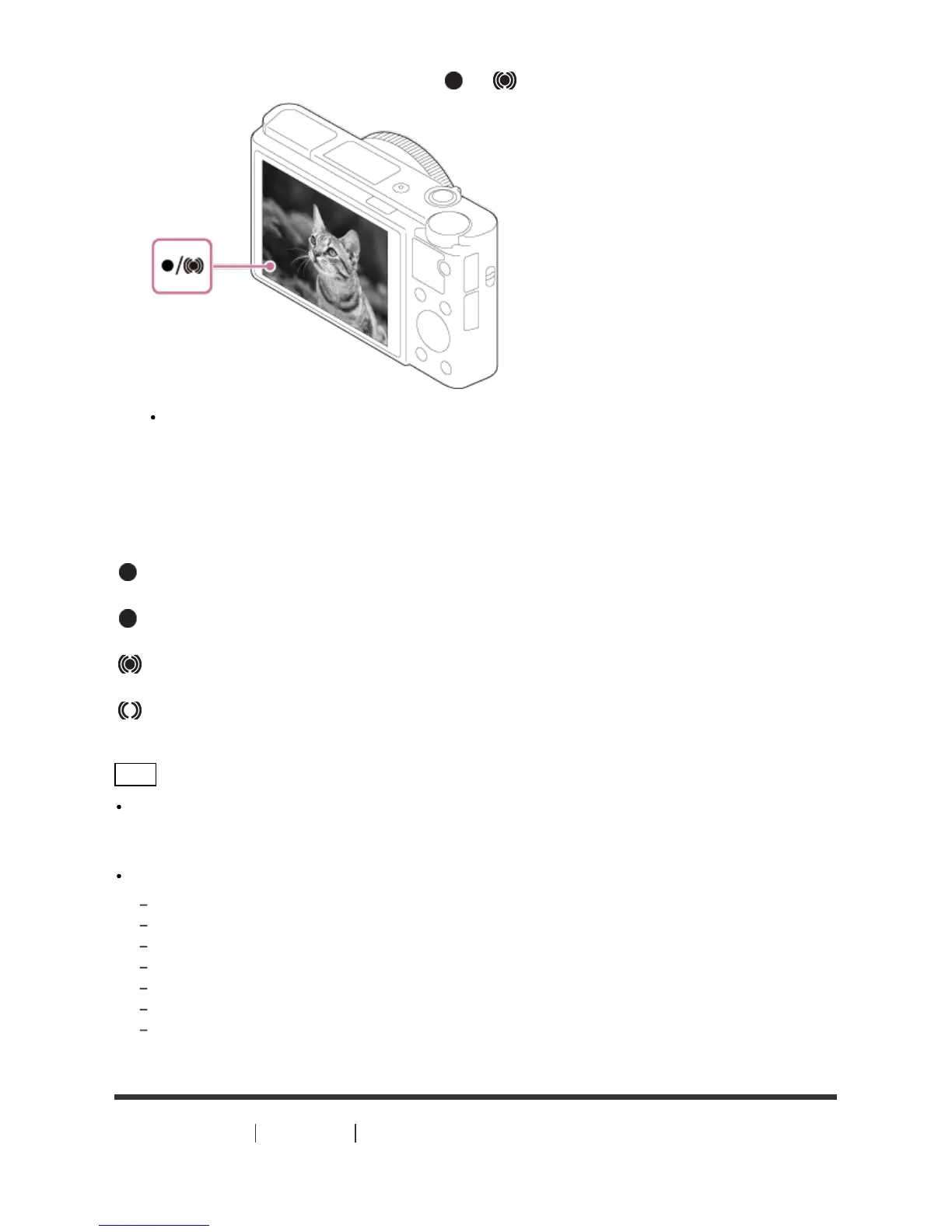
3. Press the shutter button halfway down to focus.
When the image is in focus, the indicator ( or ) lights up.
The shortest shooting distance is approximately 5 cm (0.16 ft) (W), 30 cm (0.98 ft) (T) (from the
lens).
4. Press the shutter button fully down.
Focus indicator
lights:
Image is in the focus.
flashes:
The focusing has failed.
lights:
Image is in the focus. The focused position will change to suit the motion of the subject.
lights:
The focusing is in progress.
Hint
When the product cannot focus automatically, the focus indicator flashes and the beep does not
sound. Either recompose the shot or change the focus setting. When [Continuous AF] is set, the beep
does not sound when focus is achieved.
Focusing may be difficult in the following situations:
It is dark and the subject is distant.
The contrast between the subject and the background is poor.
The subject is seen through glass.
The subject is moving quickly.
There is reflective light or shiny surfaces.
There is a flashing light.
The subject is backlit.
[23] How to Use Shooting Shooting still images/movies
Shooting movies








 To Next Page