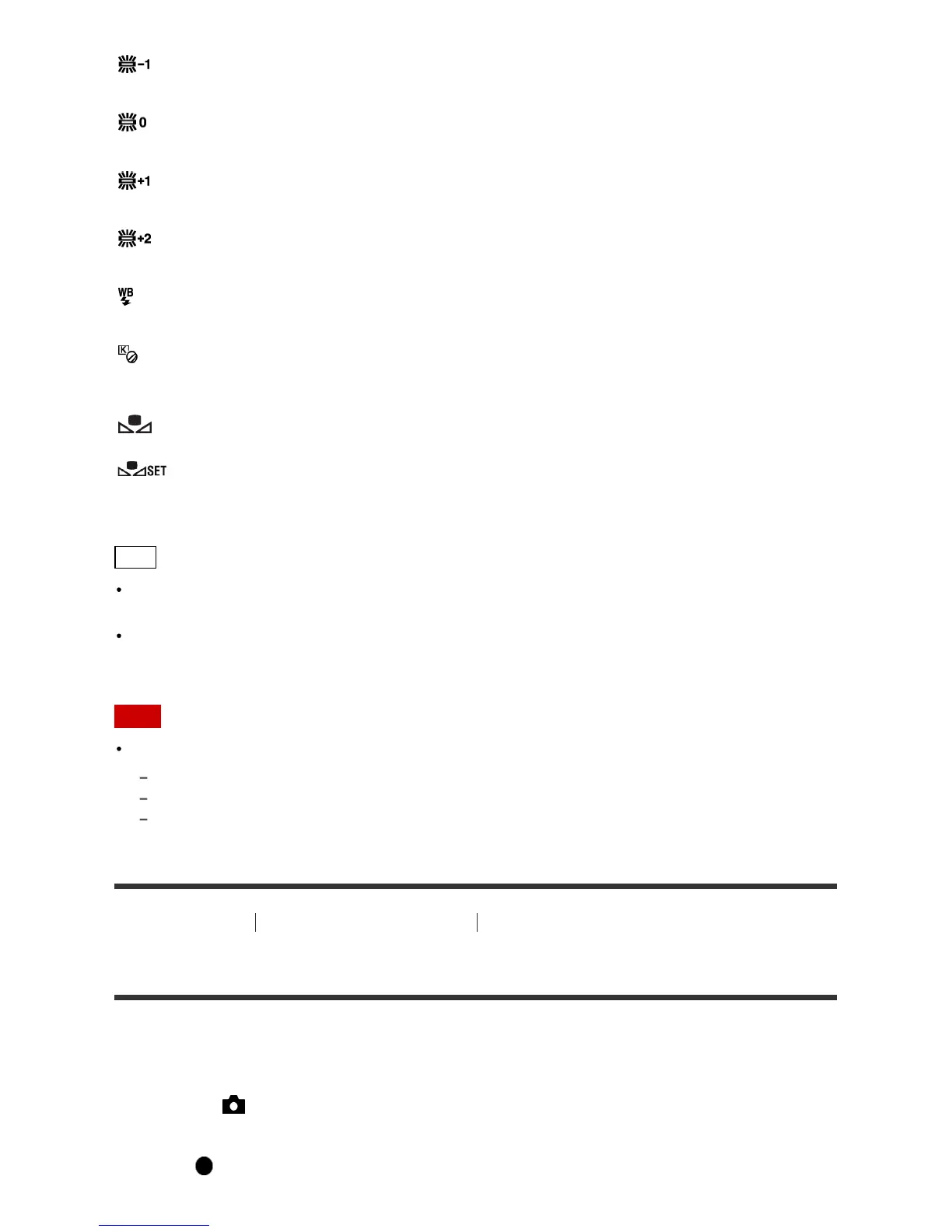
Fluor.: Warm White:
The color temperature is adjusted for warm white fluorescent lighting.
Fluor.: Cool White:
The color temperature is adjusted for white fluorescent lighting.
Fluor.: Day White:
The color temperature is adjusted for neutral white fluorescent lighting.
Fluor.: Daylight:
The color temperature is adjusted for daylight fluorescent lighting.
Flash:
The color temperature is adjusted for flash light.
C.Temp./Filter:
Adjusts the color tones depending on the light source. Achieves the effect of CC (Color Compensation)
filters for photography.
Custom 1/Custom 2/Custom 3:
Uses the white balance setting saved in [Custom Setup].
Custom Setup:
Memorizes the basic white color under the light conditions for the shooting environment.
Select a memorized custom white balance number.
Hint
You can use the right side of the control wheel to display the fine adjustment screen and perform fine
adjustments of the color temperature as required.
In [C.Temp./Filter], you can use the right button to display the color temperature setting screen and
perform a setting. When you press the right button again, the fine adjustment screen appears to allow
you perform fine adjustments as required.
Note
[White Balance] is fixed to [Auto] in the following situations:
[Intelligent Auto]
[Superior Auto]
[Scene Selection]
[92] How to Use Using shooting functions Adjusting color tones
Capturing a basic white color in [Custom Setup] mode
In a scene where the ambient light consists of multiple types of light sources, it is recommended to use
the custom white balance in order to accurately reproduce the whiteness.
1. MENU → (Camera Settings) → [White Balance] → [Custom Setup].
2. Hold the product so that the white area fully covers the AF area located in the center, and then
press on the center of the control wheel.



 To Next Page
 Loading...







