Help Guide
Digital Still Camera
DSC-RX10M4
Gamma Disp. Assist
Movies with S-Log gamma are assumed to be processed after shooting in order to make use of the wide dynamic range.
They are therefore displayed in low contrast during shooting and may be difficult to monitor, using [Gamma Disp. Assist],
contrast equivalent to that of normal gamma can be reproduced. In addition, [Gamma Disp. Assist] can also be applied
when playing back movies on the camera's monitor/viewfinder.
Menu item details
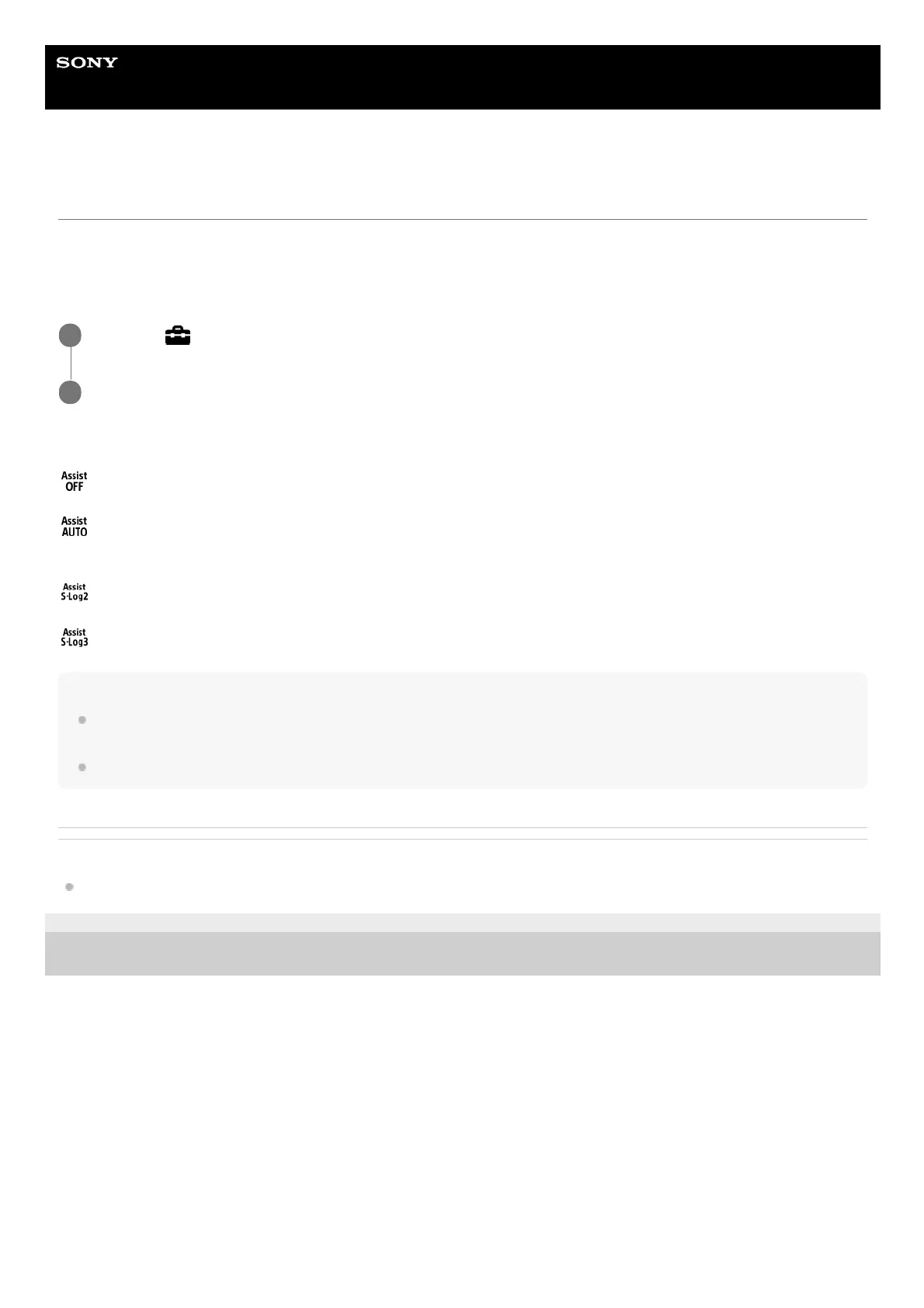
Off:
Does not apply [Gamma Disp. Assist].
Auto:
Displays movies with an [S-Log2→709(800%)] effect when the gamma set in [Picture Profile] is [S-Log2], and with an [S-
Log3→709(800%)] effect when the gamma is set to [S-Log3].
S-Log2→709(800%):
Displays movies with an S-Log2 gamma reproducing contrast equivalent to ITU709 (800%).
S-Log3→709(800%):
Displays movies with an S-Log3 gamma reproducing contrast equivalent to ITU709 (800%).
Note
When [Gamma Disp. Assist] is set to [Auto] during playback, the picture is displayed based on the current gamma setting in
[Picture Profile] instead of auto-detecting the gamma value of the movie.
[Gamma Disp. Assist] is not applied to movies when displayed on a TV or monitor connected to the camera.
Related Topic
Picture Profile
4-725-901-11(2) Copyright 2017 Sony Corporation
MENU →
(Setup) → [Gamma Disp. Assist].
1
Select the desired setting using the top/bottom sides of the control wheel.
2












 To Next Page