Help Guide
Digital Still Camera
DSC-RX10M4
Shooting still images
To shoot images with the focus locked on the desired subject (Focus-lock)
Shoots images with the focus locked on the desired subject in auto focus mode.
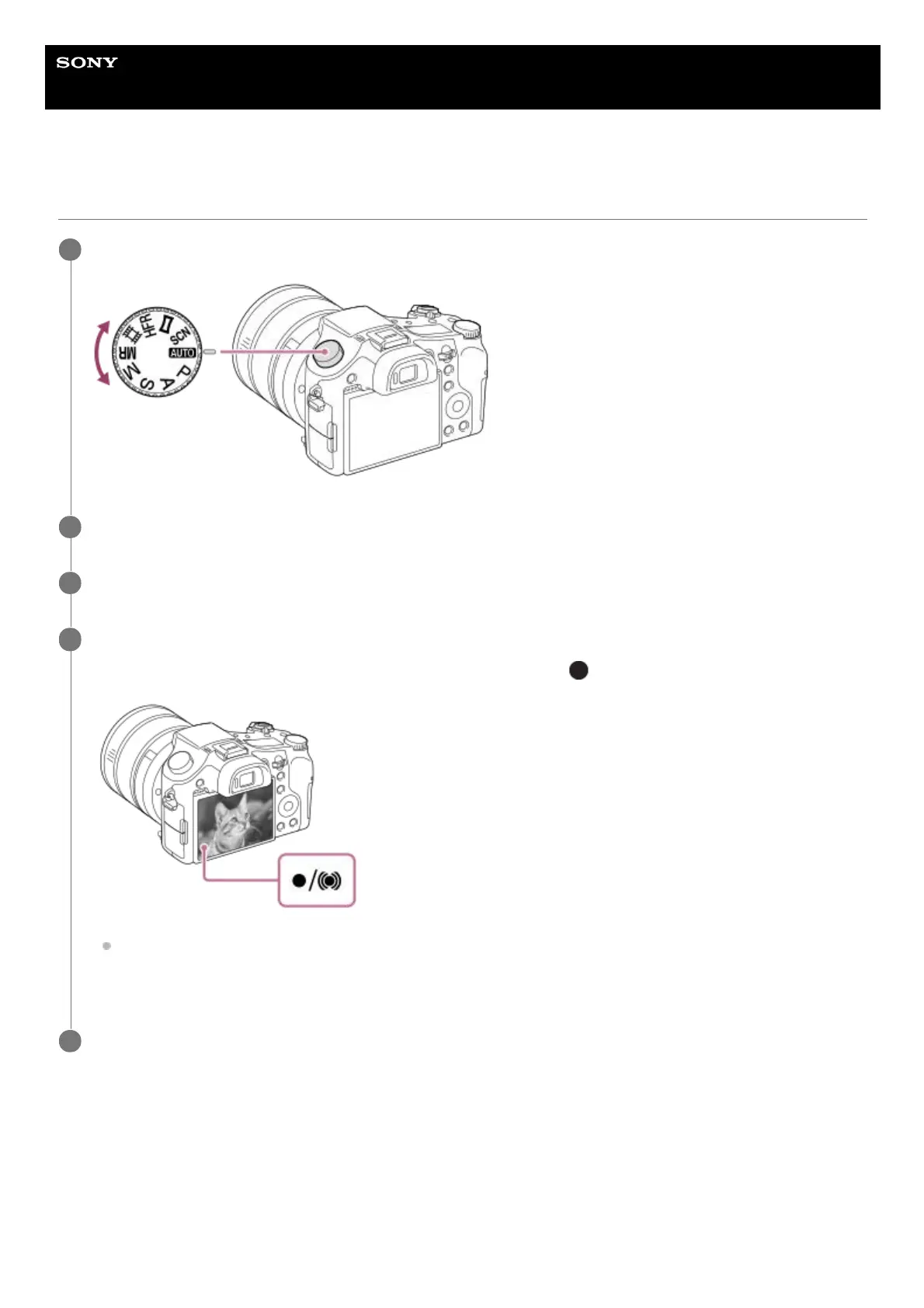
Select the desired shooting mode by turning the mode dial.
1
Adjust the monitor angle, and hold the camera. Or look through the viewfinder and hold the camera.
2
Enlarge images with the W/T (zoom) lever when shooting.
3
Press the shutter button halfway down to focus.
When the image is in focus, a beep sounds and the indicator (such as
) lights up.
The shortest shooting distance from the front of the lens is approximately 3 cm (0.10 ft.) at the wide-angle end,
approximately 72 cm (2.36 ft.) at the telephoto end, and approximately 140 cm (4.59 ft.) at a focal length of
around 250 mm (35 mm-equivalent).
4
Press the shutter button fully down.
5
Turn the focus mode dial to select S (Single-shot AF) or A (Automatic AF).1.
Place the subject within the AF area and press the shutter button halfway down.2.












 To Next Page