Help Guide
Digital Still Camera
DSC-RX10M4
Manual Focus
When it is difficult to focus properly in the autofocus mode, you can adjust the focus manually.
Hint
You can assign the focus function to the rear lens ring by selecting MENU →
(Camera Settings2) → [Lens Ring Setup].
Note
When you use the viewfinder, adjust the diopter level to obtain the correct focus on the viewfinder.
If you re-select the [Focus Mode], any focus distance that you set manually will be canceled.
Related Topic
Focus Magnifier
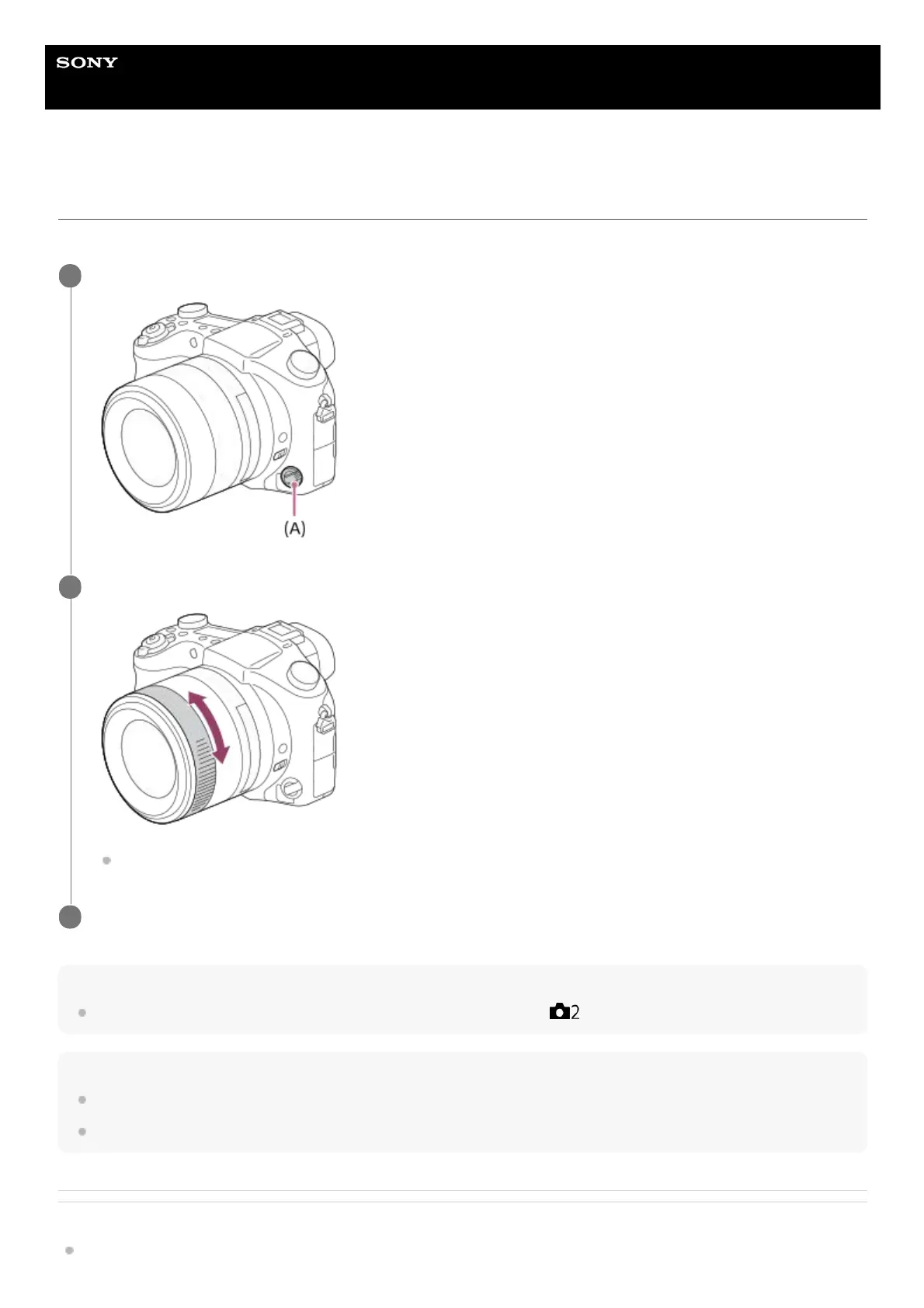
Turn the focus mode dial (A) to select MF.
1
Rotate the front lens ring to achieve sharp focus.
When you rotate the front lens ring, the focus distance is displayed on the screen.
2
Press the shutter button fully down to shoot an image.
3












 To Next Page