Help Guide
Digital Still Camera
DSC-RX10M4
Using the Fn (Function) button
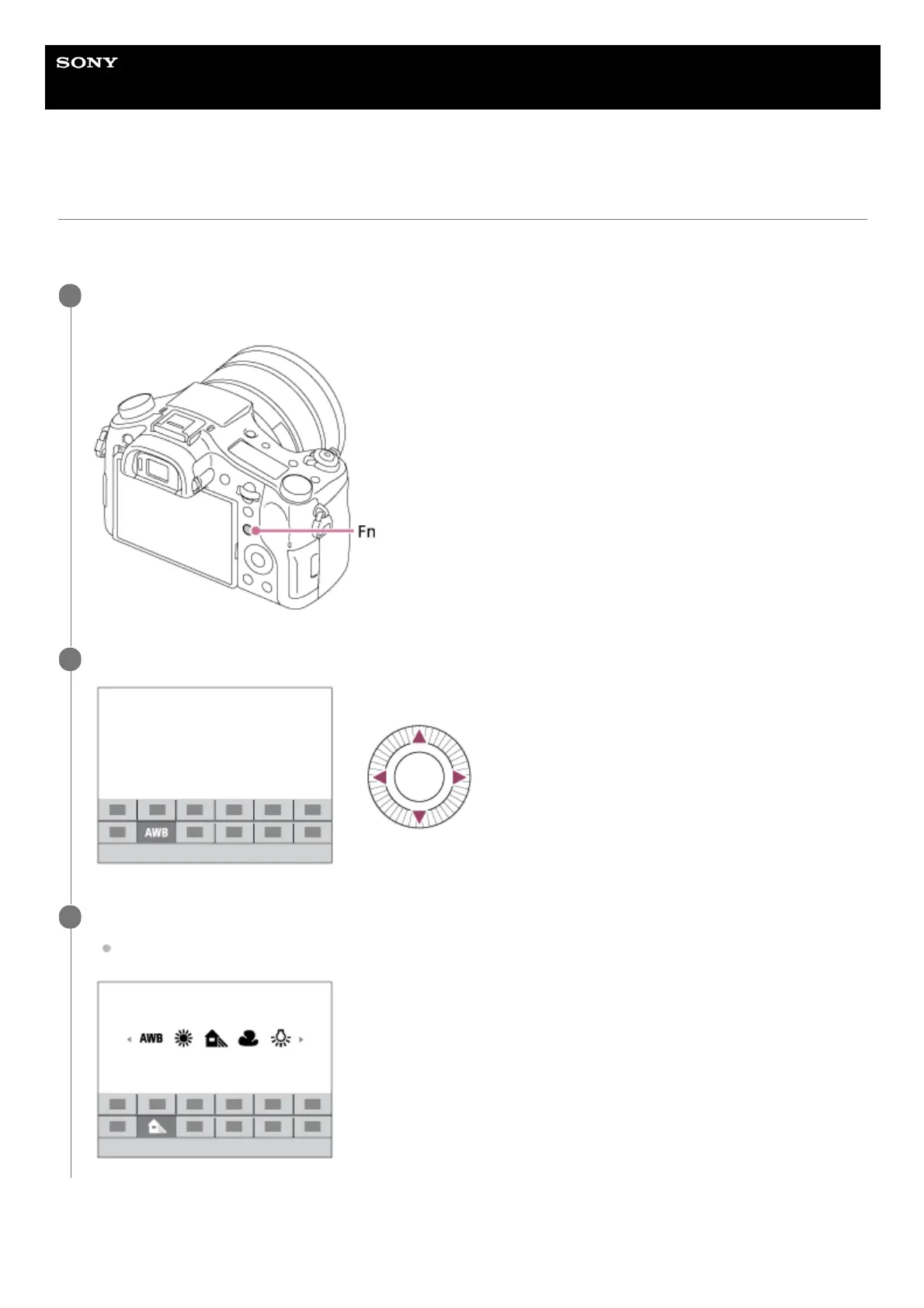
You can register frequently used functions to the Fn (Function) button and recall them while shooting. Up to 12 frequently
used functions can be registered to the Fn (Function) button.
To adjust settings from the dedicated setting screens
Press the DISP on the control wheel repeatedly to display a screen mode other than [For viewfinder], and
then press the Fn (Function) button.
1
Select the desired function by pressing the top/bottom/left/right side of the control wheel.
2
Select the desired setting by turning the control wheel, and press the center of the control wheel.
Some functions can be fine-tuned using the control dial.
3












 To Next Page