Help Guide
Digital Still Camera
DSC-RX10M4
Using the lens ring
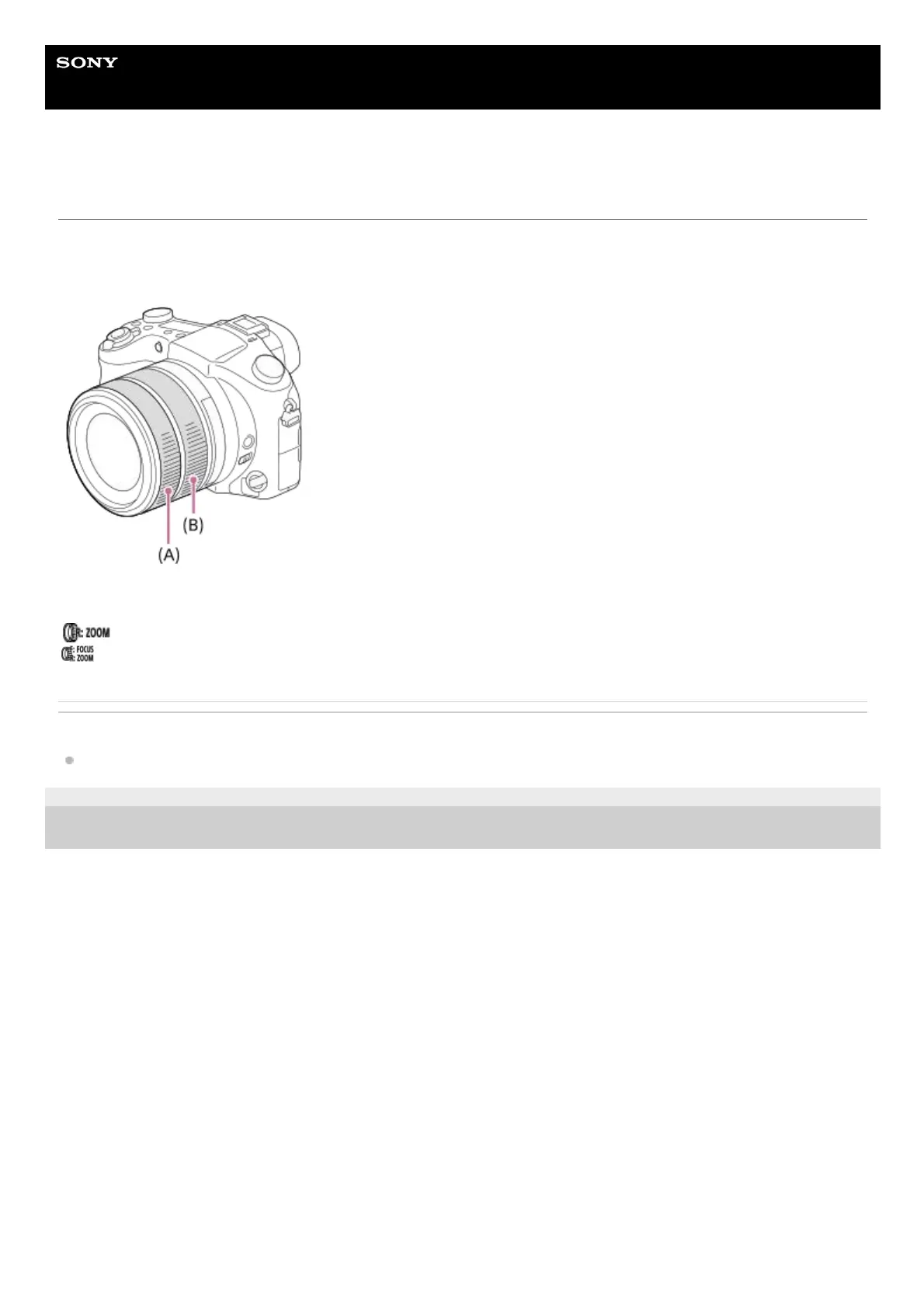
By turning the front lens ring (A) and rear lens ring (B), you can use the zoom and focus functions more intuitively. You
can also switch the assignment of the zoom and focus functions to the front lens ring or the rear lens ring using [Lens
Ring Setup].
Icons and function names are displayed on the screen as follows.
Ex.
: Adjust the zoom by turning the rear lens ring (B).
: Adjust the focus by turning the front lens ring (A), and adjust the zoom by turning the rear lens ring (B).
Related Topic
Lens Ring Setup
4-725-901-11(2) Copyright 2017 Sony Corporation












 To Next Page