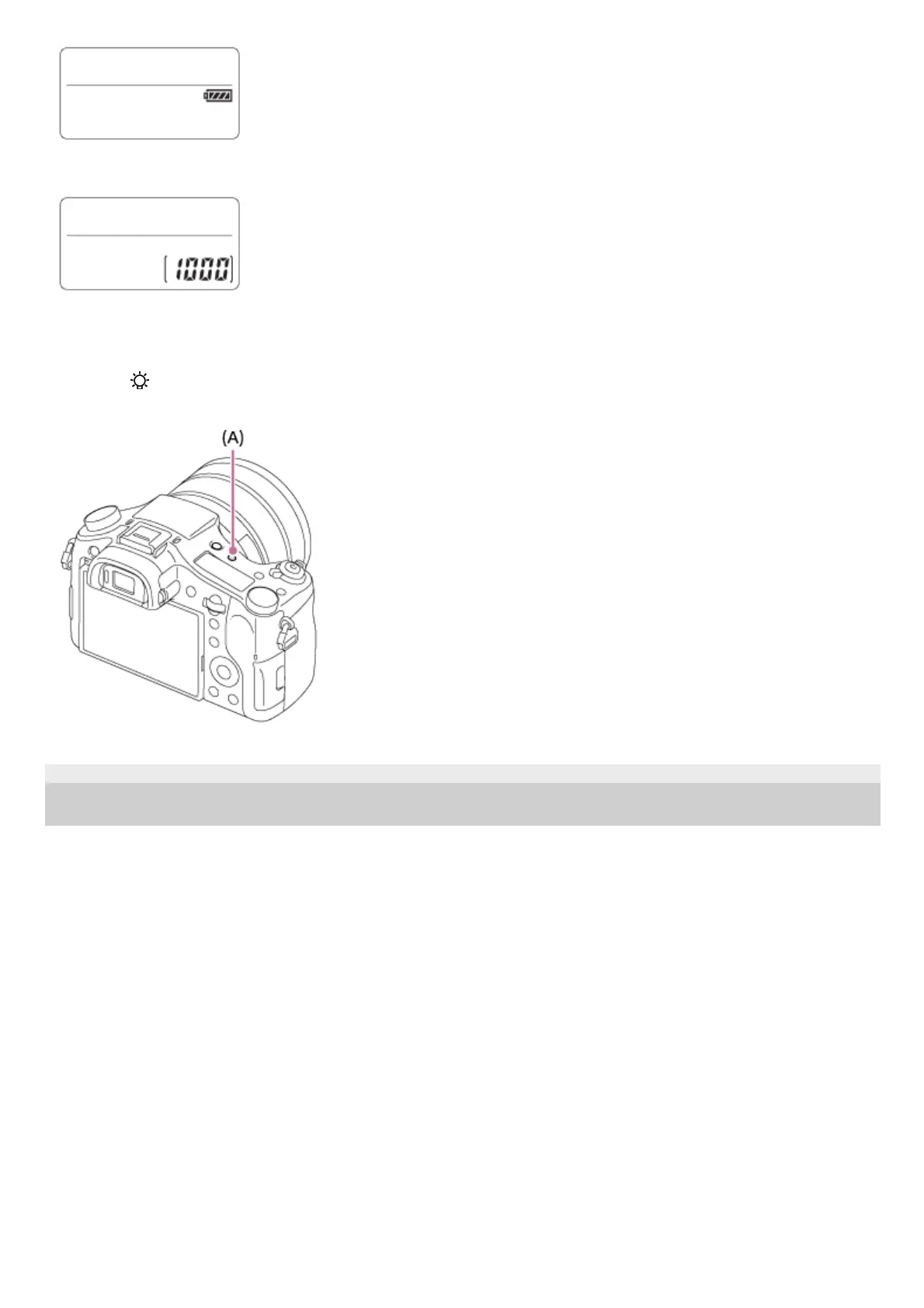
Remaining number of recordable images*
To turn on the display panel backlight
Press the
(Display panel illumination) button (A) on top of the camera. If you press the button again, the display
panel backlight will turn off.
4-725-901-11(2) Copyright 2017 Sony Corporation
Even if the number of recordable images is higher than 9,999 images, "9999" will appear on the display panel.
*












 To Next Page