PrintingimagesdirectlyusingaPictBridgecompliant
printer
Even if you do not have a computer, you
can print images shot using your camera by
conuectiug the camera directly to a
PictBridge compliant printer.
_PictBridge
• "PictBridge" is based on the CIPA standm'd.
(CIPA: Camera & hnaging Products
Association)
Insingle-imagemode
You call print a single image on a printing
sheet.
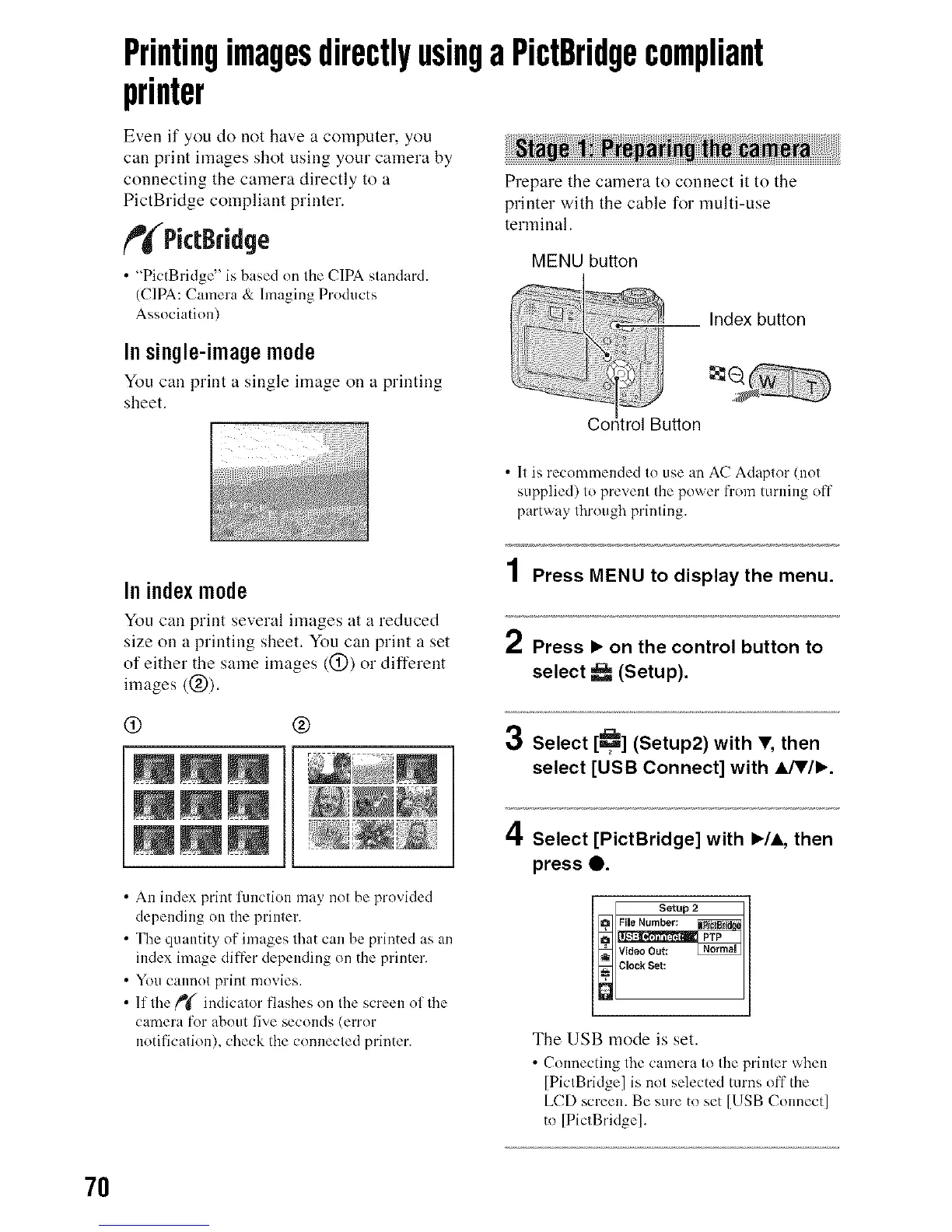
Prepare the camera to connect it to the
printer with the cable for multi-use
terminal.
MENU button
Index button
tton
• 11 is recommended 1(7use an AC Adaplor (nol
supplied) lo prevem the power from turning off
partway lhrough prinling.
In indexmode
You can print several images at a reduced
size on a printing sheet. You can print a set
of either the same images ((_)) or different
images ((_)).
(9 @
• An index print function may not be provided
depending on the printer.
• The qtmntity of images that can be printed as an
index image differ depending on the printer.
• You cannot print movies.
• If the _ indicator flashes on the screen of the
camera for about five seconds (error
notification), check the connected printer.
1 Press MENU to display the menu.
2 Press • on the control button to
select _ (Setup).
3
Se ect [_R,_](Setup2) with V, then
select [USB Connect] with _IJW•.
4 Select [PictBridge] with •/A, then
press O.
g]lw_ooout:
_[c,o_,so,:
The USB mode is set.
• Connecting the camera to the printer when
[PictBridge] is not selected turns off the
LCD screen. Be sure to set [USB Connect]
to [PictBridge].
7O












 To Next Page