
 To Next Page
M
Misty ConnerSep 12, 2025
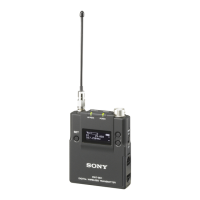
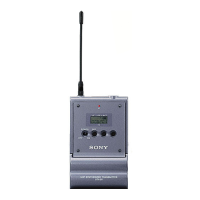
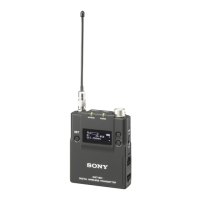
How to fix dark display on Sony DWT-B03R?
- BBrian MartinezSep 12, 2025
If the display is too dark, adjust the brightness of the display in the settings menu.

How to fix dark display on Sony DWT-B03R?
If the display is too dark, adjust the brightness of the display in the settings menu.
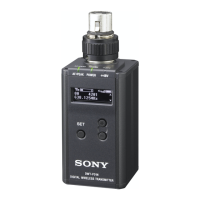
How to fix dark LEDs on Sony Transmitter?
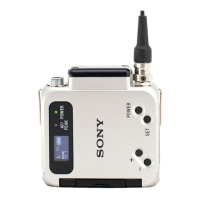
If the LEDs are too dark, the LED brightness setting may be set to DIMMER. Set the LED DIMMER setting to OFF.
Why can't I set transmission power on my Sony Transmitter?
If the transmission power cannot be set, check the maximum transmission power setting and adjust the setting accordingly.
 General
| Frequency Response | 20 Hz to 20 kHz |
|---|---|
| Dynamic Range | 100 dB |
| Operating Temperature | -10 °C to +50 °C |
| Type | Wireless Transmitter |
| Audio Input | Line Level, Mic Level |
| Modulation | Digital |
| Audio Input Connector | XLR |
| Power Requirements | 2 x AA Batteries |
| Power Supply | 2 AA Batteries |