EasyManua.ls Logo

Sony EV-C500E - Chapter 3 Basic Operations; Playback Overview

Sony EV-C500E
38 pages
Print Icon
To Next Page IconTo Next Page
To Previous Page IconTo Previous Page
Loading...
Chapter
3
Basic
Operations
Playback
@
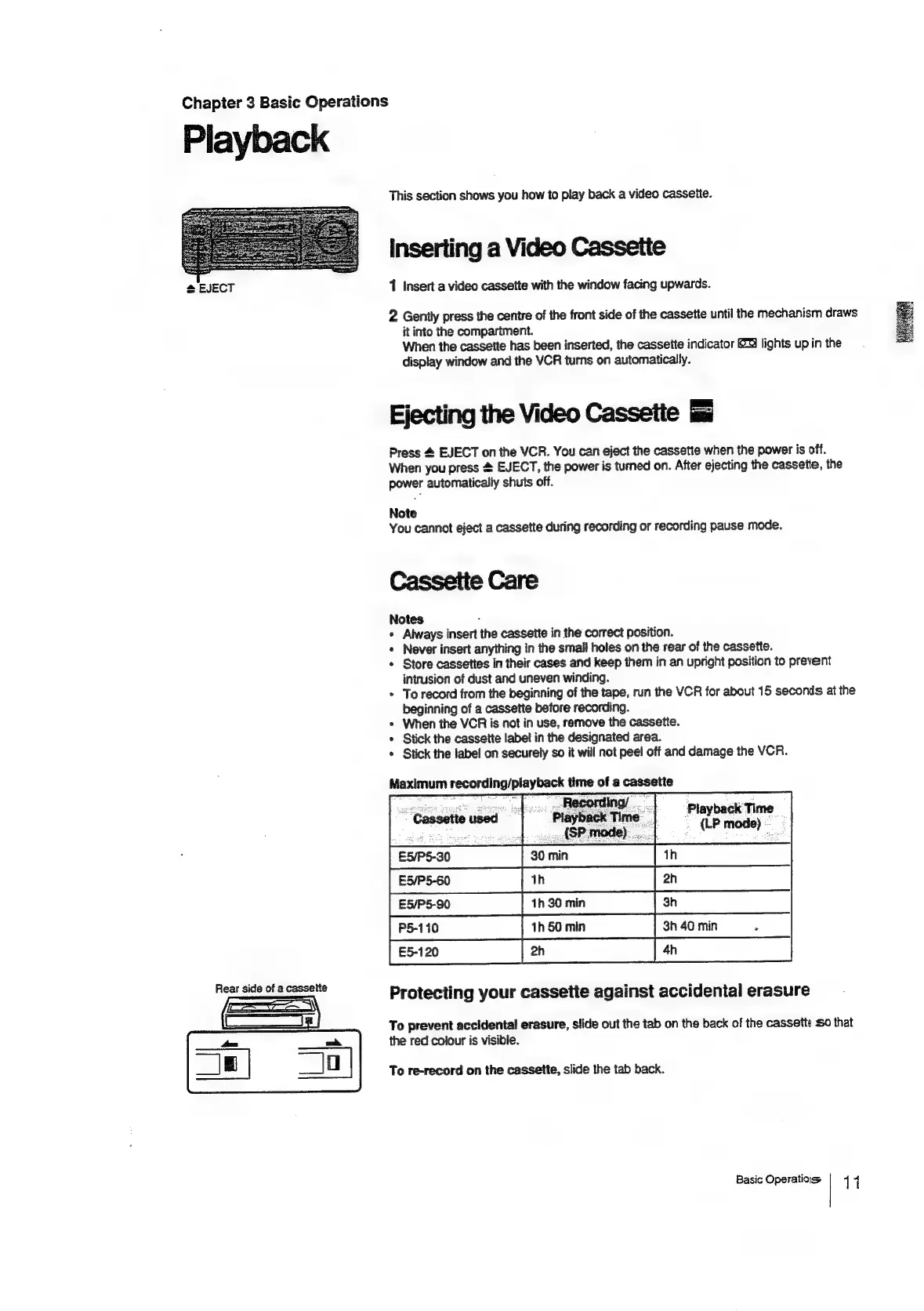
EJECT
Rear
side
of
a
cassette
This
section
shows
you
how
to
play
back
a
video
casseite.
inserting
a
Video
Cassette
1
Insert
a
video
cassette
with
the
window
facing
upwards.
2
Genily
press
the
centre
of
the
front
side
of
the
cassette
until
the
mechanism
draws
it
into
the
compartment.
When
the
cassette
has
been
inserted,
the
cassette
indicator
lights
up
in
the
display
window
and
the
VCR
turns
on
automatically.
Ejecting
the
Video
Cassette
Press
4
EJECT
on
the
VCR.
You
can
eject
the
cassette
when
the
power
is
off.
When
you
press
&
EJECT,
the
power
is
turned
on.
After
ejecting
the
cassette,
the
power
automatically
shuts
off.
Note
You
cannot
eject
a
cassette
during
recording
or
recording
pause
mode.
Cassette
Care
Notes
+
Always
insert
the
cassette
in
the
correct
position.
*
Never
insert
anything
in
the
smali
holes
on
the
rear
of
the
cassette.
«
Store
cassettes
in
their
cases
and
keep
them
in
an
upright
position
to
prevent
intrusion
of
dust
and
uneven
winding.
*
To
record
from
the
beginning
of
the
tape,
run
the
VCR
for
about
15
seconds
at
the
beginning
of
a
cassette
before
recording.
*
When
the
VCR
is
not
in
use,
remove
the
cassette.
*
Stick
the
cassette
label
in
the
designated
area.
*
Stick
the
label
on
securely
so
it
will
not
pee!
off
and
damage
the
VCR.
Playback
Time
.
{LP
mode)
_
Protecting
your
cassette
against
accidental
erasure
To
prevent
accidental
erasure,
slide
out
the
tab
on
the
back
of
the
cassette
So
that
the
red
colour
is
visible.
To
re-record
on
the
cassette,
slide
the
tab
back.
Basic
Operations
11

Related product manuals